
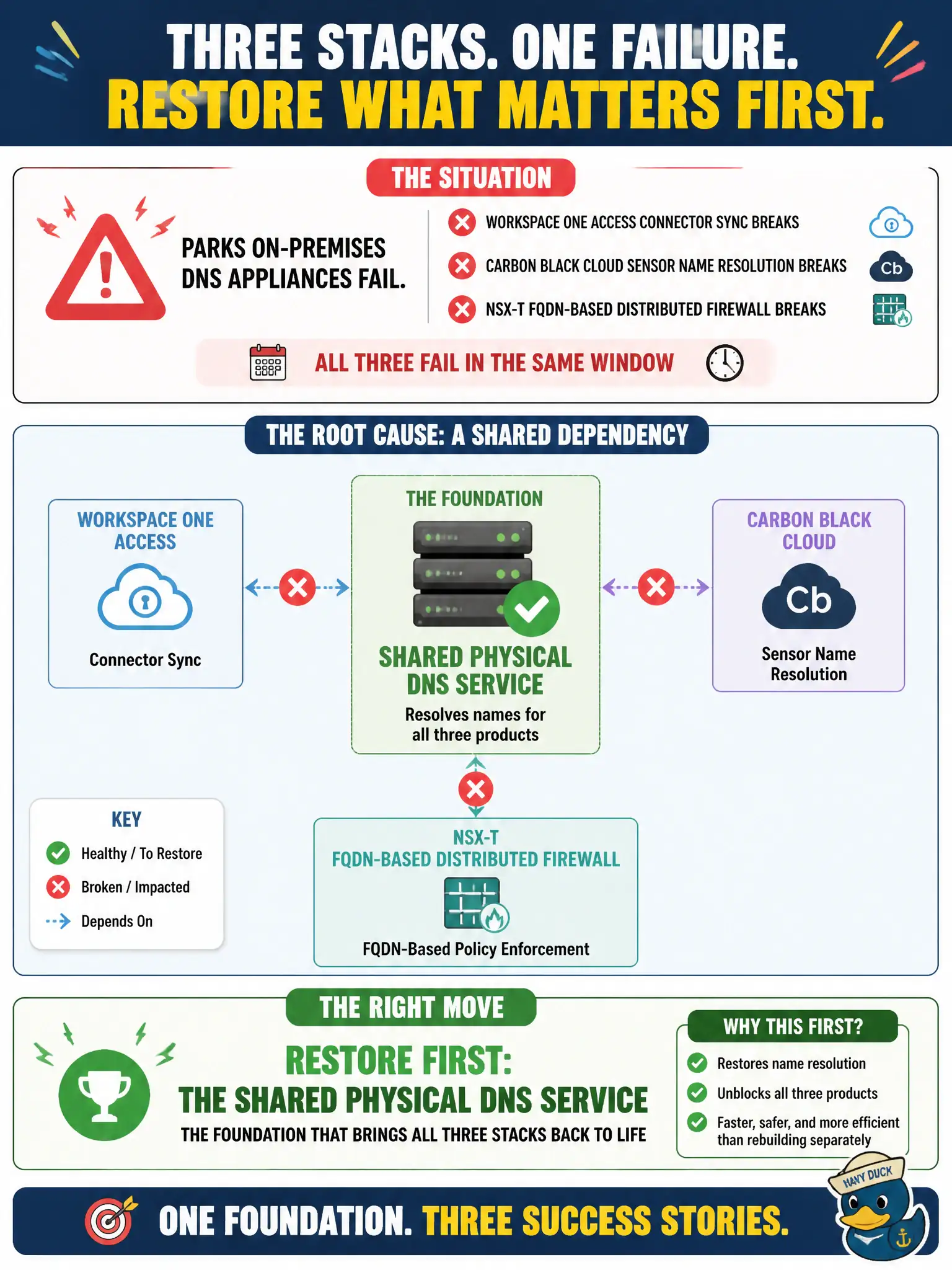
Parks on-premises DNS appliances fail. Workspace ONE Access connector sync, Carbon Black Cloud sensor name resolution, and NSX-T FQDN-based Distributed Firewall all break in the same window. Three product teams want to rebuild their stacks. What should the administrator restore first?
Select an answer to reveal the explanation.
Short Explanation
When DNS dies, every product that lives on names falls over together. That is one broken flashlight, not three separate product failures. Restore the physical resolvers first; do not rebuild Access, CBC, and NSX hoping the names come back.
Full Explanation
When parks on-premises DNS appliances fail and Workspace ONE Access connector sync, Carbon Black Cloud sensor name resolution, and NSX-T FQDN-based Distributed Firewall all break in the same window while three product teams want to rebuild their stacks, restore the shared physical DNS service that all three products depend on, rather than rebuilding Access, Carbon Black Cloud, and NSX-T independently. Simultaneous multi-product name-resolution failures after DNS appliance loss share one root cause. Healing civic DNS restores all dependents. Only NSX-T identity firewall, because IDFW hosts DNS for Access and Carbon Black Cloud, fails by concept because IDFW does not host DNS for Access and CBC. Guest Introspection partner SVMs, which provide recursive DNS to SaaS products, fails by concept because GI SVMs are not recursive DNS for Access and CBC SaaS. A new Workspace ONE UEM compliance policy that substitutes for DNS across the stack fails by concept because UEM compliance cannot replace enterprise DNS resolution. Exam caveat: multi-product DNS symptoms in one window mean restore shared DNS first—do not parallel-rebuild Access, CBC, and NSX. Operational check: restore DNS appliances or failover resolvers, confirm Access sync, CBC name resolution, and NSX FQDN context recover, and document DNS as a shared dependency in the parks service-impact matrix for municipal platform operations.