
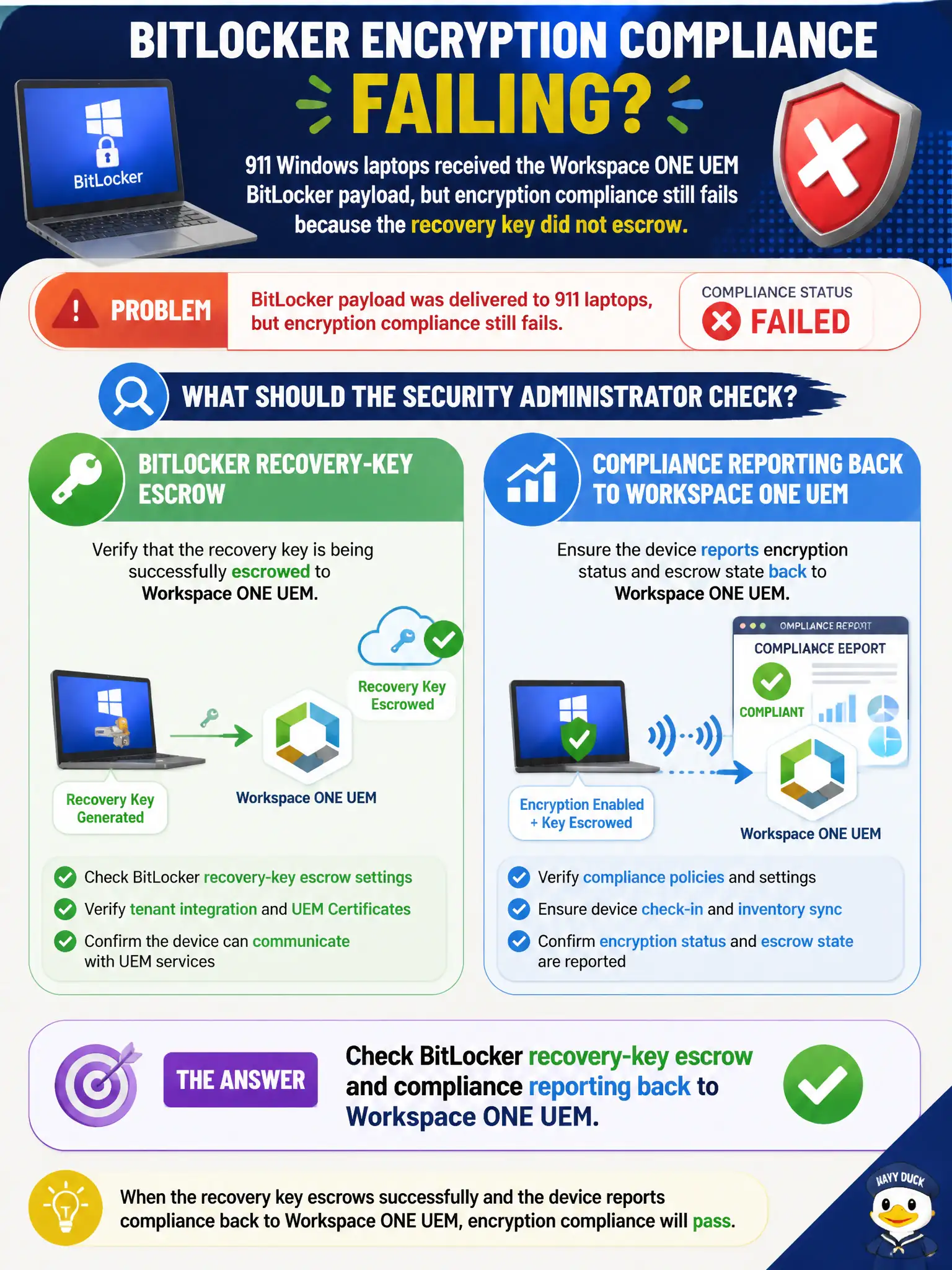
911 Windows laptops received the Workspace ONE UEM BitLocker payload, but encryption compliance still fails because the recovery key did not escrow. What should the security administrator check?
Select an answer to reveal the explanation.
Short Explanation
The disk can be locked while city hall still has no spare key. Escrow the BitLocker recovery key to Workspace ONE UEM and let compliance report that escrow.
Full Explanation
When 911 Windows laptops received the Workspace ONE UEM BitLocker payload but encryption compliance still fails because the recovery key did not escrow, check BitLocker recovery-key escrow and compliance reporting back to Workspace ONE UEM. Payload install is not enough; compliance often requires successful key escrow and status reporting. Fixing escrow restores civic encryption compliance for public-safety laptops. NSX-T security tags on the laptop VMs as a substitute for encryption state fails by concept because these are physical laptops and NSX tags do not prove BitLocker key escrow to UEM. Carbon Black Cloud bypass mode so encryption can finish fails by concept because CBC bypass does not escrow BitLocker recovery keys to UEM. Guest Introspection SVM logs for BitLocker key material fails by concept because GI SVM logs are not the UEM BitLocker escrow channel. Exam caveat: BitLocker payload present but compliance fails usually means recovery-key escrow/reporting—not NSX tags, CBC bypass, or GI logs. Operational check: verify recovery keys escrow to UEM, force compliance sync, confirm encryption compliance passes, test key recovery procedure, and document escrow SLAs in the 911 laptop encryption standard for municipal public-safety data protection.