
Water-utility Windows laptops refuse Workspace ONE UEM MDM enrollment and report an existing third-party MDM authority. What should the security administrator do first?
Select an answer to reveal the explanation.
Short Explanation
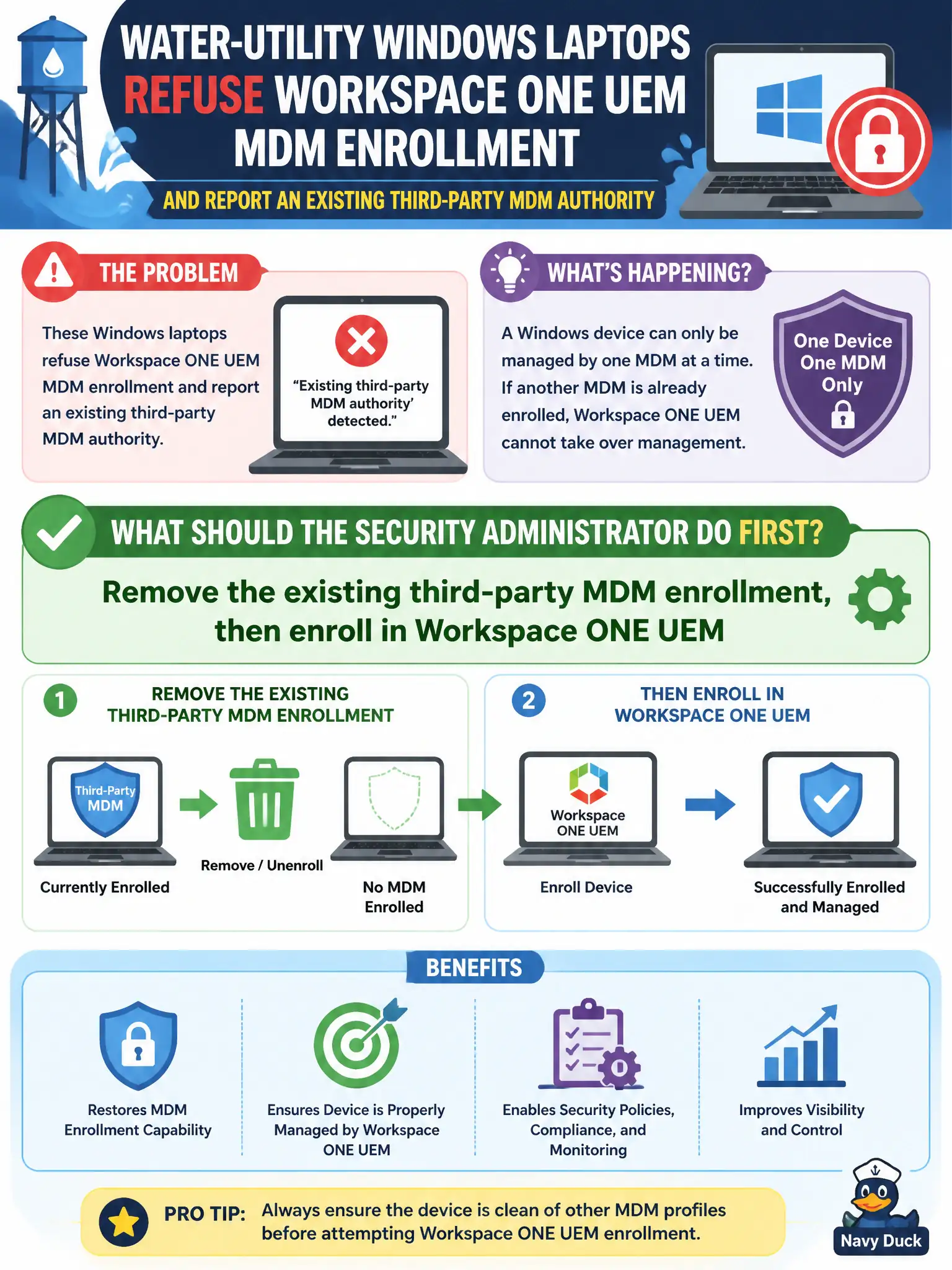
Windows only takes one MDM boss at a time. Unenroll the third-party MDM first, then bring the laptops into Workspace ONE UEM.
Full Explanation
When water-utility Windows laptops refuse Workspace ONE UEM MDM enrollment and report an existing third-party MDM authority, remove the existing third-party MDM enrollment, then enroll in Workspace ONE UEM. Windows maintains a single MDM authority; a leftover third-party enrollment blocks UEM until it is removed. Clearing the old authority restores civic MDM onboarding. Installing an NSX-T Guest Introspection agent so MDM is no longer required fails by concept because Guest Introspection does not replace Windows MDM enrollment requirements. Enrolling a second MDM in parallel so both consoles can push BitLocker fails by concept because Windows does not support two concurrent MDM authorities for this scenario. Disabling Windows and enrolling the laptops only as Carbon Black Cloud sensors fails by concept because CBC sensors do not provide MDM profile and compliance management that UEM supplies. Exam caveat: existing third-party MDM authority must be removed before UEM enrollment—do not stack MDMs, skip MDM via GI, or rely on CBC alone. Operational check: unenroll third-party MDM, confirm authority cleared, enroll into Workspace ONE UEM, verify profiles and BitLocker payloads, and record the migration steps in the water-utility endpoint cutover plan for civic OT user devices.