
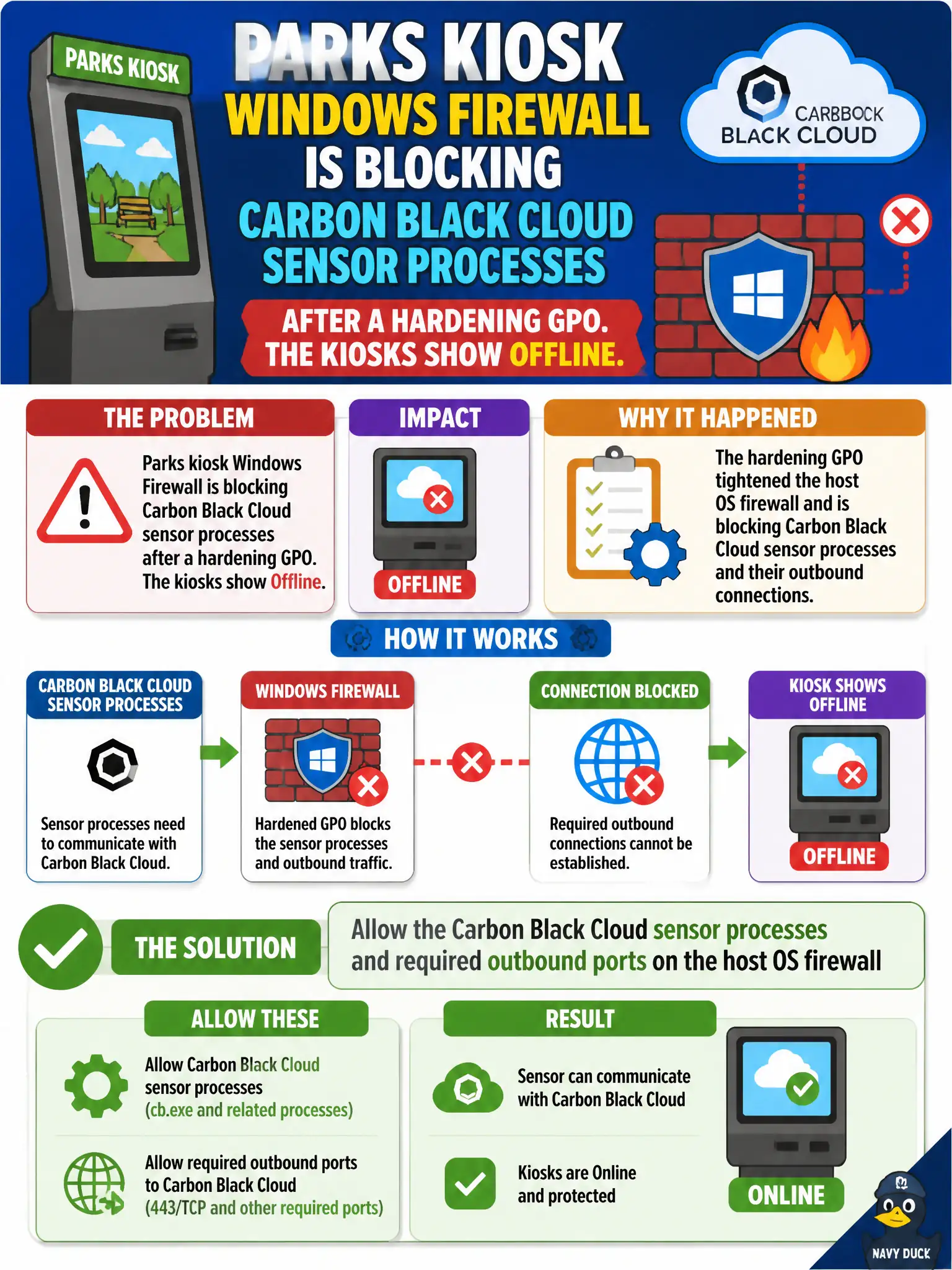
Parks kiosk Windows Firewall is blocking Carbon Black Cloud sensor processes after a hardening GPO. The kiosks show Offline. What should the security administrator allow?
Select an answer to reveal the explanation.
Short Explanation
The kiosk's own storm door can pin the sensor inside. Open the Carbon Black Cloud processes and outbound ports on Windows Firewall instead of tearing down NSX or punching RDP from the internet.
Full Explanation
When parks kiosk Windows Firewall is blocking Carbon Black Cloud sensor processes after a hardening GPO and the kiosks show Offline, allow the Carbon Black Cloud sensor processes and required outbound ports on the host OS firewall. Local Windows Firewall rules from hardening can starve sensor check-in even when CBC policy itself is correct; opening the documented processes and ports restores civic kiosk telemetry. Disabling the NSX-T distributed firewall on the kiosk VLAN fails by concept because host OS firewall blocking is not cured by disabling NSX DFW and removes network micro-segmentation. Opening inbound RDP from the internet to each kiosk so the cloud can poll them fails by concept because CBC sensors call out to SaaS; inbound internet RDP increases compromise risk and is not the check-in model. Removing the sensor and replacing it with an NSX-T Guest Introspection SVM on the kiosk fails by concept because GI SVMs are datacenter partner services, not replacements for CBC on physical kiosks. Exam caveat: Offline after hardening often means host firewall process/port blocks—fix local firewall before disabling NSX or exposing RDP. Operational check: allow CBC processes and outbound ports in the kiosk Windows Firewall GPO, confirm Online status, retest prevention, and publish the hardened exception list in the parks kiosk baseline for municipal public-access endpoints.