
School-district Windows sensors are several versions behind and miss a current Carbon Black Cloud prevention capability. VMware Tools is already current. How should the security administrator upgrade protection?
Select an answer to reveal the explanation.
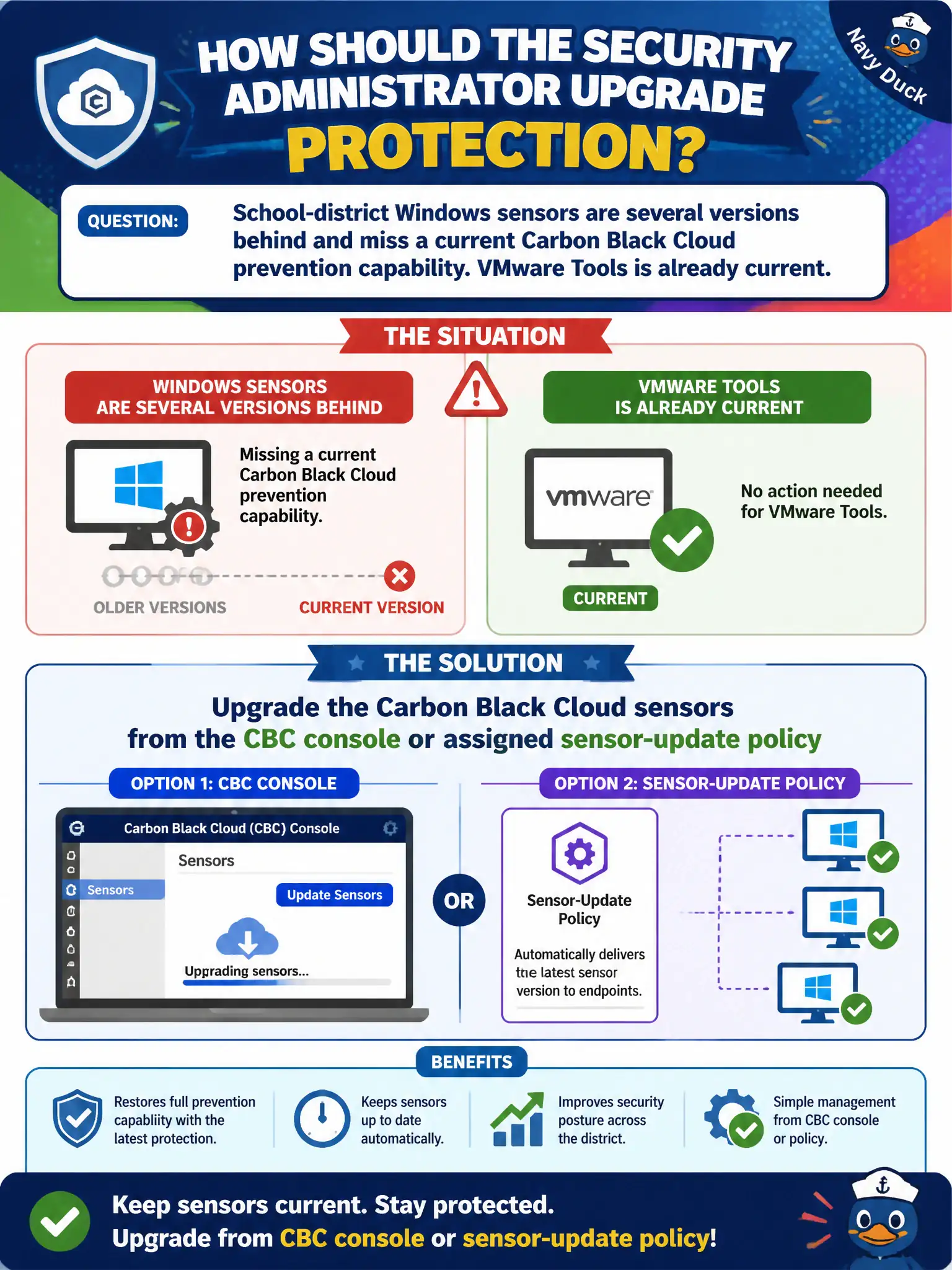
Short Explanation
Sensor version lives in the Carbon Black Cloud closet, not in VMware Tools. Push the update from the CBC console or the sensor-update policy and the missing prevention capability arrives.
Full Explanation
When school-district Windows sensors are several versions behind and miss a current Carbon Black Cloud prevention capability while VMware Tools is already current, upgrade the Carbon Black Cloud sensors from the CBC console or assigned sensor-update policy. Sensor currency is controlled in CBC, not by Tools version; upgrading sensors delivers the missing prevention capability to civic classroom and admin PCs. Upgrading VMware Tools Guest Introspection to push a new Carbon Black signature pack fails by concept because Tools/GI upgrades do not push CBC sensor versions or CBC cloud signature packs to Windows endpoints. Redeploying NSX-T Manager so the hosts inherit a newer sensor from the transport node fails by concept because NSX Manager and transport nodes do not distribute CBC endpoint sensor versions. Enrolling the PCs in a new Workspace ONE Access IdP to force a sensor refresh fails by concept because Access IdP enrollment does not upgrade Carbon Black Cloud sensors. Exam caveat: CBC sensor upgrades come from CBC console or sensor-update policy—Tools, NSX Manager, and Access are the wrong levers. Operational check: assign a sensor-update policy or push upgrades from CBC, confirm school PCs report the new version, verify the missing prevention capability is present, and track sensor currency in the district endpoint dashboard for civic education security.