
A county DFW rule uses an NSX group that shows zero members after clerks renamed VMs and reapplied tags in vCenter. What should the administrator inspect first?
Select an answer to reveal the explanation.
Short Explanation
A rule aimed at an empty basket never matches. Open effective members and see whether the tags still stick after the rename. Do not hunt hashes in Carbon Black for an NSX group.
Full Explanation
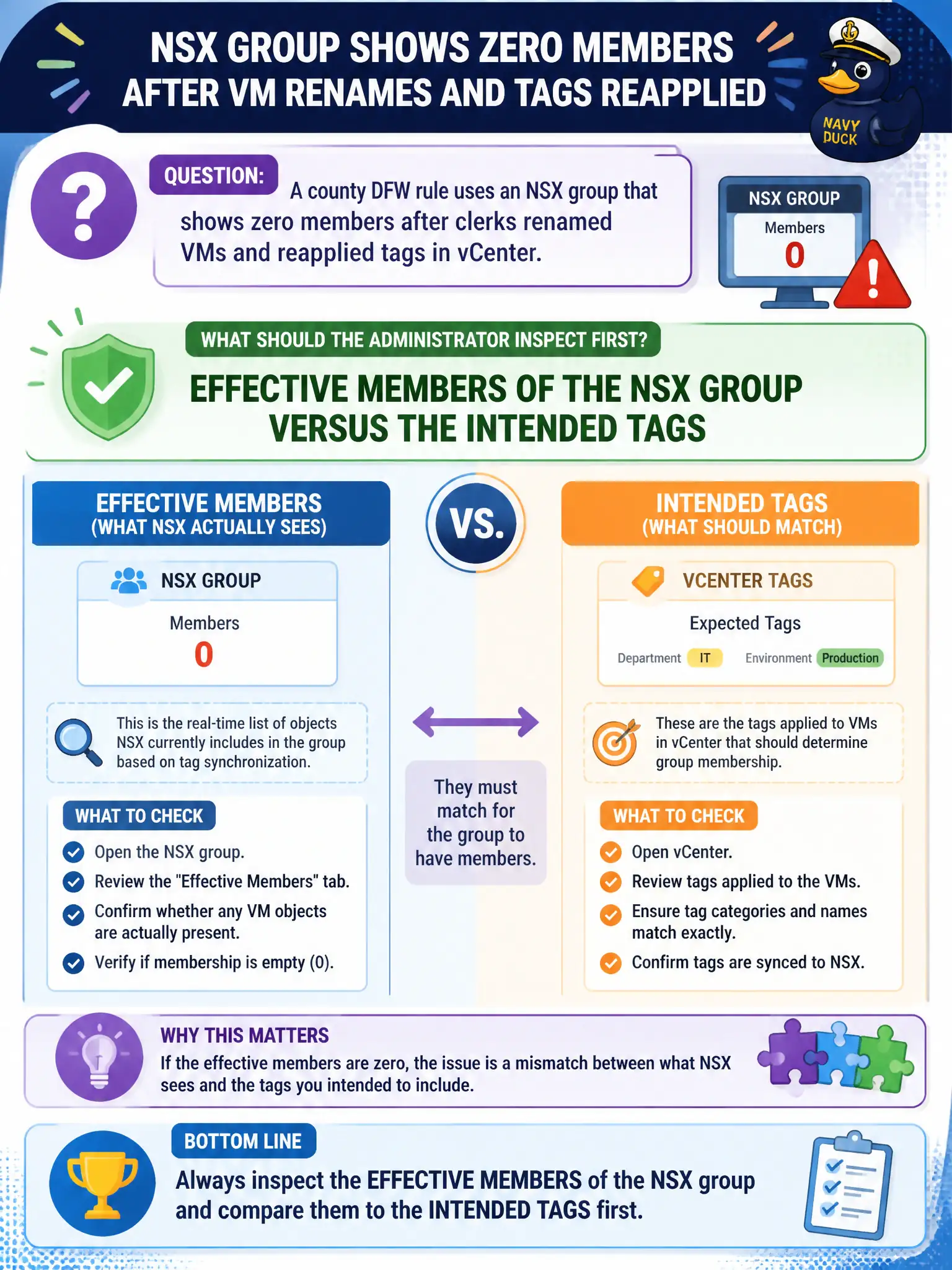
When a county DFW rule uses an NSX group that shows zero members after clerks renamed VMs and reapplied tags in vCenter, inspect effective members of the NSX group versus the intended tags first. A rule aimed at an empty group never matches; renames and retags can leave criteria pointing at nothing even though the VMs still exist. Reconciling effective membership restores the county allow to the right civic workloads. Carbon Black Cloud process hashes for the empty group fail by concept because process hashes are endpoint indicators, not NSX group membership sources. Workspace ONE Access for the group UUID fails by concept because Access identity groups are not the NSX security group membership engine for DFW. T0 route maps as the membership source fail by concept because route maps steer routing, not dynamic NSX group membership from tags. Exam caveat: empty effective members after rename or retag means fix group criteria first—do not hunt CBC hashes, Access UUIDs, or T0 route maps for DFW membership. Operational check: open effective members for the NSX group, compare tags and criteria to the renamed VMs, correct membership, confirm the DFW rule hits, and document tag naming standards in the county inventory runbook for civic consistency.