
After a vCenter certificate rotation, the library NSX compute manager shows Disconnected and inventory of catalog VMs stops updating. What should the administrator do?
Select an answer to reveal the explanation.
Short Explanation
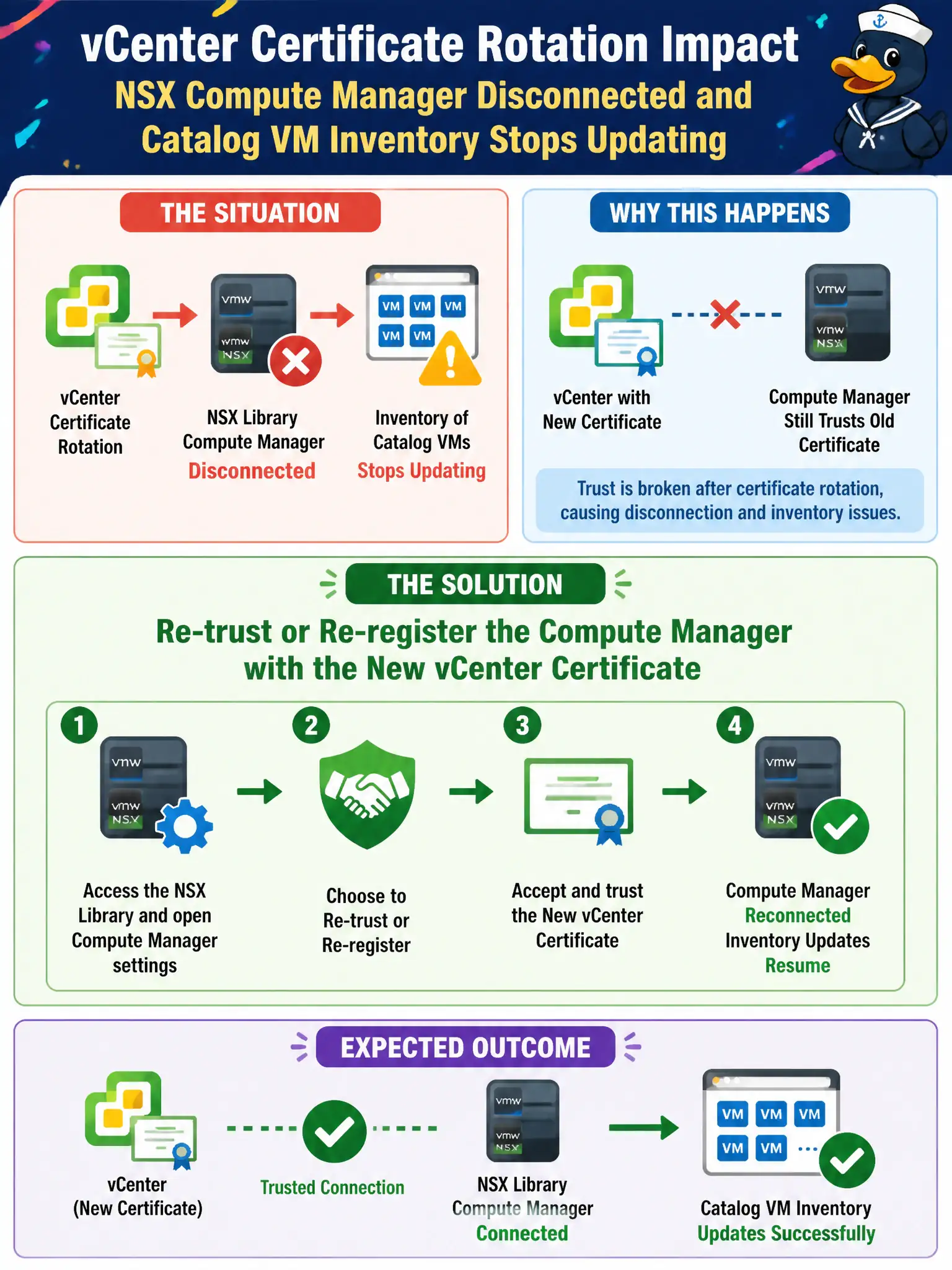
NSX talks to vCenter with a stored trust. Rotate the cert and that handshake breaks, so inventory freezes. Re-trust the compute manager instead of tearing down DFW.
Full Explanation
After a vCenter certificate rotation, when the library NSX compute manager shows Disconnected and inventory of catalog VMs stops updating, the administrator should re-trust or re-register the compute manager with the new vCenter certificate. NSX stores trust for the compute manager connection; rotating the vCenter certificate breaks that handshake so inventory freezes even though catalog VMs still run. Re-establishing trust restores civic inventory sync without destroying firewall policy. Publishing a new Workspace ONE Access policy for vCenter fails by concept because Access SSO policy does not repair NSX-to-vCenter certificate trust for the compute manager. Disabling Distributed Firewall on every catalog VM fails by concept because turning off DFW does not reconnect a Disconnected compute manager and removes library micro-segmentation. Redeploying Carbon Black Cloud sensors as the compute-manager fix fails by concept because CBC sensors do not replace NSX compute-manager registration or certificate trust. Exam caveat: after vCenter cert rotation, re-trust the NSX compute manager—do not disable DFW or redeploy unrelated agents as the fix. Operational check: update NSX compute-manager trust with the new vCenter certificate, confirm Connected status, verify catalog VM inventory refreshes, and note the cert rotation linkage in the library virtualization change log for civic certificate lifecycle management.