
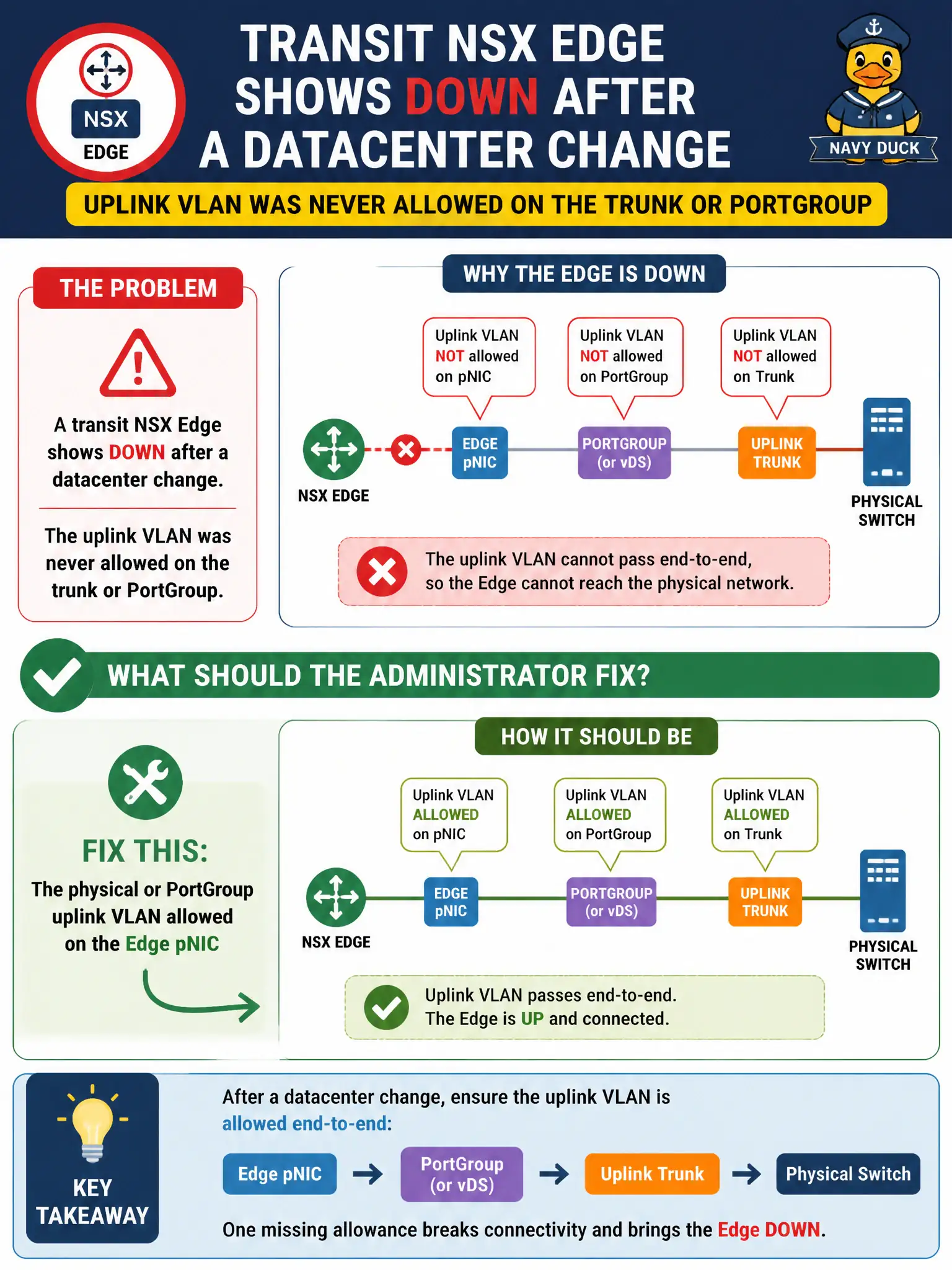
A transit NSX Edge shows Down after a datacenter change, and the uplink VLAN was never allowed on the trunk or PortGroup. What should the administrator fix?
Select an answer to reveal the explanation.
Short Explanation
An Edge with no uplink VLAN is a bus with the garage door closed. Allow the trunk or PortGroup on the pNIC. IDFW will not light the datapath.
Full Explanation
When a transit NSX Edge shows Down after a datacenter change and the uplink VLAN was never allowed on the trunk or PortGroup, the administrator should fix the physical or PortGroup uplink VLAN allowed on the Edge pNIC. An Edge without its uplink VLAN on the trunk or PortGroup has no north-south datapath, so the Edge stays Down regardless of how healthy Manager policy looks. Opening that VLAN is the civic datacenter networking fix for Edge uplink. An Identity Firewall rule for the Edge local admin fails by concept because IDFW user rules do not provision physical uplink VLANs for Edge datapath. A Carbon Black Cloud isolation policy on the Edge VM fails by concept because isolating the Edge VM worsens connectivity and does not add missing uplink VLANs. A Workspace ONE compliance profile on the Edge fails by concept because UEM compliance does not configure ESXi PortGroups or physical trunks for NSX Edge uplinks. Exam caveat: Edge Down after networking change often means missing uplink VLAN on trunk or PortGroup—check the physical path before rewriting security products. Operational check: allow the uplink VLAN on the trunk and PortGroup toward the Edge pNIC, confirm Edge uplink status Up, test north-south transit traffic, and record the VLAN fix in the transit datacenter change ticket for municipal Edge operations.