
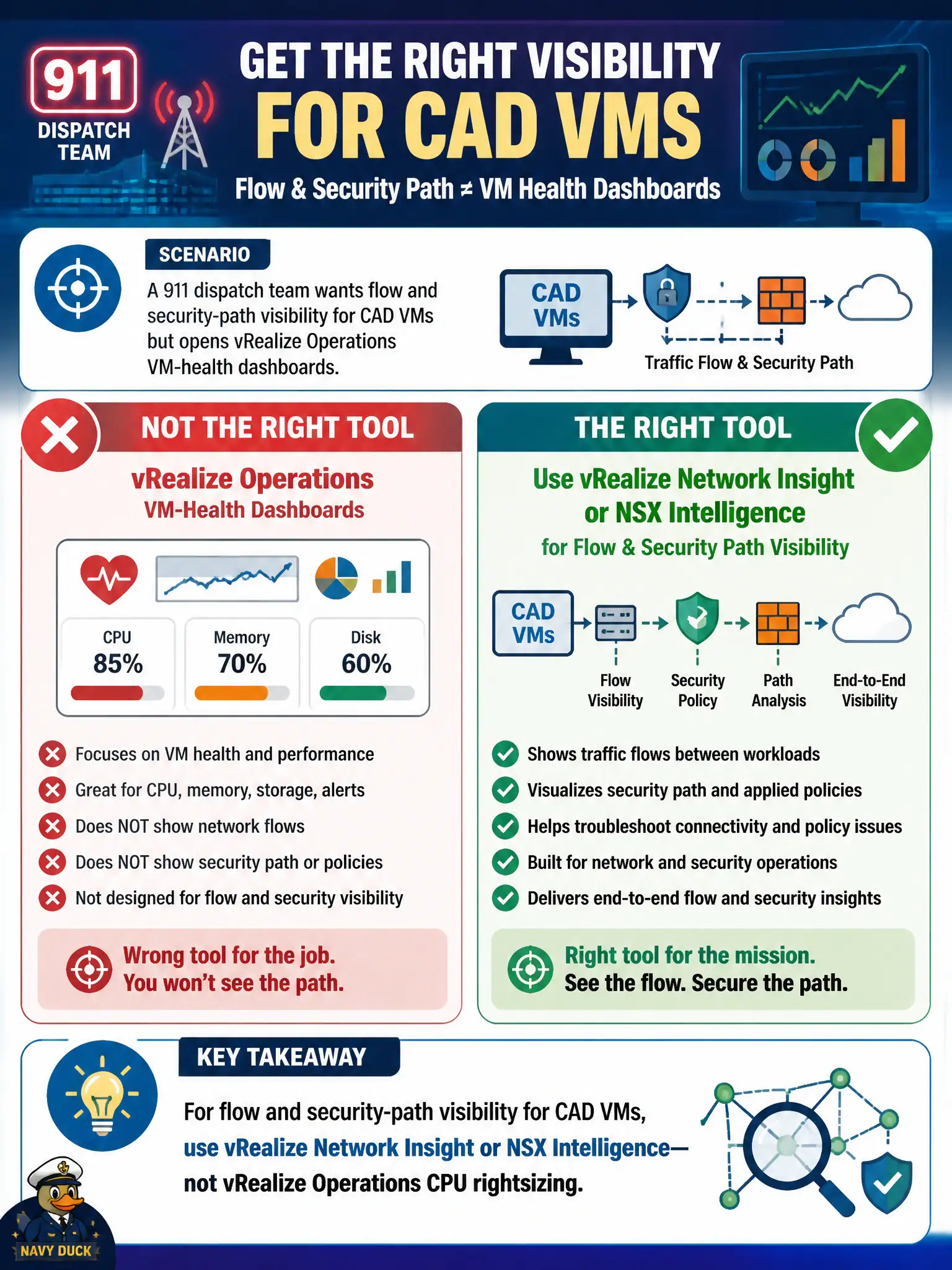
A 911 dispatch team wants flow and security-path visibility for CAD VMs but opens vRealize Operations VM-health dashboards. Which correction is right?
Select an answer to reveal the explanation.
Short Explanation
vROps tells whether the VM is hungry for CPU, not who it talked to. Flow and security path are vRNI and Intelligence. Put the capacity tool back on the shelf for this job.
Full Explanation
A 911 dispatch team that wants flow and security-path visibility for CAD VMs but opens vRealize Operations VM-health dashboards should be corrected to use vRealize Network Insight or NSX Intelligence for flow and security path, not vRealize Operations CPU rightsizing. vROps answers whether a CAD VM is hungry for CPU or memory; it does not tell who the VM talked to or where a security path failed. Flow and security path for life-safety CAD workloads belong to vRNI and Intelligence. Use vRealize Operations rightsizing as the overlay flow engine fails by concept because rightsizing is capacity, not overlay flow or security-path analytics. Use Carbon Black Cloud to replace NSX path visibility fails by concept because CBC provides endpoint prevention telemetry, not NSX or underlay security-path tracing. Use Workspace ONE Access as the 911 underlay traceroute fails by concept because Access is identity and SSO, not underlay traceroute or flow path. Exam caveat: separate capacity tools from flow and security-path tools; vROps is not a substitute for vRNI or Intelligence on the VCP-SEC exam. Operational check: close the vROps rightsizing view for this incident, open vRNI or Intelligence for the CAD VMs, confirm flow and path findings, remediate, and note the correct tool choice in the 911 runbook so future dispatch incidents do not start in the capacity console.