
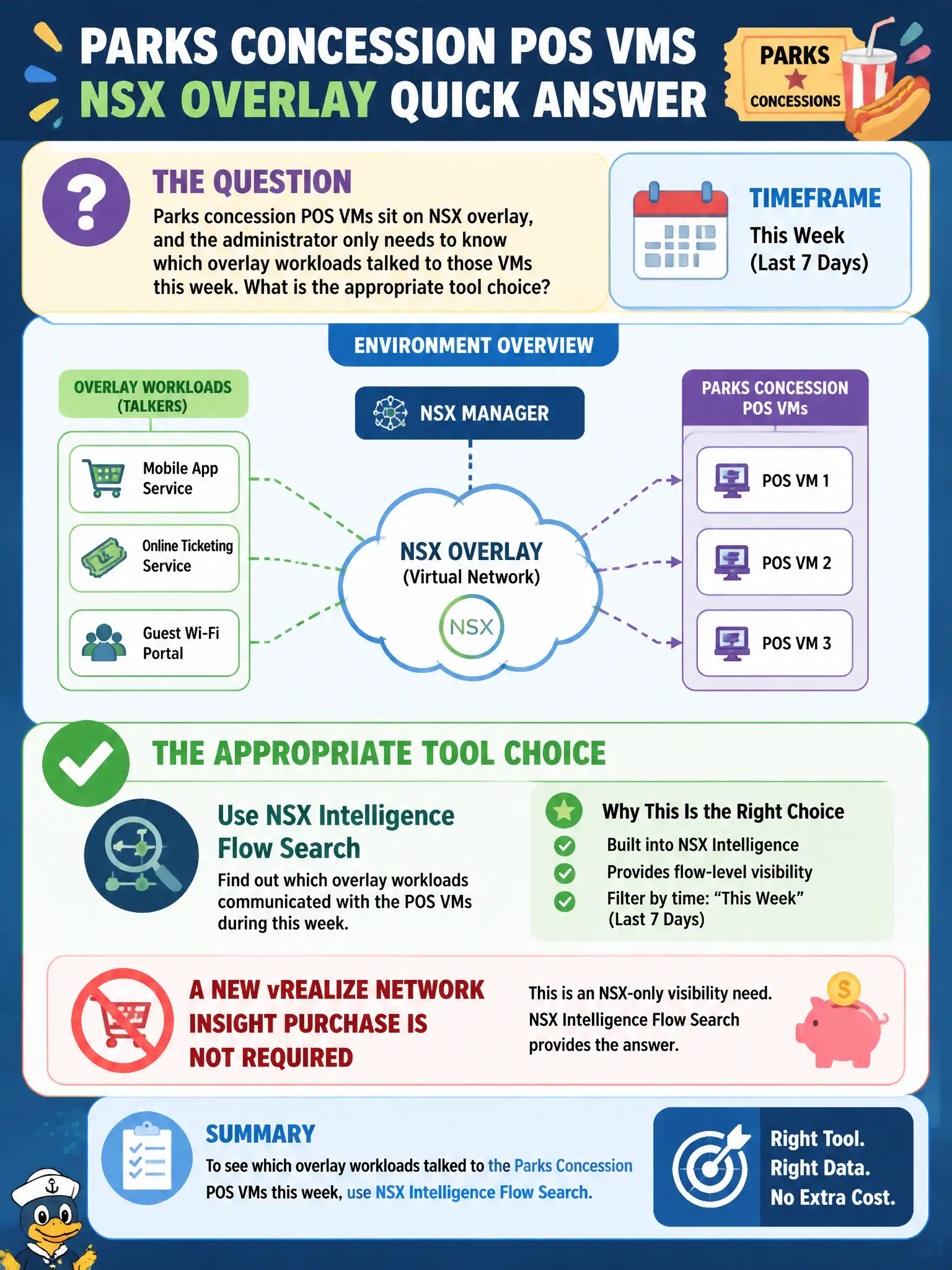
Parks concession POS VMs sit on NSX overlay, and the administrator only needs to know which overlay workloads talked to those VMs this week. What is the appropriate tool choice?
Select an answer to reveal the explanation.
Short Explanation
This is an NSX-only who-talked-to-the-cash-registers question. Intelligence can search those overlay flows. Do not buy vRNI just because the word visibility showed up.
Full Explanation
When parks concession POS VMs sit on NSX overlay and the administrator only needs to know which overlay workloads talked to those VMs this week, use NSX Intelligence flow search; a new vRealize Network Insight purchase is not required for this NSX-only question. Intelligence can search NSX overlay flows among those POS workloads without buying a second product for a purely NSX-scoped conversation history. That keeps municipal spend aligned with the actual visibility need. Purchase vRealize Network Insight immediately, because Intelligence cannot search NSX flows, fails by concept because Intelligence can search NSX overlay flows; vRNI is unnecessary when the question is NSX-only who-talked-to-whom. Use vRealize Operations rightsizing as the flow search fails by concept because vROps rightsizing is capacity planning, not overlay flow search. Use Workspace ONE UEM to list POS conversations fails by concept because UEM manages devices and profiles, not NSX east-west flow history for POS VMs. Exam caveat: do not buy vRNI solely because visibility appeared in the stem; if the scope is NSX overlay flows only, Intelligence flow search is sufficient. Operational check: open Intelligence flow search for the POS VM group and the requested week, export the conversation list for parks retail security review, and document that no vRNI purchase was required for this NSX-only inquiry in the municipal justification record.