
A transit agency already runs NSX-T 3.x and needs east-west grouping visuals inside NSX Manager for bus-dispatch VMs. Where should the administrator open that view?
Select an answer to reveal the explanation.
Short Explanation
East-west grouping pictures live with NSX, not in Access or Carbon Black. Intelligence is the NSX-native flow view that hangs off NSX Manager. Open it there instead of an SSO report.
Full Explanation
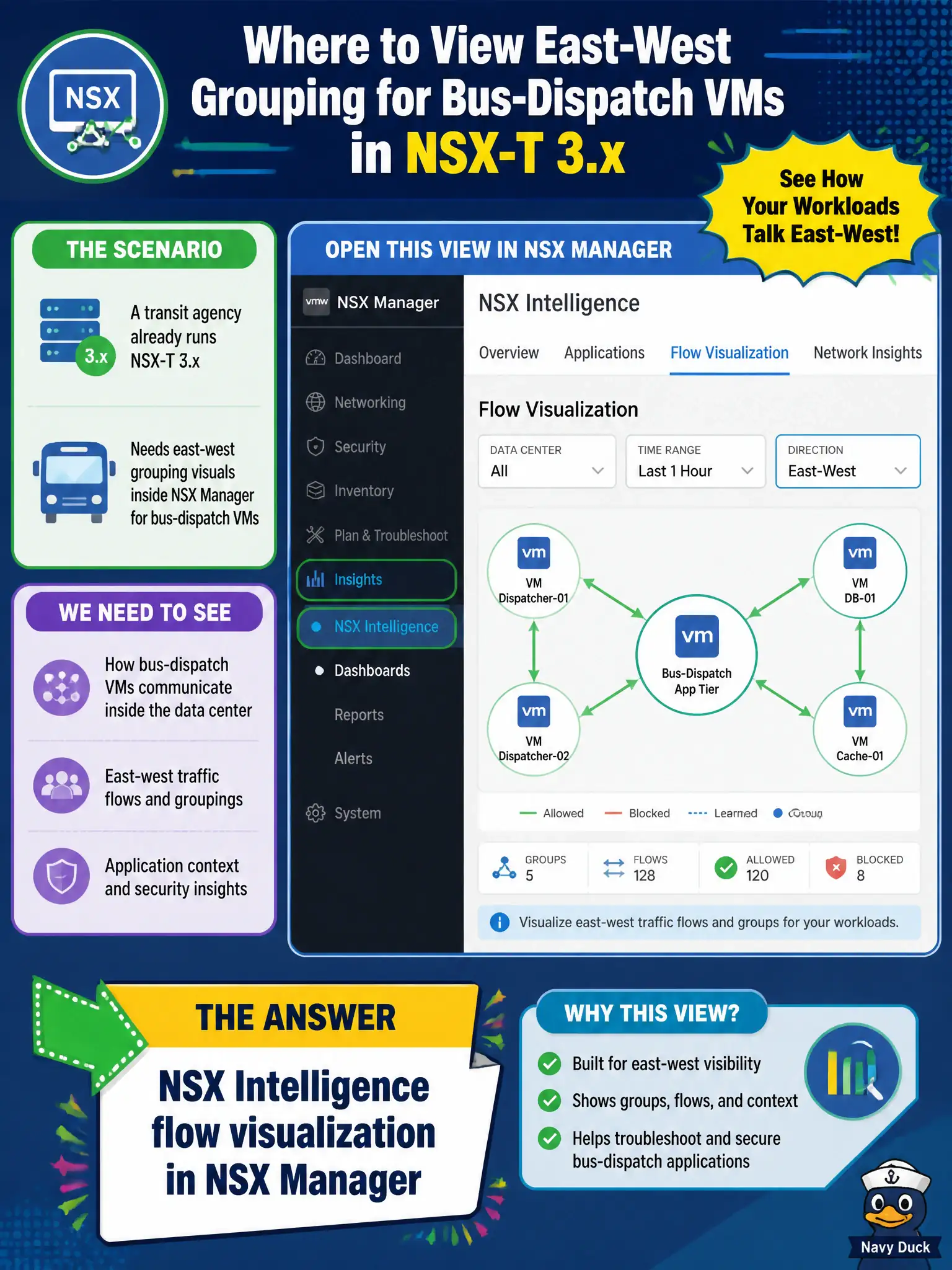
A transit agency already on NSX-T 3.x that needs east-west grouping visuals inside NSX Manager for bus-dispatch VMs should open NSX Intelligence flow visualization in NSX Manager. Intelligence is the NSX-native flow and grouping view that hangs off the Manager experience so dispatch security staff can see which overlay workloads talk without leaving the NSX control plane. That is the correct civic console for east-west grouping pictures among dispatch VMs. A Workspace ONE Access authentication report fails by concept because Access reports SSO sessions to applications, not NSX east-west overlay grouping among VMs. vRealize Operations VM-health dashboards fail by concept because vROps focuses on capacity and health metrics such as CPU and memory, not NSX overlay flow grouping for micro-segmentation. Carbon Black Cloud alert triage fails by concept because CBC alerts are endpoint prevention events, not NSX Manager-native east-west flow visualization. Exam caveat: east-west grouping visuals inside NSX Manager mean Intelligence; do not substitute Access SSO reports, vROps rightsizing, or Carbon Black triage for NSX flow grouping. Operational check: confirm Intelligence is deployed, open flow visualization for bus-dispatch groups in NSX Manager, validate observed conversations against expected dispatch peers, and attach screenshots to the transit micro-segmentation design record for municipal operations.