
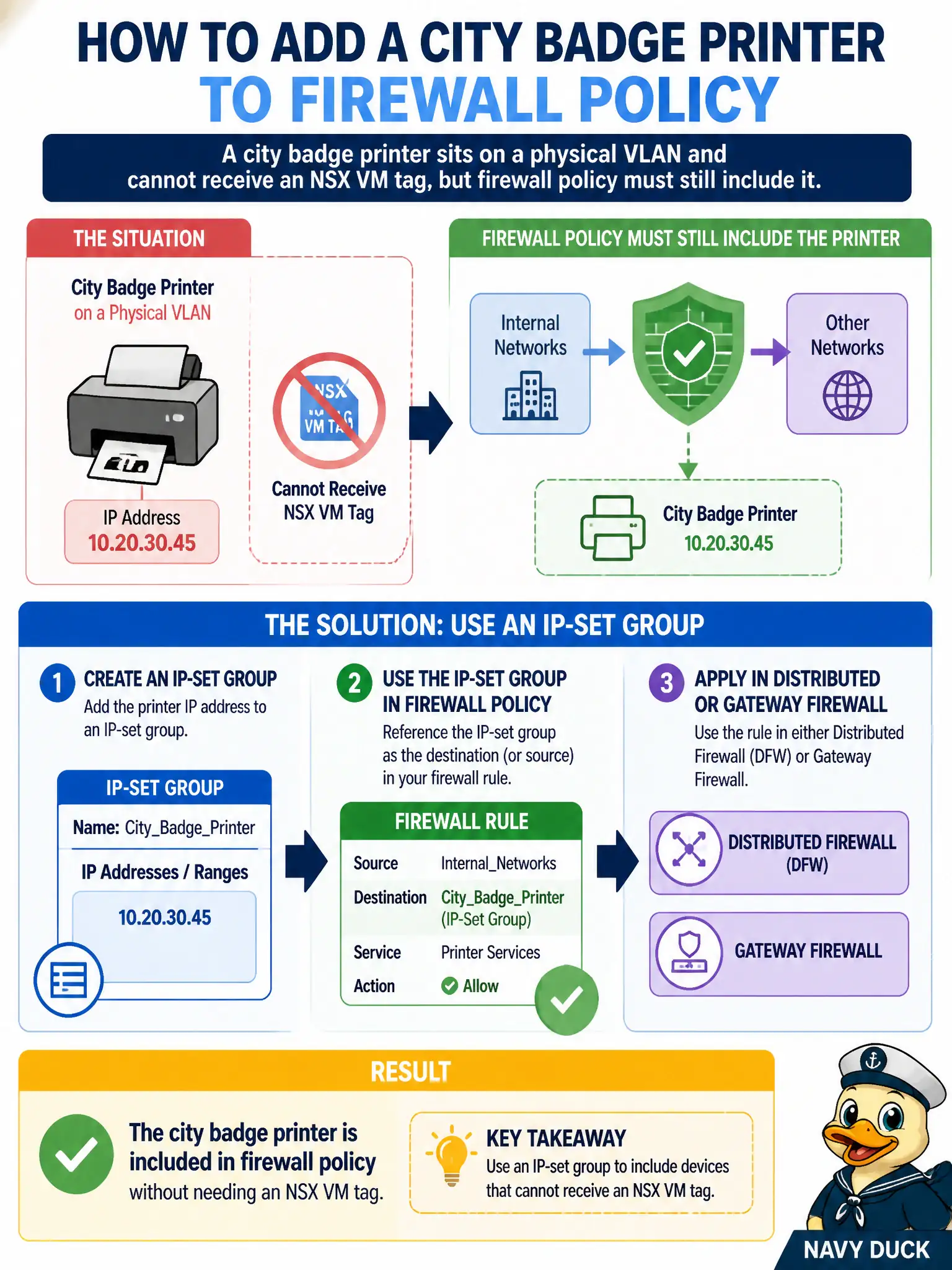
A city badge printer sits on a physical VLAN and cannot receive an NSX VM tag, but firewall policy must still include it. How should the administrator add the printer?
Select an answer to reveal the explanation.
Short Explanation
Physical gear does not wear VM tags. Drop the printer into an IP set and let DFW or the gateway talk about that address like any other group member.
Full Explanation
A city badge printer on a physical VLAN cannot receive an NSX VM tag, but firewall policy can still include it by placing the printer address in an IP-set group and using that group in distributed or gateway firewall policy. IP sets are the supported way to bring non-VM physical devices into NSX grouping.
Inventing a dummy VM tagged badge-printer and hoping ARP redirects the physical device is fiction. Enrolling the printer in Workspace ONE UEM and using a compliance group as the DFW source does not create NSX data-path membership for a dumb printer. Installing a Carbon Black sensor on printer firmware is typically impossible and still not the NSX IP-set pattern.
Exam caveat: physical devices → IP sets; do not fake VM tags for gear that is not a VM.
Operational check: create an IP set with the printer address, reference it in the badge policy, test allow/deny to the print path, and document IP-set ownership with facilities networking.
IP sets dignify physical badge printers in city firewall policy without fake VMs. Record printer DHCP reservations, alert on IP changes, and review IP-set members with facilities each quarter so retired printers do not remain allow-listed forever.