
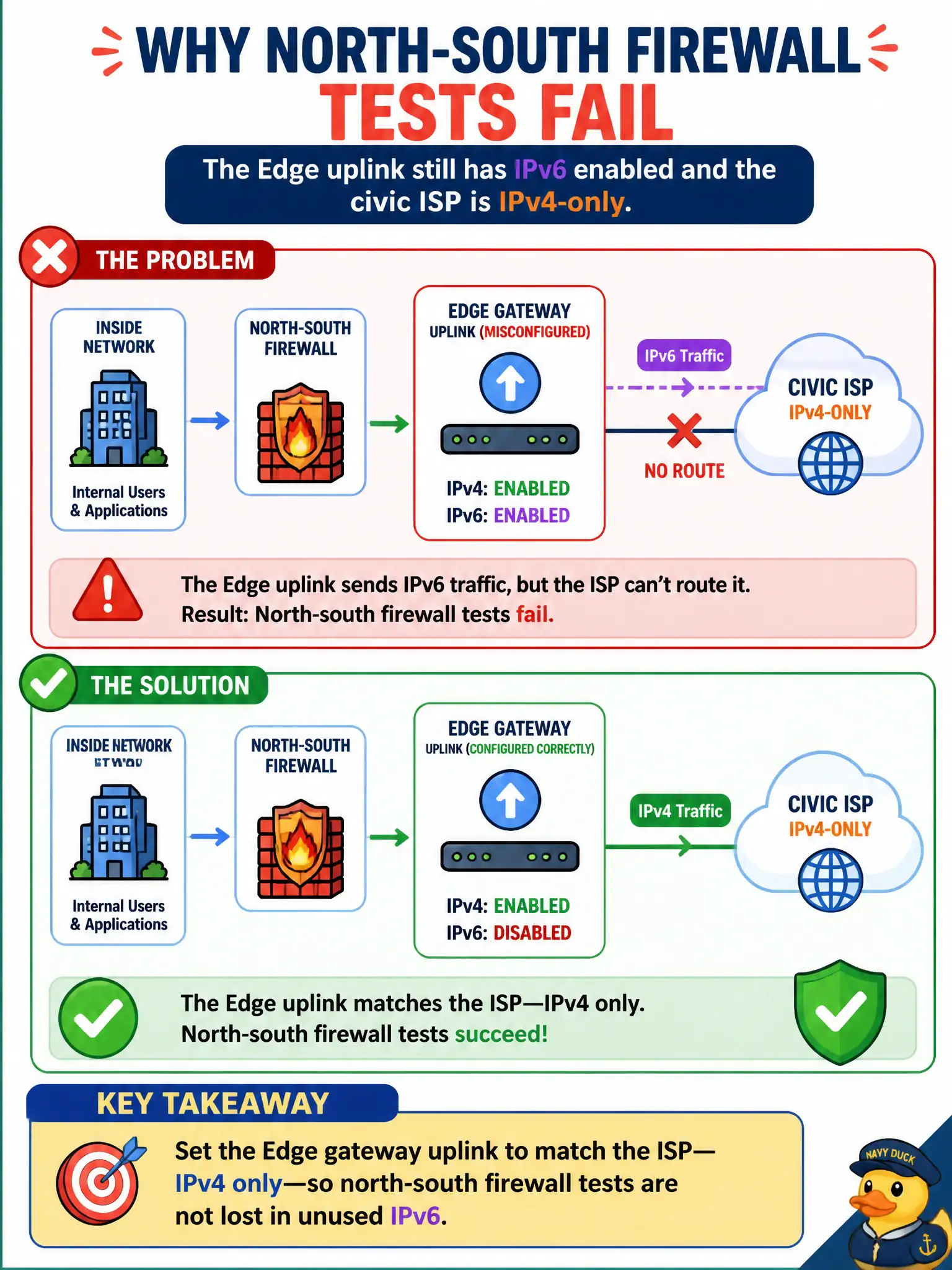
Public-health north-south firewall tests fail because the Edge uplink still has IPv6 enabled and the civic ISP is IPv4-only. What should be configured?
Select an answer to reveal the explanation.
Short Explanation
If the street only takes IPv4 mail, leave the IPv6 mailbox shut. Configure the Edge uplink to IPv4-only so gateway-firewall tests hit the path the civic ISP actually routes.
Full Explanation
Public-health north-south firewall tests against an IPv4-only civic ISP fail when the Edge uplink still offers unused IPv6 dual-stack paths that do not match provider routing. Set the Edge gateway uplink to IPv4 only so gateway-firewall validation follows the path the ISP actually carries.
Leaving dual-stack on the uplink and adding more DFW rules does not fix Edge-uplink address-family mismatch toward an IPv4-only ISP. Disabling IPv4 and forcing IPv6 toward that ISP breaks the only working provider path. Moving the IPv6 problem into a Carbon Black sensor policy on the Edge VM confuses endpoint policy with uplink IP configuration.
Exam caveat: align Edge uplink address families with the provider—extra DFW noise will not heal dual-stack confusion.
Operational check: set the uplink to IPv4-only, re-run north-south firewall tests, confirm Traceflow and hit counters on the gateway path, and document the ISP address-family constraint in the public-health Edge build notes.
Address-family mismatch on Edge uplinks wastes public-health change windows on phantom IPv6 paths. After setting IPv4-only toward the ISP, capture a packet or Traceflow for the north-south test VIP, confirm no dual-stack asymmetry in routing tables, and update the Edge build standard so the next appliance clone inherits the provider constraint.