
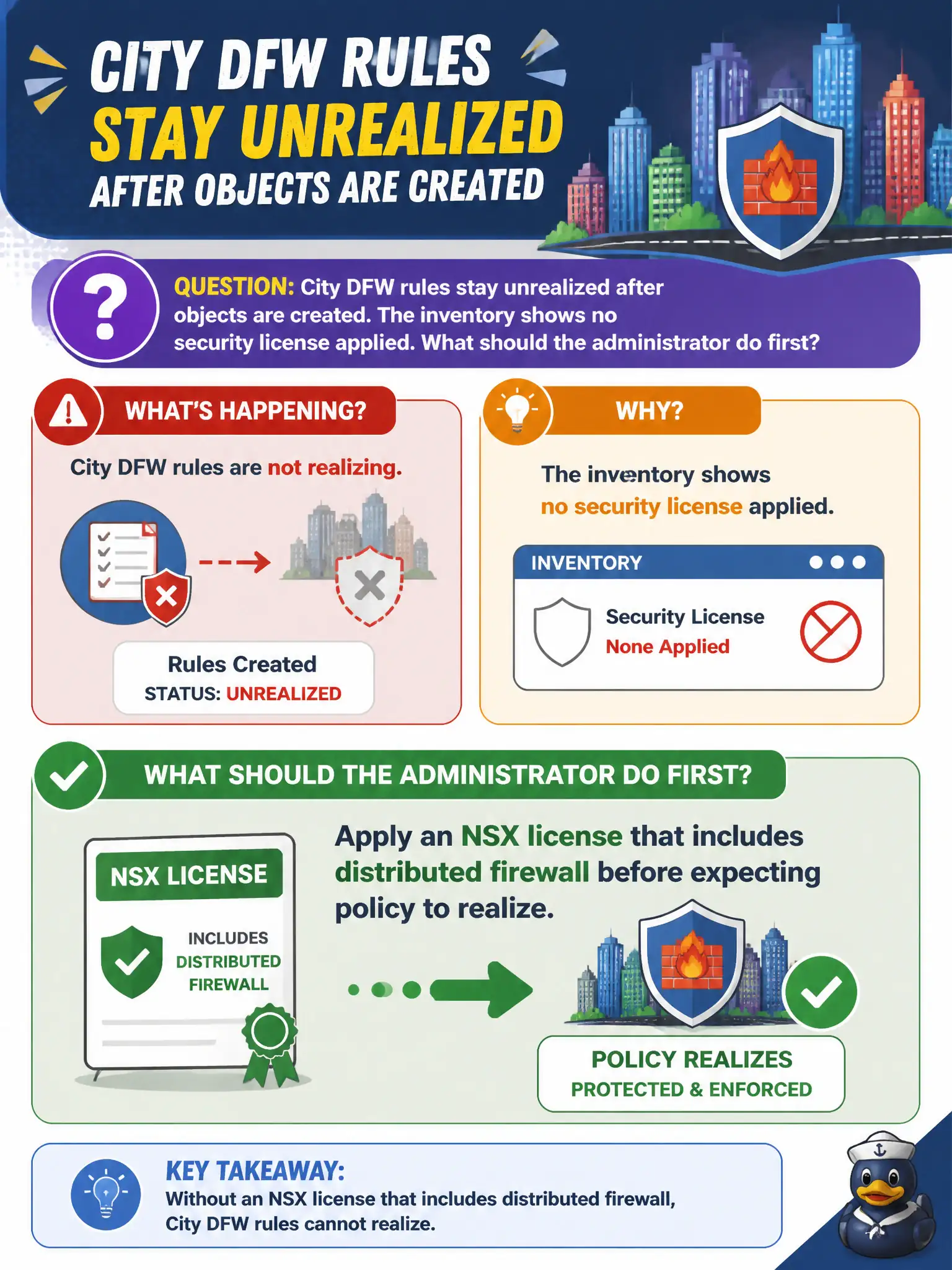
City DFW rules stay unrealized after objects are created. The inventory shows no security license applied. What should the administrator do first?
Select an answer to reveal the explanation.
Short Explanation
Unlicensed NSX is a fire-alarm panel with no battery—adding more zones will not make it ring. Apply the security license that includes distributed firewall, then the existing policy can realize.
Full Explanation
When city Distributed Firewall objects exist but rules stay unrealized and inventory shows no security license, the first fix is to apply an NSX license that includes distributed firewall. Unlicensed security features will not realize on transport nodes no matter how carefully groups and rules are written.
Writing more DFW rules cannot unlock an unlicensed fabric. Enabling Carbon Black prevention treats a different product as if it were NSX distributed firewall. Registering Workspace ONE Access as a compute manager does not apply NSX security licensing or unlock DFW realization.
Exam caveat: realization failures with empty license fields point to licensing before deeper policy debugging.
Operational check: apply the correct NSX security license in Manager, confirm DFW features show as available, republish or recheck realization on a pilot rule, and record license entitlement in the city NSX build sheet.
Licensing is the battery in the civic fire panel: policy objects without entitlement look complete and do nothing. After applying the distributed-firewall-capable license, refresh feature status, force a republish of a pilot section, and confirm realization flips to success on a prepared host before opening a wider change window for citywide rules.