
Water-utility Workspace ONE Access must bind to on-premises Active Directory. How should the directory connection be built?
Select an answer to reveal the explanation.
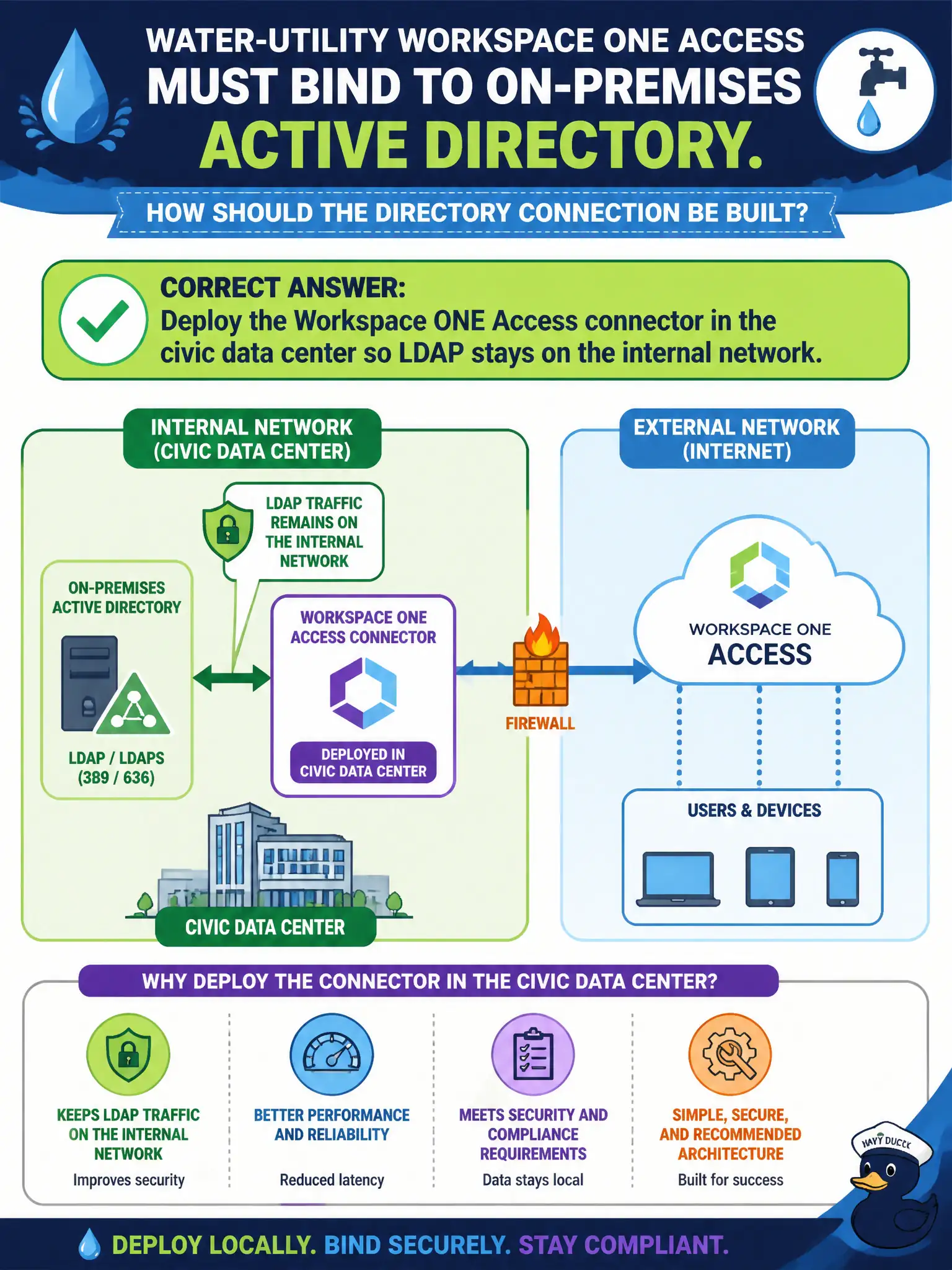
Short Explanation
Do not hang the domain controller on the public sidewalk. Put the Access connector in the civic DC so LDAP never leaves the building. Carbon Black and NSX Manager are not directory connectors for Access.
Full Explanation
Water-utility Workspace ONE Access must bind to on-premises Active Directory. Deploy the Workspace ONE Access connector in the civic data center so LDAP stays on the internal network—do not hang the domain controller on the public sidewalk for SaaS to poke. Exposing domain-controller LDAP and LDAPS to the internet so Access SaaS can bind directly fails by concept because publishing directory bind ports to the internet creates a critical attack surface and is not the supported connector architecture. Using Carbon Black Cloud as the LDAP proxy for Access fails because Carbon Black Cloud is an endpoint security cloud and does not proxy LDAP binds for Workspace ONE Access directories. Publishing NSX-T Manager as an outbound LDAP NAT for the utility forest fails because NSX Manager is a networking and security management plane, not an Access directory connector. Exam caveat: on-premises AD connectivity for Access is built with the Access connector inside the civic network—not internet-exposed DC LDAP/LDAPS, CBC-as-LDAP-proxy, or NSX Manager LDAP NAT. Operational check: deploy and register the Access connector in the utility data center, bind to Active Directory over internal LDAPS, test staff authentication to Access applications, confirm domain controllers are not reachable from the public internet on LDAP ports, and monitor connector health alerts. Include connector high availability and certificate renewal steps in the water-utility identity runbook before production cutover.