
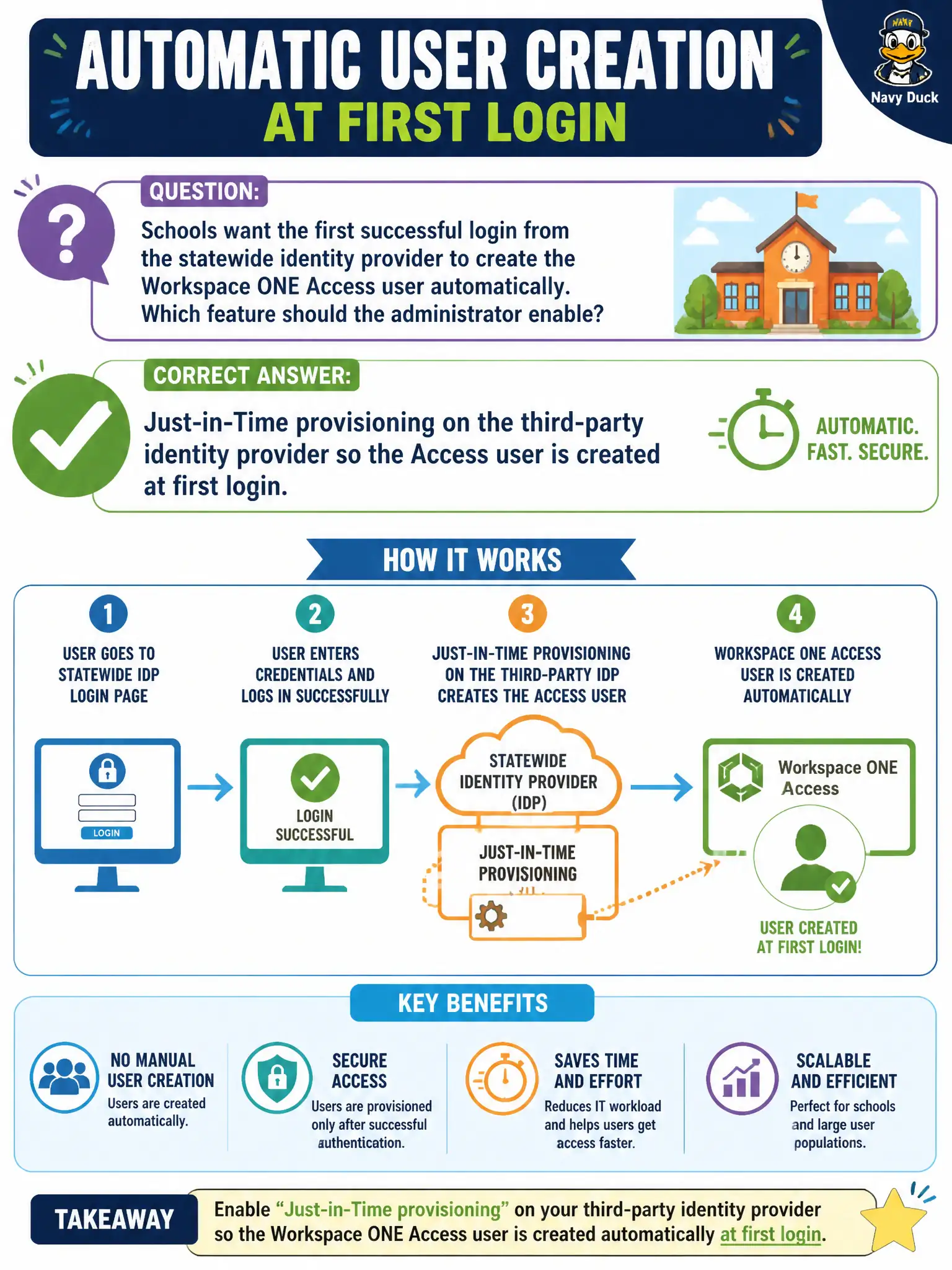
Schools want the first successful login from the statewide identity provider to create the Workspace ONE Access user automatically. Which feature should the administrator enable?
Select an answer to reveal the explanation.
Short Explanation
JIT is the first-day visitor badge that prints when the statewide IdP says the person is real—no nightly spreadsheet. Turn JIT on the third-party IdP in Access. CSV-to-UEM, Carbon Black mappings, and NSX IDFW sync are other pipelines.
Full Explanation
Schools want the first successful login from the statewide identity provider to create the Workspace ONE Access user automatically. Enable Just-in-Time provisioning on the third-party identity provider so the Access user is created at first login—the first-day visitor badge that prints when the statewide IdP says the person is real. A nightly CSV import of every student into UEM instead of Access fails by concept because CSV-to-UEM is a different pipeline and does not JIT-create Access users at IdP login. Carbon Black Cloud user-device mapping as the Access directory fails because CBC mappings are not Access JIT directory provisioning. NSX-T identity firewall sync as Just-in-Time for Access users fails because NSX IDFW sync is not Access JIT user creation. Exam caveat: automatic Access user creation at first IdP login is Just-in-Time provisioning on the third-party IdP—not nightly CSV to UEM, CBC mappings, or NSX IDFW sync. Operational check: enable JIT on the statewide IdP configuration in Access, perform a first login with a new test account, confirm the Access user is created automatically, and disable any conflicting bulk-import assumption for that population. Define attribute mappings for school roles so JIT-created users land with correct group claims for app policies.