
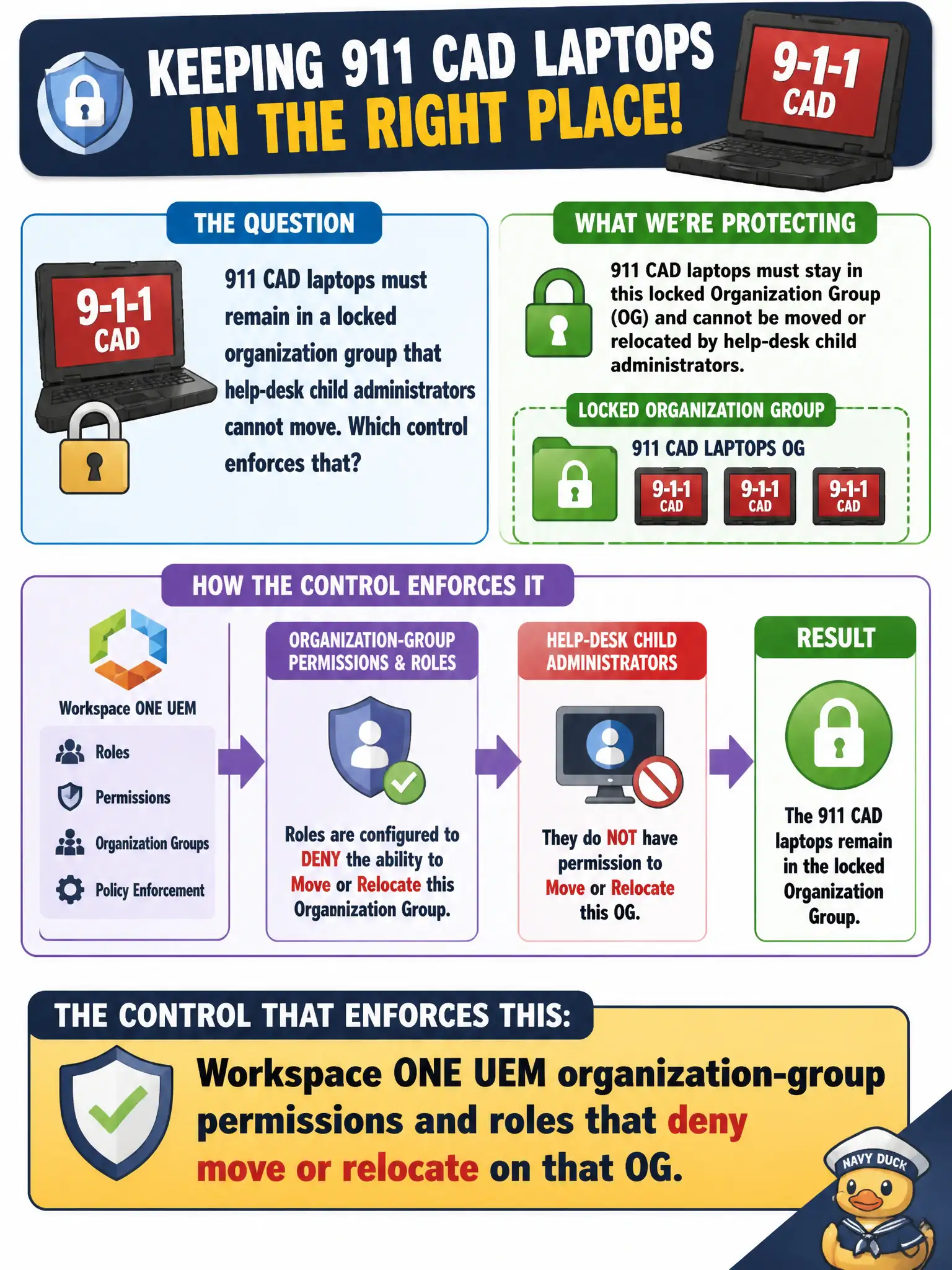
911 CAD laptops must remain in a locked organization group that help-desk child administrators cannot move. Which control enforces that?
Select an answer to reveal the explanation.
Short Explanation
Think of the 911 OG as a sealed evidence locker: UEM roles decide who has the key to move devices in or out. A Carbon Black org key registers sensors, and an NSX rule does not lock MDM grouping. vCenter folders never become Hub admin rights.
Full Explanation
911 CAD laptops must remain in a locked organization group that help-desk child administrators cannot move. Configure Workspace ONE UEM organization-group permissions and roles that deny move or relocate on that OG—think of the 911 OG as a sealed evidence locker whose keys are role-based. A Carbon Black Cloud org key that only the SOC can rotate fails by concept because CBC org keys register sensors into an org; they do not constrain UEM administrators from moving devices between organization groups. An NSX-T distributed firewall section that tags laptops so UEM cannot change their group fails because NSX tagging and DFW never revoke MDM console move rights inside Workspace ONE. A vCenter folder permission inherited by Intelligent Hub fails because vCenter inventory permissions are unrelated to Hub or UEM administrator roles. Exam caveat: keep CAD devices immovable via UEM OG role permissions—not CBC org keys, NSX DFW sections, or vCenter folder inheritance. Operational check: attempt to move a CAD laptop as a help-desk child admin and confirm the action is denied; validate a break-glass privileged role can still act when authorized; document the role matrix for the locked 911 OG. Review temporary role elevations after incidents so lasting move rights do not remain on public-safety device OGs.