
A school district wants classroom iPads that many students share during the day. How should the administrator enroll them in Workspace ONE UEM?
Select an answer to reveal the explanation.
Short Explanation
Shared classroom iPads are like hall passes, not like assigning every desk its own email box. Staging users and shared-device mode let many students check the same iPad in and out. A mailbox per serial, a CB sensor, or an NSX IPSet is not how UEM shared devices work.
Full Explanation
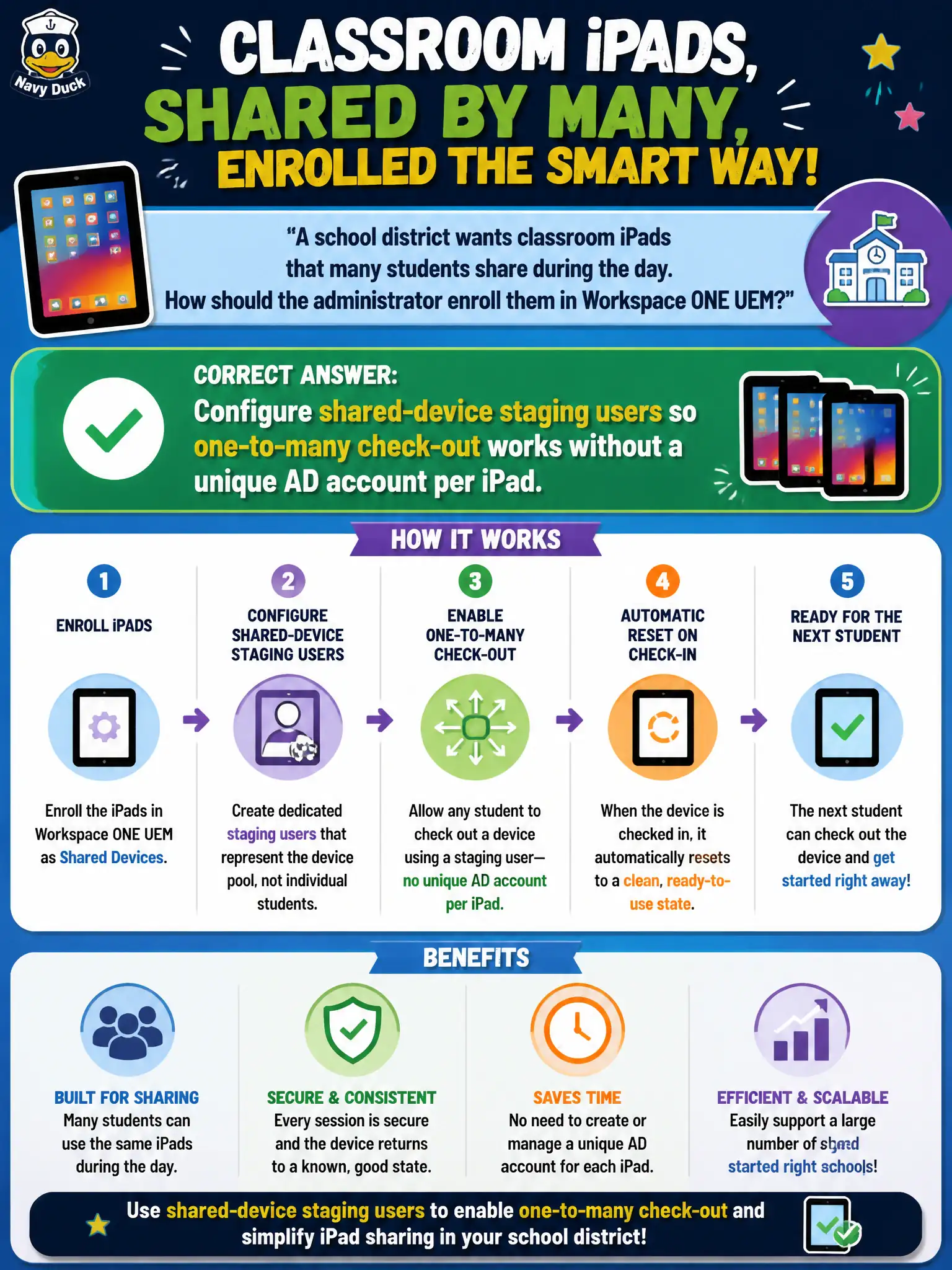
A school district wants classroom iPads that many students share during the day. Configure shared-device staging users in Workspace ONE UEM so one-to-many check-out works without a unique Active Directory account per iPad—shared classroom iPads are hall passes, not a mailbox for every serial number. Creating a unique Active Directory mailbox and user for every iPad serial number fails by concept because shared-device mode is designed for many users on one device without 1:1 AD identities per hardware unit. Installing a CB Defense sensor on each iPad and skipping MDM staging fails because Carbon Black is not the iOS shared-device enrollment path and does not replace UEM staging users. Binding each iPad to a dedicated NSX-T IPSet so students inherit firewall identity fails because NSX IPSets mediate network grouping and do not implement UEM shared-device check-in and check-out. Exam caveat: shared iPads use UEM shared-device staging—not per-serial AD mailboxes, CBC-as-MDM, or NSX IPSet identity inheritance. Operational check: enable shared-device staging, check an iPad out to student A and then to student B, confirm the session model matches district design, and verify imaging docs no longer require a mailbox per serial. Train teachers on end-of-period check-in so the next class does not inherit the previous student’s apps or session.