
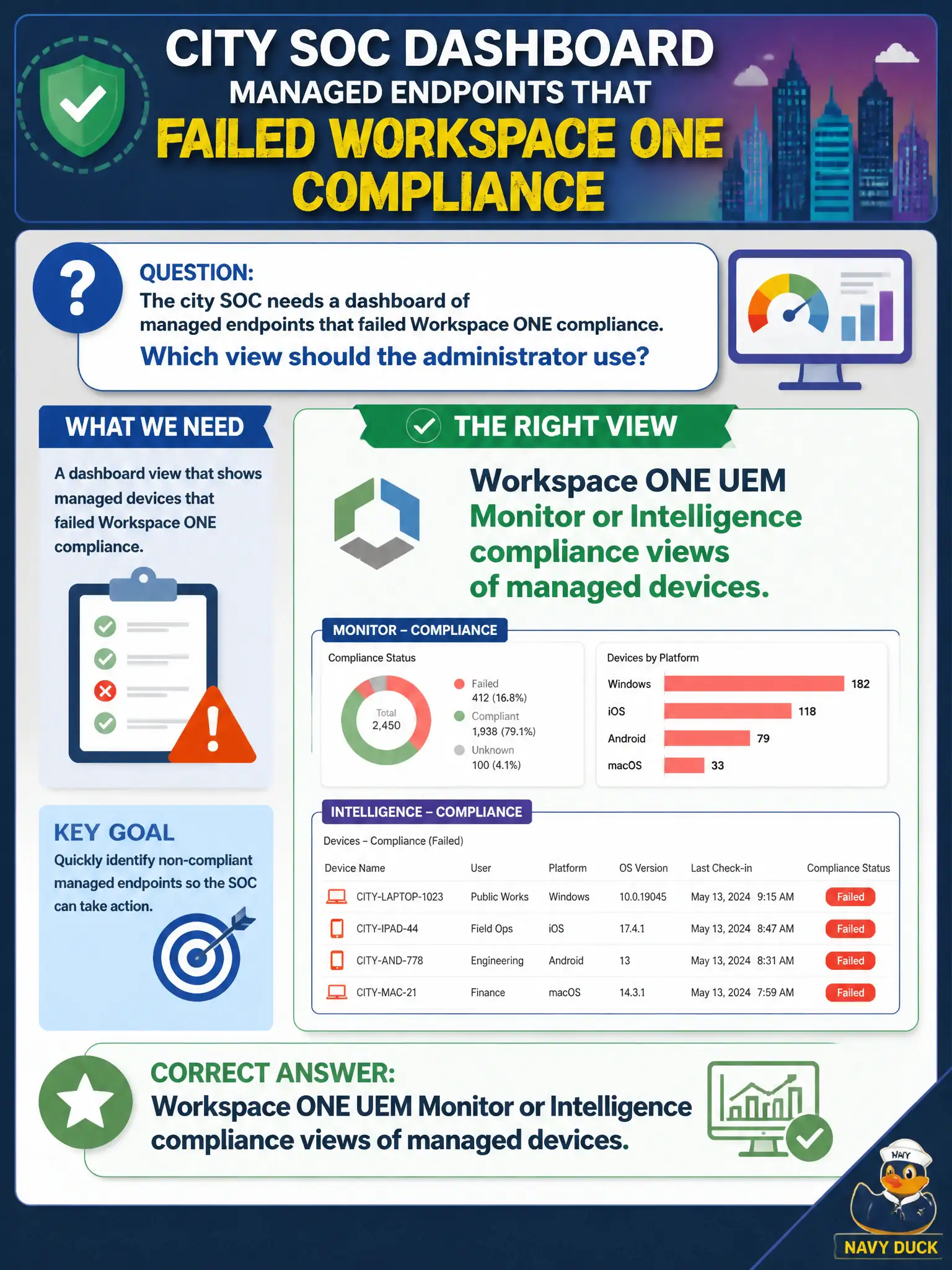
The city SOC needs a dashboard of managed endpoints that failed Workspace ONE compliance. Which view should the administrator use?
Select an answer to reveal the explanation.
Short Explanation
Compliance on phones and laptops is a roll-call of devices, not a map of east-west flows. UEM Monitor and Intelligence are that roll-call. NSX Intelligence and vRNI are traffic tools; they will not tell the SOC which iPad missed a passcode policy.
Full Explanation
The city SOC needs a dashboard of managed endpoints that failed Workspace ONE compliance. Use Workspace ONE UEM Monitor or Intelligence compliance views of managed devices—compliance on phones and laptops is a roll-call of devices, not a map of east-west flows. NSX Intelligence traffic-flow maps filtered to non-compliant IP addresses fail by concept because flow maps show network conversations and cannot authoritatively inventory which managed iPads or laptops missed a UEM passcode or encryption rule. Carbon Black Cloud alert triage grouped by NSX segment fails because CBC alerts are endpoint detection events organized for EDR response, not the UEM compliance posture dashboard the SOC requested. vRealize Network Insight application-boundary diagrams for the civic DMZ fail because vRNI explains application networking boundaries and will not list Hub entitlement loss from UEM compliance failures. Exam caveat: managed-device compliance reporting lives in UEM Monitor or Intelligence—not NSX Intelligence, CBC triage-by-segment, or vRNI diagrams. Operational check: open UEM Monitor or Intelligence, filter to non-compliant managed endpoints, save or share that view with the SOC, and confirm network-visibility tools were not substituted as the compliance source of truth. Optionally forward critical compliance events into the civic SIEM while keeping UEM as the authoritative compliance inventory for auditors.