
Court-owned MacBooks must escrow FileVault recovery material and remain under supervised management. Which approach meets that requirement?
Select an answer to reveal the explanation.
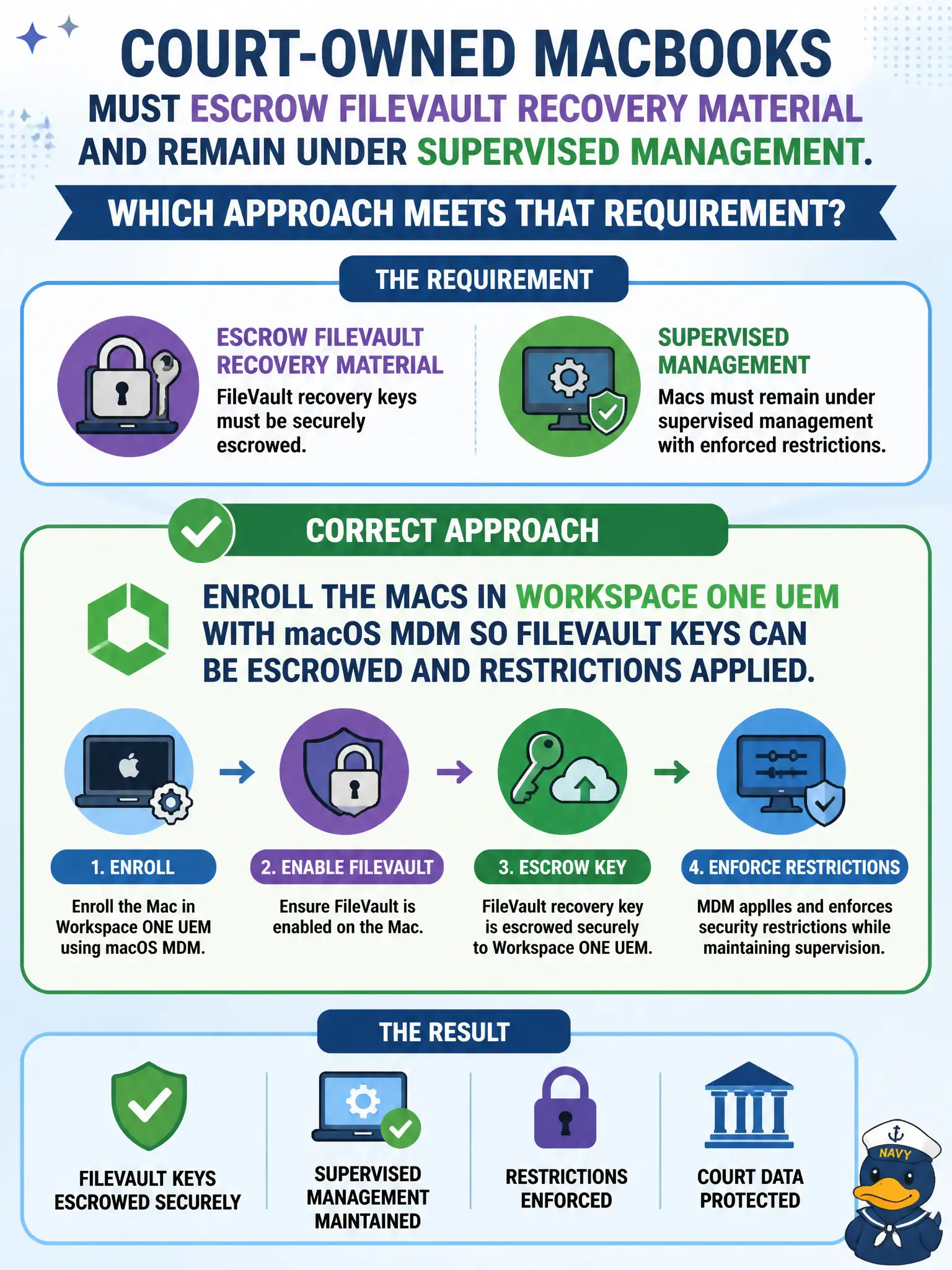
Short Explanation
FileVault escrow is an MDM job, like the courthouse lockbox that holds spare keys—only Workspace ONE UEM enrollment can take that deposit. A Carbon Black sensor group watches processes; it does not become the Mac’s MDM or hold FileVault recovery. NSX tags live on datacenter VMs, not on courtroom laptops.
Full Explanation
Court-owned MacBooks must escrow FileVault recovery material and remain under supervised management. Enroll the Macs in Workspace ONE UEM with macOS MDM so FileVault keys can be escrowed and restrictions applied—the courthouse lockbox for spare keys. Adding the Macs to a Carbon Black Cloud sensor group that enables FileVault from the prevention policy fails by concept because CBC watches processes; it does not become the Mac’s MDM or hold FileVault recovery escrow. Tagging the VMs in NSX-T with a FileVault security tag and letting identity firewall escrow the keys fails because courtroom laptops are not NSX VMs and IDFW does not escrow FileVault keys. Skipping MDM and relying on a local admin account plus a CB Defense sensor to store recovery keys in the console fails because local admin plus CBC is not FileVault escrow under supervised MDM management. Exam caveat: FileVault escrow and macOS restrictions require Workspace ONE UEM macOS MDM enrollment—not CBC prevention policy, NSX tags, or local-admin-plus-sensor. Operational check: enroll a court Mac via MDM, enable FileVault with escrow to UEM, confirm recovery key is present in UEM, and apply a test restriction to prove supervised management. Store escrow recovery procedures in the courts runbook for lost MacBook incidents.