
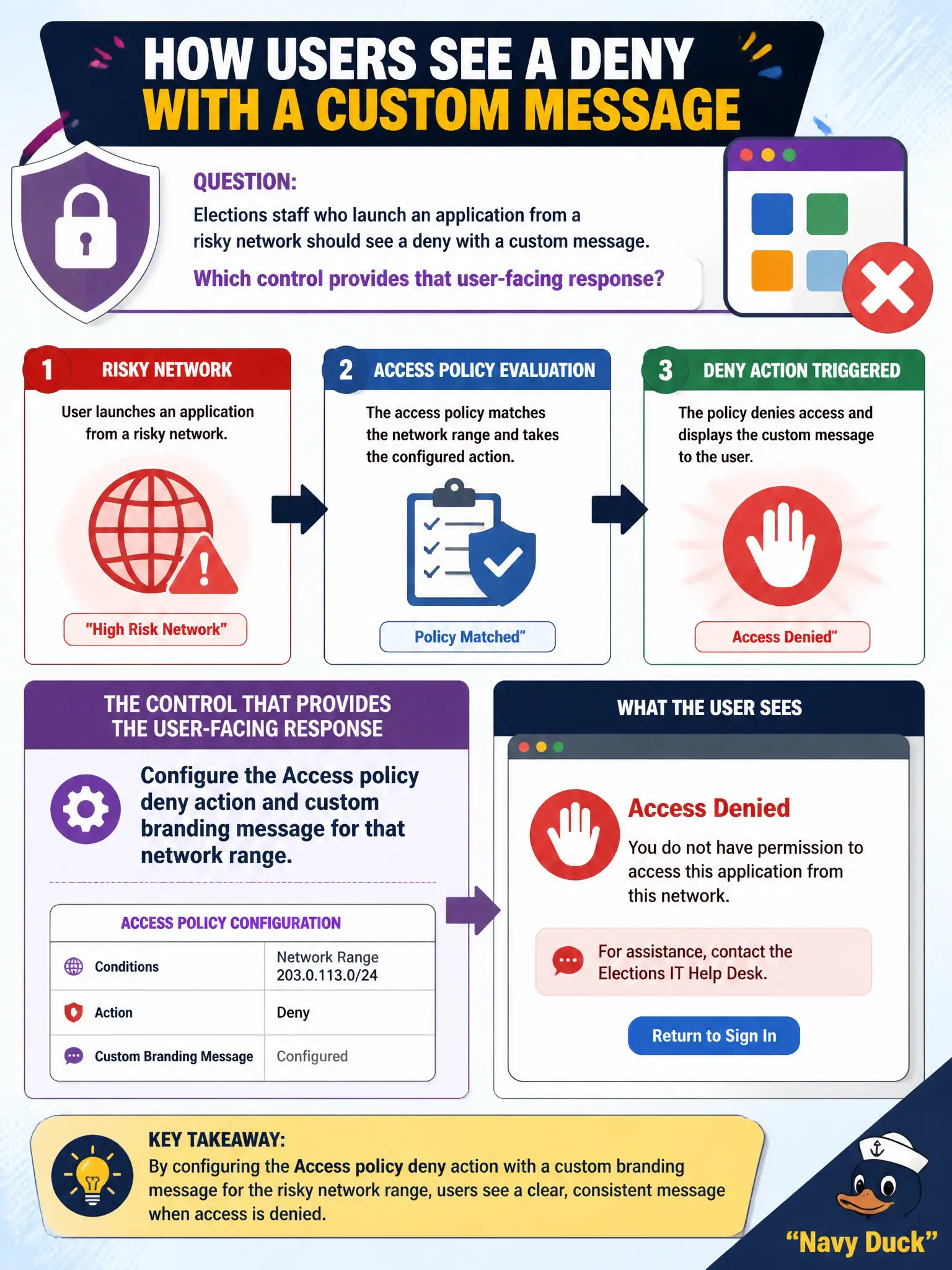
Elections staff who launch an application from a risky network should see a deny with a custom message. Which control provides that user-facing response?
Select an answer to reveal the explanation.
Short Explanation
A custom deny is a polite locked door with a sign, not a silent packet drop or a wipe. Access policy deny plus branding shows elections staff why SSO stopped. Carbon Black isolate and NSX drop never print that Hub message.
Full Explanation
Elections staff who launch an application from a risky network should see a deny with a custom message. Configure the Access policy deny action and custom branding message for that network range—a polite locked door with a sign, not a silent packet drop or a wipe. Issuing a Carbon Black Cloud isolate on every elections laptop when the SSID is unknown fails by concept because isolate is host containment and does not present the Access Hub deny message for a risky network SSO attempt. Applying an NSX-T distributed firewall drop with no user-facing text fails because silent drops do not give elections staff a branded explanation in the Access client. Enterprise-wiping the device from UEM whenever the Access deny would have fired fails because wipe is grossly disproportionate to a network-range deny and destroys device state. Exam caveat: user-facing SSO denial with messaging is Access policy deny plus branding—not CBC isolate, silent NSX drop, or UEM wipe-as-deny. Operational check: authenticate from the risky network range, confirm access is denied and the custom message appears, and verify wipe/isolate/DFW-drop were not substituted. Keep message text actionable (which network is allowed) so poll workers can move to a compliant network quickly on election day.