
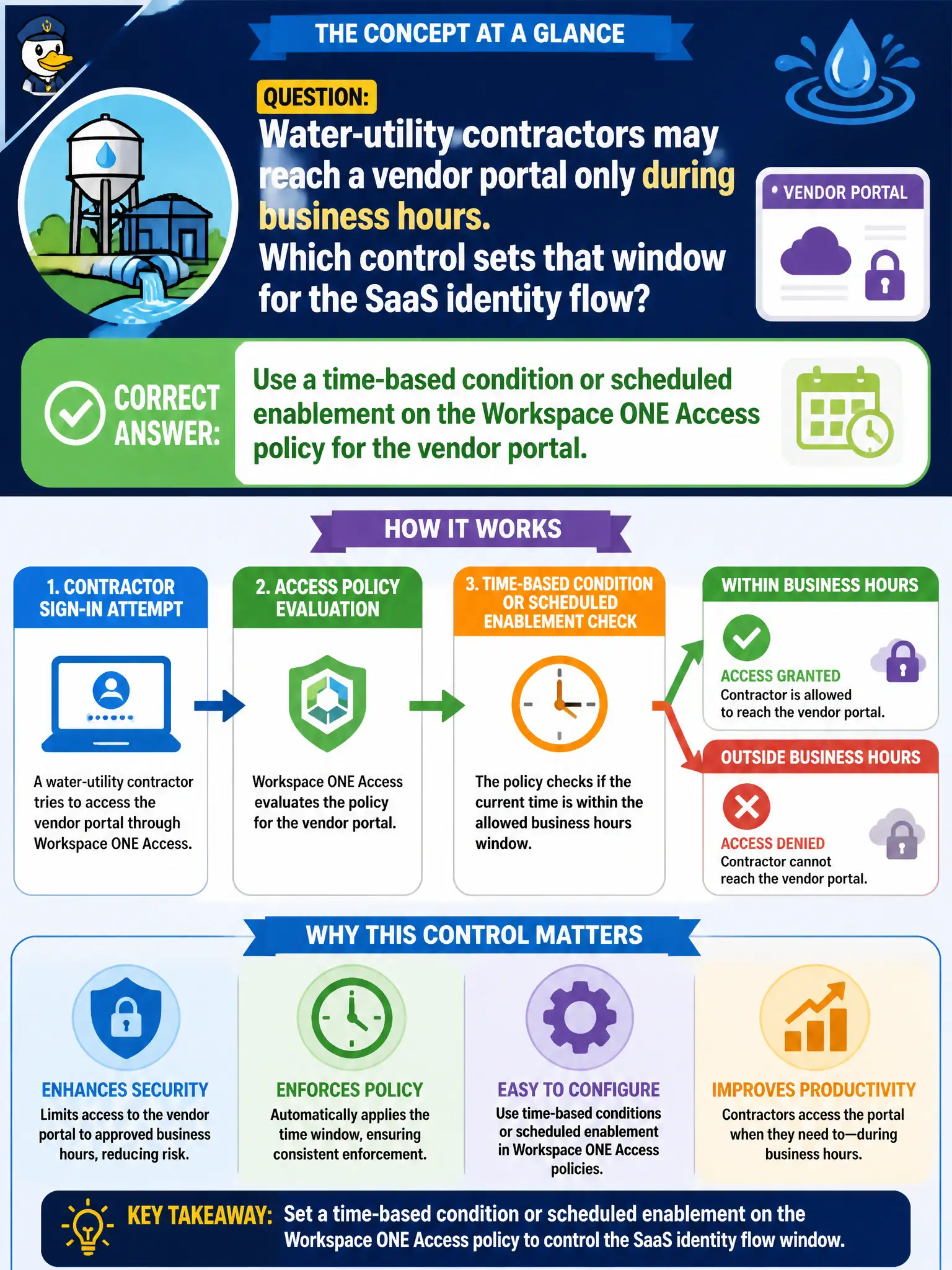
Water-utility contractors may reach a vendor portal only during business hours. Which control sets that window for the SaaS identity flow?
Select an answer to reveal the explanation.
Short Explanation
Business hours for a SaaS login live at the Access bouncer, not on an NSX clock in the datacenter. Put the window on the Access policy. Time-based DFW is for east-west VM traffic, not the IdP handshake to a vendor portal.
Full Explanation
Water-utility contractors may reach a vendor portal only during business hours. Use a time-based condition or scheduled enablement on the Workspace ONE Access policy for the vendor portal—business hours for a SaaS login live at the Access bouncer, not on an NSX clock in the datacenter. Creating an NSX-T time-based distributed firewall rule on the contractor VLAN and assuming it gates the SaaS identity provider fails by concept because time-based DFW is for east-west or network flows, not the IdP handshake to a vendor portal. Scheduling a Carbon Black Cloud sensor uninstall every evening fails because uninstalling EDR is not an Access time window for SaaS SSO. Pushing a UEM restriction profile that greys out Safari after 17:00 fails because browser UI tricks are not reliable Access policy time conditions and may not cover all clients. Exam caveat: SaaS identity time windows belong on the Access policy—not NSX time-based DFW-as-IdP, CBC uninstall schedules, or Safari greying. Operational check: attempt vendor-portal SSO during the allowed window (success) and outside it (deny), confirm DFW time rules were not used as the SSO gate, and align the window with utility business hours and holidays. Publish the Access schedule to contractor coordinators so after-hours break-glass uses a separate governed process.