
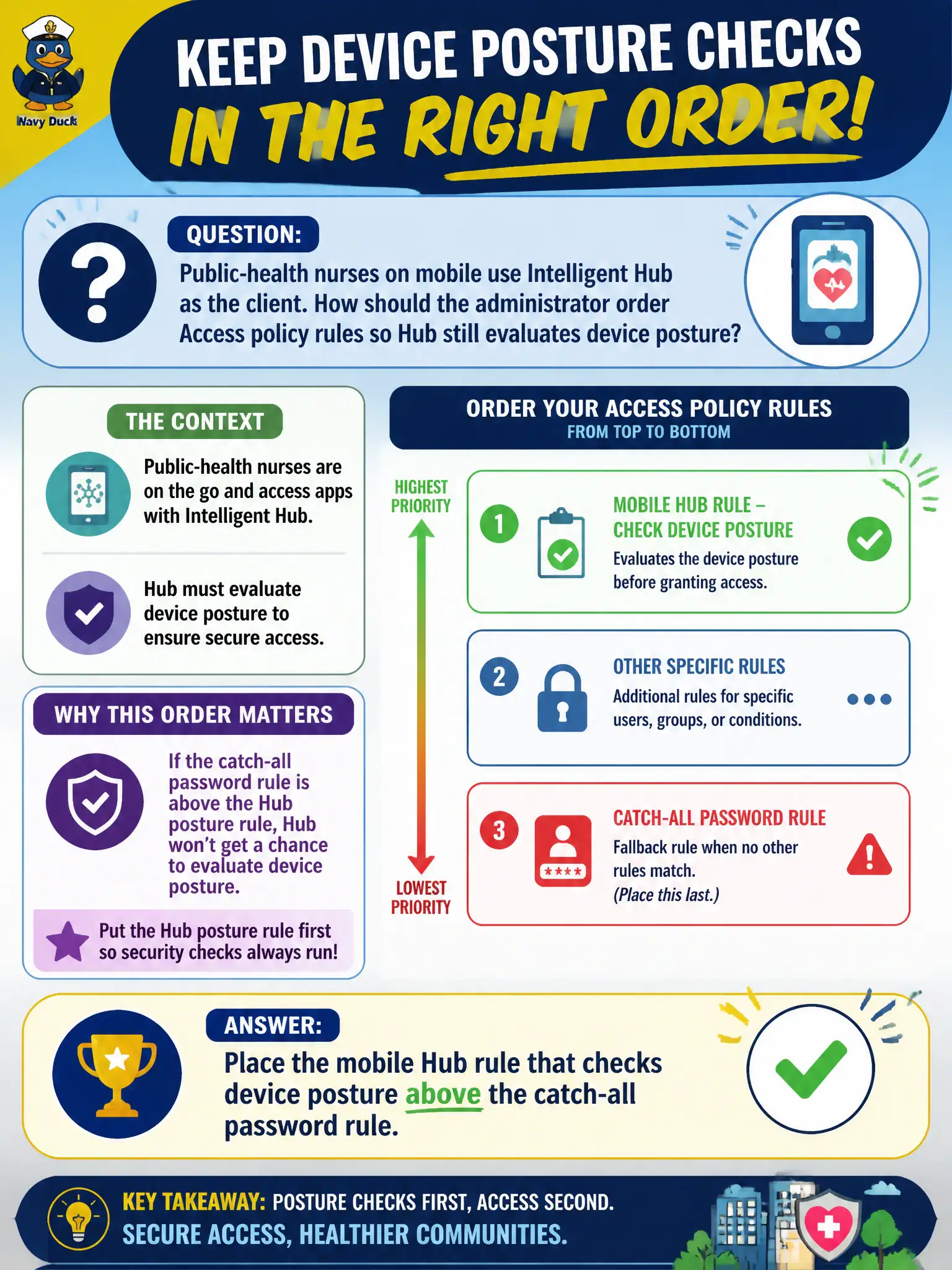
Public-health nurses on mobile use Intelligent Hub as the client. How should the administrator order Access policy rules so Hub still evaluates device posture?
Select an answer to reveal the explanation.
Short Explanation
Access rules are a line at the clinic window: first match wins and everyone behind that person is skipped. Put the Hub-plus-posture rule above the catch-all password rule. If password-for-anyone sits on top, nurses never get the device check.
Full Explanation
Public-health nurses on mobile use Intelligent Hub as the client. Place the mobile Hub rule that checks device posture above the catch-all password rule in Workspace ONE Access—policy rules are a line at the clinic window where first match wins and everyone behind that person is skipped. Putting a catch-all password rule first fails by concept because every client, including Hub, authenticates the same password way and never reaches the Hub-specific posture evaluation. Disabling all Hub-specific rules and relying on UEM passcode payloads for SSO fails because passcode payloads harden the device locally; they do not order or evaluate Access authentication rules for Hub posture. Placing an NSX-T identity firewall rule above Access so Hub is never evaluated fails because NSX Identity Firewall is a network policy plane and cannot replace Access rule evaluation for Intelligent Hub. Exam caveat: Access policy rule order is first-match; the Hub-plus-device-posture rule must outrank the catch-all password rule or posture checks are skipped for nurses. Operational check: with the Hub posture rule above password, authenticate via Hub and confirm device posture is evaluated; in a lab, reverse the order briefly to demonstrate password catch-all short-circuiting posture, then restore production order before nurses rely on it. Export or screenshot Access policy order into the public-health IdP change record so future administrators do not drag password to the top during troubleshooting.