
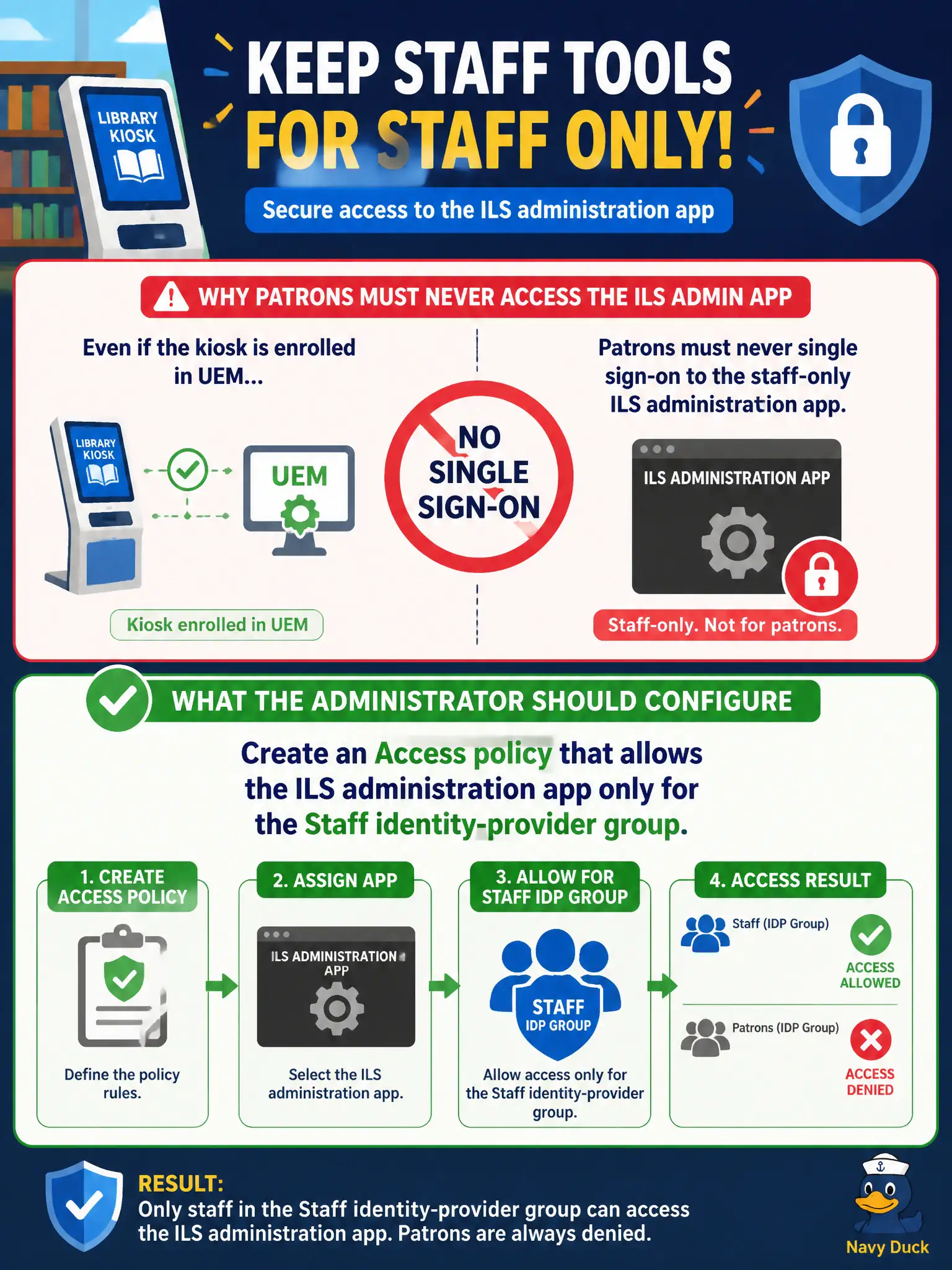
Library patrons must never single sign-on to the staff-only ILS administration app, even when the kiosk is enrolled in UEM. What should the administrator configure?
Select an answer to reveal the explanation.
Short Explanation
Enrollment is a library card for the kiosk, not a master key to staff tools. Access still has to check the Staff group before ILS admin SSO. A managed patron tablet can sit in Hub and still be denied that app.
Full Explanation
Library patrons must never single sign-on to the staff-only ILS administration app, even when the kiosk is enrolled in UEM. Create an Access policy that allows the ILS administration app only for the Staff identity-provider group—enrollment is a library card for the kiosk, not a master key to staff tools. Enrolling patron kiosks in UEM and assuming enrollment authorizes every application in Hub fails by concept because managed status does not equal entitlement to staff admin apps. Putting the ILS administration FQDN in an NSX-T distributed firewall allow for the library VLAN fails because network allow does not perform identity-group SSO authorization in Access. Deploying a Carbon Black Cloud sensor to patron kiosks and treating sensor presence as authorization fails because a sensor is EDR presence, not Access app authorization. Exam caveat: staff-only app SSO is Access policy bound to the Staff group—UEM enrollment, NSX allows, and CBC sensors do not replace that identity check. Operational check: attempt ILS admin SSO as a Staff user (allow) and as a patron or kiosk user (deny), confirm Hub may still show other patron apps, and verify enrollment alone does not open ILS admin. Review Hub assignment so the ILS admin tile is not even advertised to patron groups when possible.