
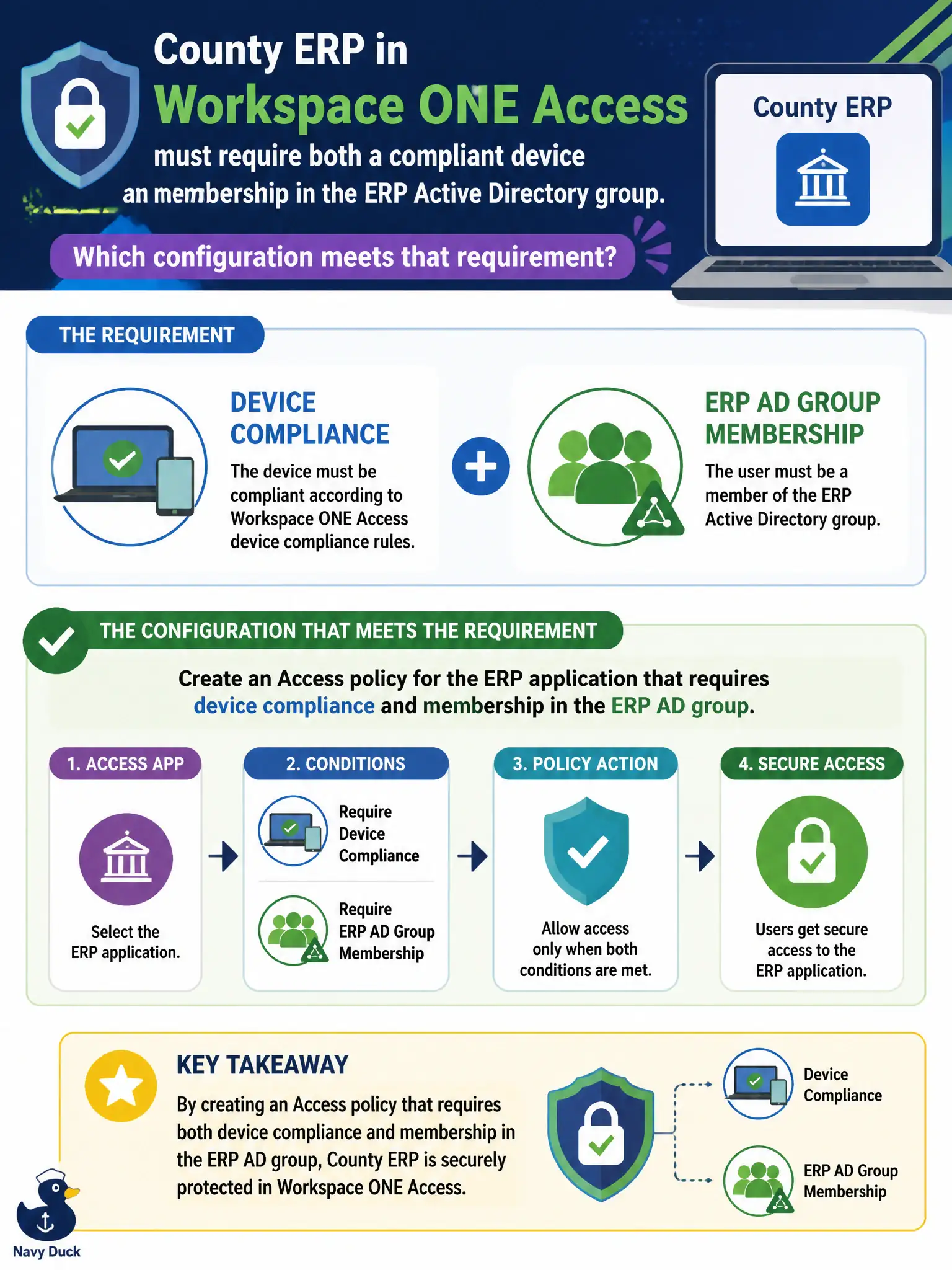
County ERP in Workspace ONE Access must require both a compliant device and membership in the ERP Active Directory group. Which configuration meets that requirement?
Select an answer to reveal the explanation.
Short Explanation
SSO to ERP is a bouncer checking both the badge and the laptop sticker. Access policy combines AD group and device compliance. A UEM passcode profile hardens the device, but it does not hand out the ERP session by itself.
Full Explanation
County ERP in Workspace ONE Access must require both a compliant device and membership in the ERP Active Directory group. Create an Access policy for the ERP application that requires device compliance and membership in the ERP AD group—SSO is a bouncer checking both the badge and the laptop sticker. Assigning a UEM passcode payload alone fails by concept because a passcode profile hardens the device but does not by itself grant SSO to ERP. Creating only an NSX-T identity firewall rule for the ERP virtual IP and skipping Access fails because IDFW is not the SaaS/enterprise SSO policy engine for Workspace ONE Access applications. Adding the ERP URL to a Carbon Black Cloud reputation allow list fails because reputation allows govern process execution, not Access authentication policy. Exam caveat: combined AD group plus device compliance for an app is an Access authentication policy—not UEM passcode alone, not NSX IDFW alone, not CBC reputation. Operational check: test ERP SSO with a user in the ERP AD group on a compliant device (should succeed), then with wrong group or non-compliant device (should fail), and confirm Access policy—not passcode payload alone—enforces both conditions. Keep ERP AD group membership governed by county IAM so Access policy stays aligned with HR role changes.