
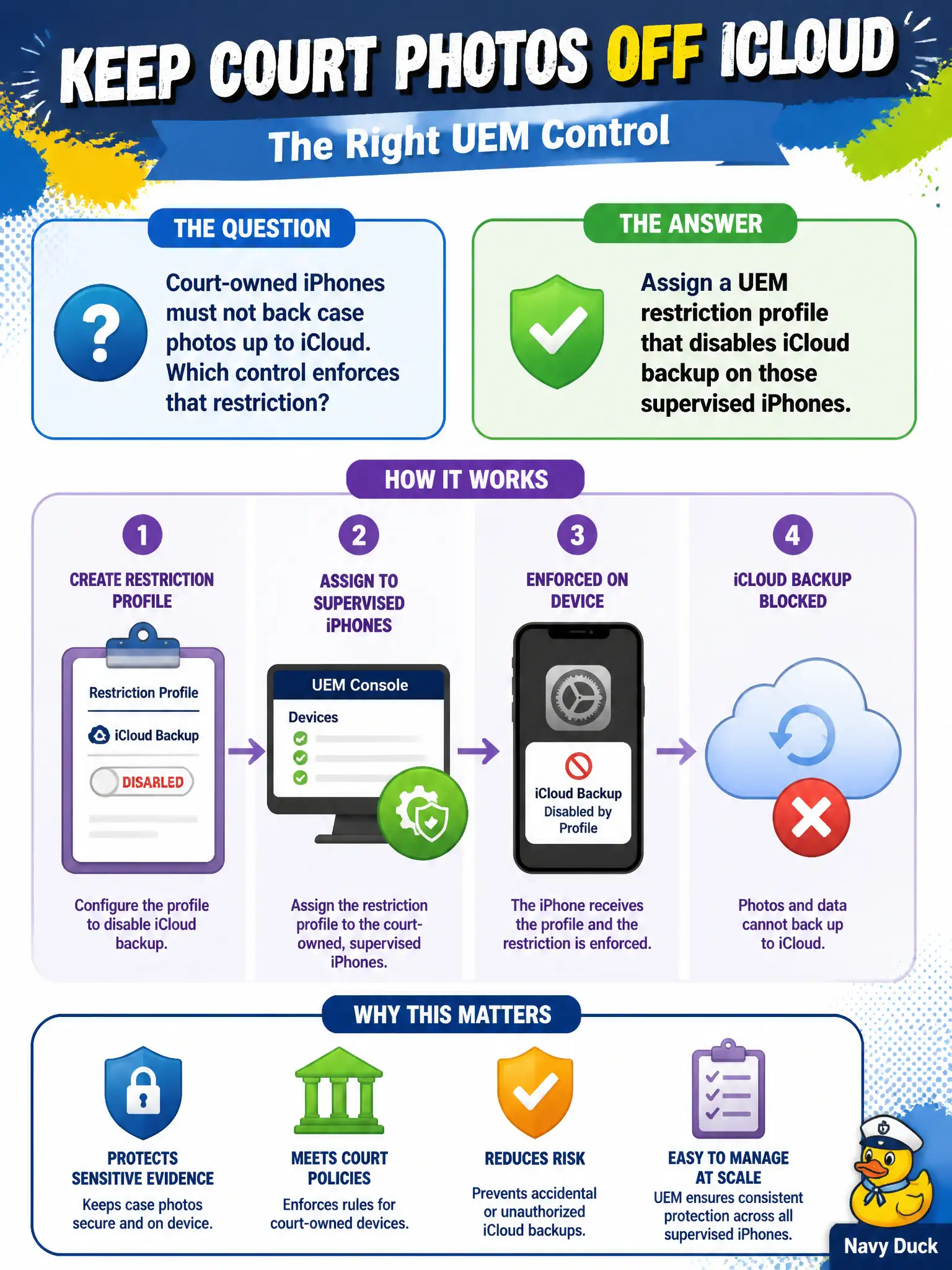
Court-owned iPhones must not back case photos up to iCloud. Which control enforces that restriction?
Select an answer to reveal the explanation.
Short Explanation
Stopping iCloud backup is a switch on the phone, not a sign on the courthouse firewall. A UEM restriction profile disables iCloud backup on supervised iPhones. Access network ranges gate SSO, they do not flip iOS backup bits.
Full Explanation
Court-owned iPhones must not back case photos up to iCloud. Assign a UEM restriction profile that disables iCloud backup on those supervised iPhones—stopping iCloud backup is a switch on the phone, not a sign on the courthouse firewall. Adding a Workspace ONE Access network-range policy that denies iCloud.com from the courthouse VLAN fails by concept because Access network ranges gate SSO conditions; they do not flip iOS backup bits, and off-network backup could still occur. Creating a Carbon Black Cloud device-control rule that blocks the iCloud daemon fails because CBC device control is not the iOS supervised restriction mechanism for iCloud backup. Tagging the iPhones in vCenter and applying an NSX-T distributed firewall deny to Apple backup destinations fails because phones are not vCenter VMs and DFW is not a durable iOS backup disable. Exam caveat: disable iCloud backup with a UEM restriction profile on supervised iPhones—not Access ranges, CBC device control, or NSX/vCenter tagging. Operational check: assign the restriction profile to court-owned supervised iPhones, confirm iCloud backup is disabled in device settings or profile status, and verify case photo workflow still meets retention policy without iCloud. Note supervision requirement in the courts mobile standard because several backup restrictions require supervised mode.