
Parks BYOD phones and city-owned phones must receive different restriction profiles. How should the administrator target those payloads?
Select an answer to reveal the explanation.
Short Explanation
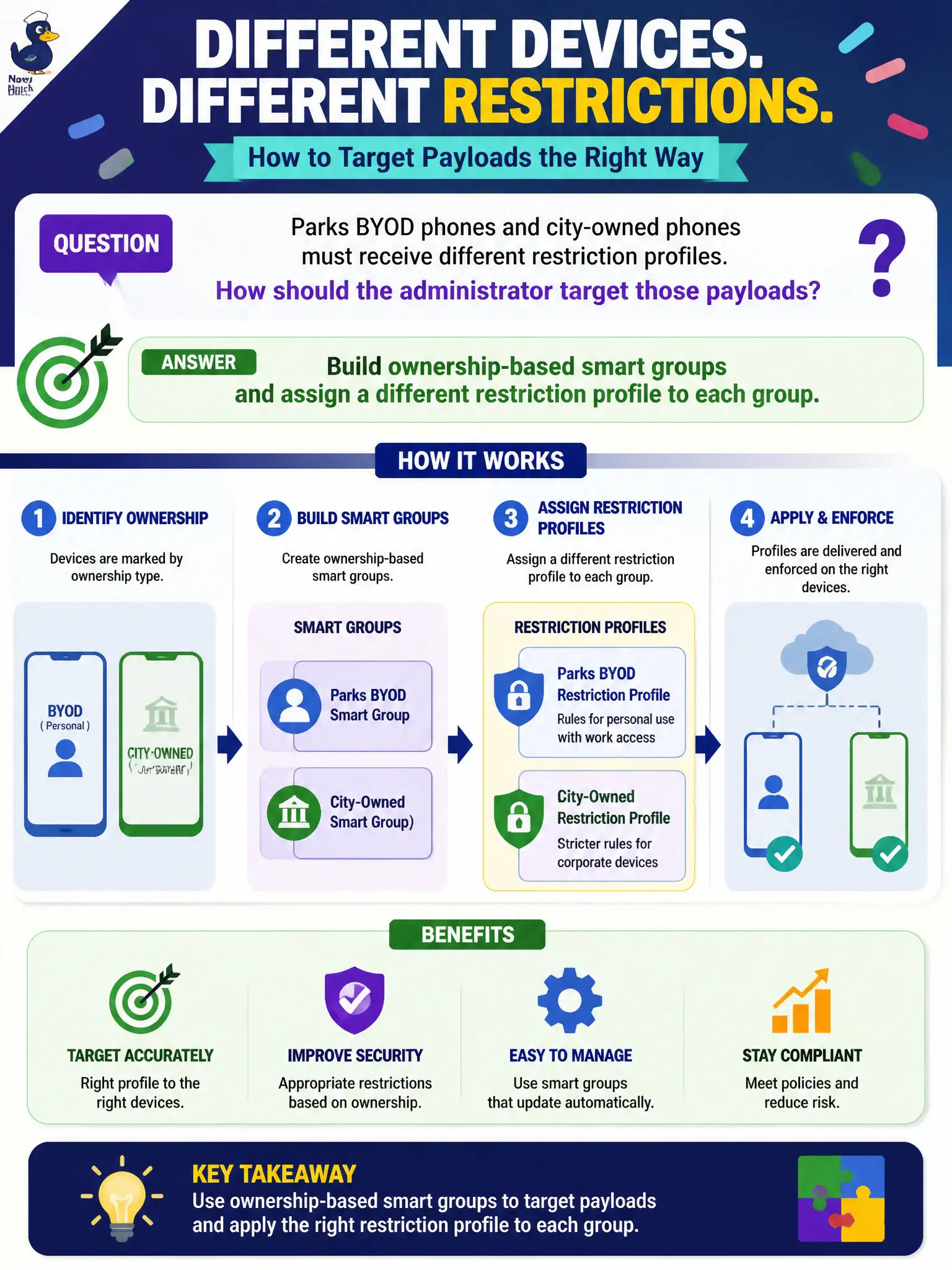
Ownership is a name tag on the enrollment, and smart groups read that tag. City-owned gets the strict profile, BYOD gets the lighter one. One profile for All Devices treats a ranger’s personal phone like a city asset.
Full Explanation
Parks BYOD phones and city-owned phones must receive different restriction profiles. Build ownership-based smart groups and assign a different restriction profile to each group—ownership is a name tag on the enrollment, and smart groups read that tag. Publishing one restriction profile to All Devices fails by concept because BYOD and corporate-dedicated devices would share the same payload, treating a ranger’s personal phone like a city asset. Creating two Workspace ONE Access identity-provider instances labeled BYOD and Corporate fails because IdP instances authenticate users; they do not target MDM restriction profiles by ownership. Using NSX-T tags for Employee Owned versus Corporate Dedicated and pushing MDM payloads from NSX Manager fails because NSX Manager is not an MDM profile assignment plane. Exam caveat: ownership-differentiated restrictions use UEM ownership-based smart groups—not All Devices one-profile, not Access IdP labels, not NSX tags. Operational check: enroll one BYOD and one corporate parks phone, confirm each lands in the correct ownership smart group, verify different restriction profiles apply, and ensure All Devices was not used for the restrictive corporate payload. Publish ownership enrollment instructions so seasonal BYOD staff are not staged as corporate-dedicated by mistake.