
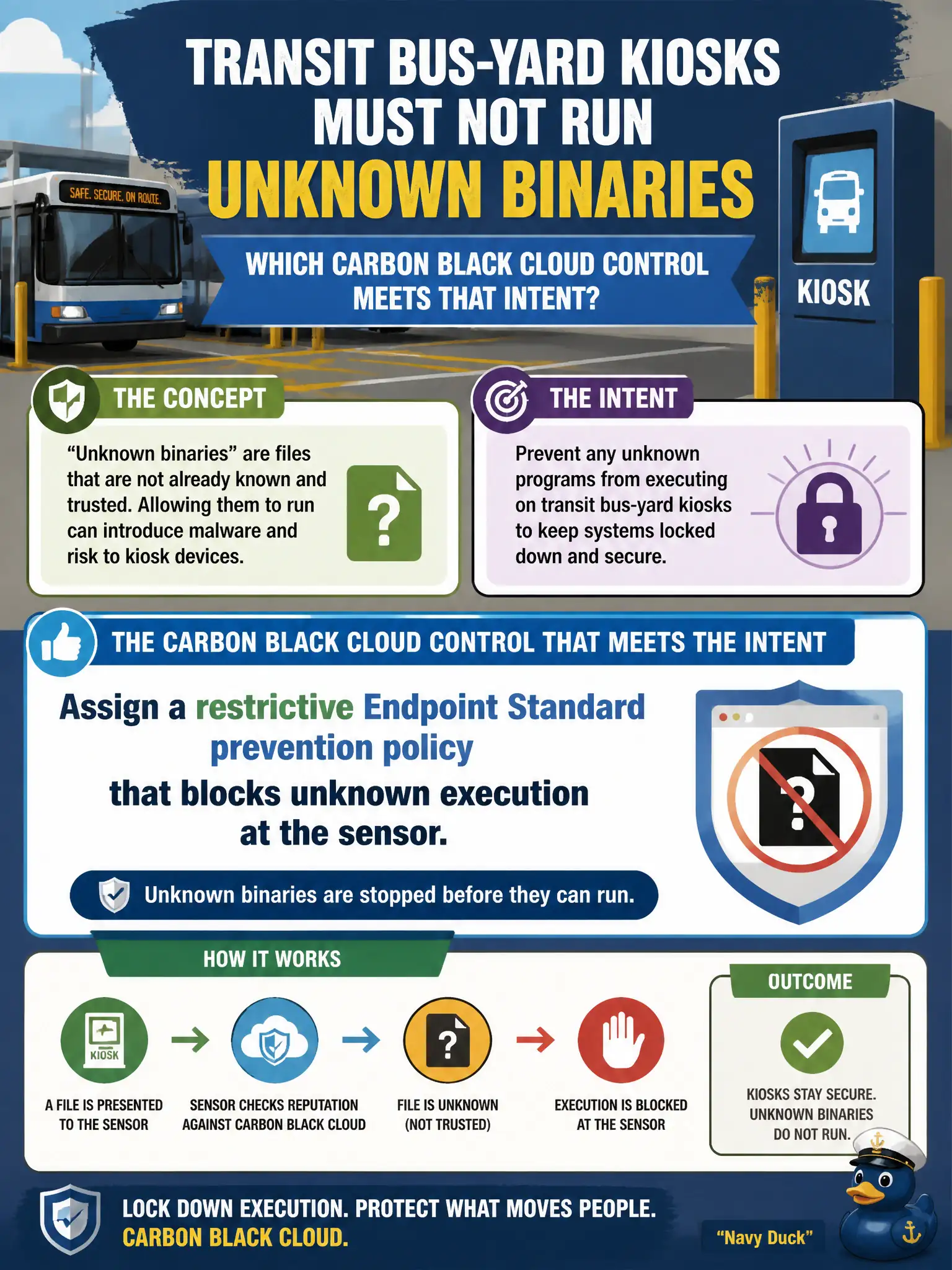
Transit bus-yard kiosks must not run unknown binaries. Which Carbon Black Cloud control meets that intent?
Select an answer to reveal the explanation.
Short Explanation
A weekly scan is a rear-view mirror; the kiosk needs a locked ignition. Put a restrictive Endpoint Standard prevention policy on those sensors so unknown binaries never start.
Full Explanation
Transit bus-yard kiosks must not run unknown binaries. Assign a restrictive Endpoint Standard prevention policy that blocks unknown execution at the sensor—a weekly scan is a rear-view mirror, while the kiosk needs a locked ignition before unknown code starts. Leaving Endpoint Standard at Alert and scheduling a weekly AV product outside Carbon Black fails by concept because Alert-only plus periodic AV does not block unknown execution at runtime on the kiosk. Adding the kiosks to a watchlist and waiting for a hunt query to catch new files fails because Enterprise EDR watchlists are for investigation after activity appears, not for host execution prevention. Relying on NSX-T Distributed Firewall micro-segmentation instead of a sensor policy fails because DFW mediates network flows between workloads and does not enforce local binary allow-or-block decisions on the kiosk operating system. Exam caveat: unknown-execution lockdown for kiosks is a restrictive Carbon Black Cloud Endpoint Standard prevention policy assigned to the kiosk sensor group—not Alert-only, not watchlist hunting, and not NSX DFW as a substitute EDR. Operational check: assign the restrictive policy to the bus-yard kiosk group, attempt to run an unknown test binary and confirm it is blocked, and verify Alert-only mode or weekly AV is not the sole control left in place. Lock local admin on the kiosks and document the policy name in the transit yard runbook so seasonal image refreshes keep the same prevention level.