
New library staff PCs check into Carbon Black Cloud but match no sensor-group criteria. What policy assignment should the administrator expect?
Select an answer to reveal the explanation.
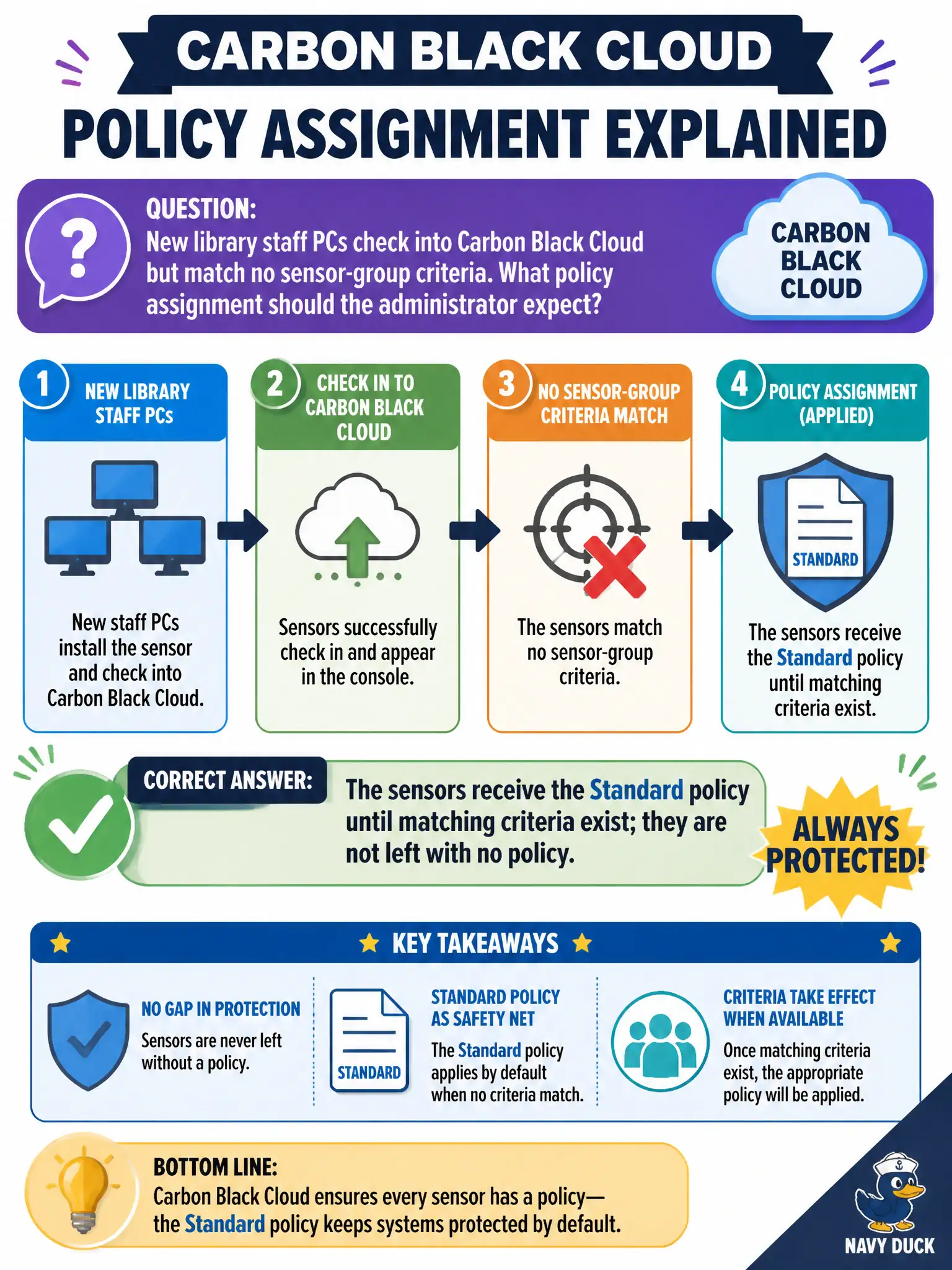
Short Explanation
Unmatched sensors are not standing in the lobby with no badge. They still get the Standard policy until a group criteria match moves them.
Full Explanation
When new library staff PCs check into Carbon Black Cloud but match no sensor-group criteria, they receive the Standard policy until matching criteria exist—they are not left with no policy. Unmatched sensors are not standing in the lobby with no badge; Standard is the default landing. Expecting sensors to remain with no policy until an administrator clicks Assign fails by concept because CBC assigns Standard by default when no group matches. Assuming sensors inherit NSX-T Distributed Firewall as a substitute policy fails because DFW is not a CBC sensor policy and does not replace Endpoint Standard assignment. Expecting sensors to go to an empty watchlist and block all execution until grouped fails because watchlists are hunt objects, not the default policy assignment path. Exam caveat: unmatched CBC sensors get Standard until criteria match—not empty policy, not NSX inheritance, not watchlist lockdown. Operational check: after check-in, confirm new library PCs show Standard in the console, then add group criteria and verify they move to the intended library policy on next evaluation. Publish the library group criteria before mass imaging so new PCs do not linger on Standard longer than intended.