
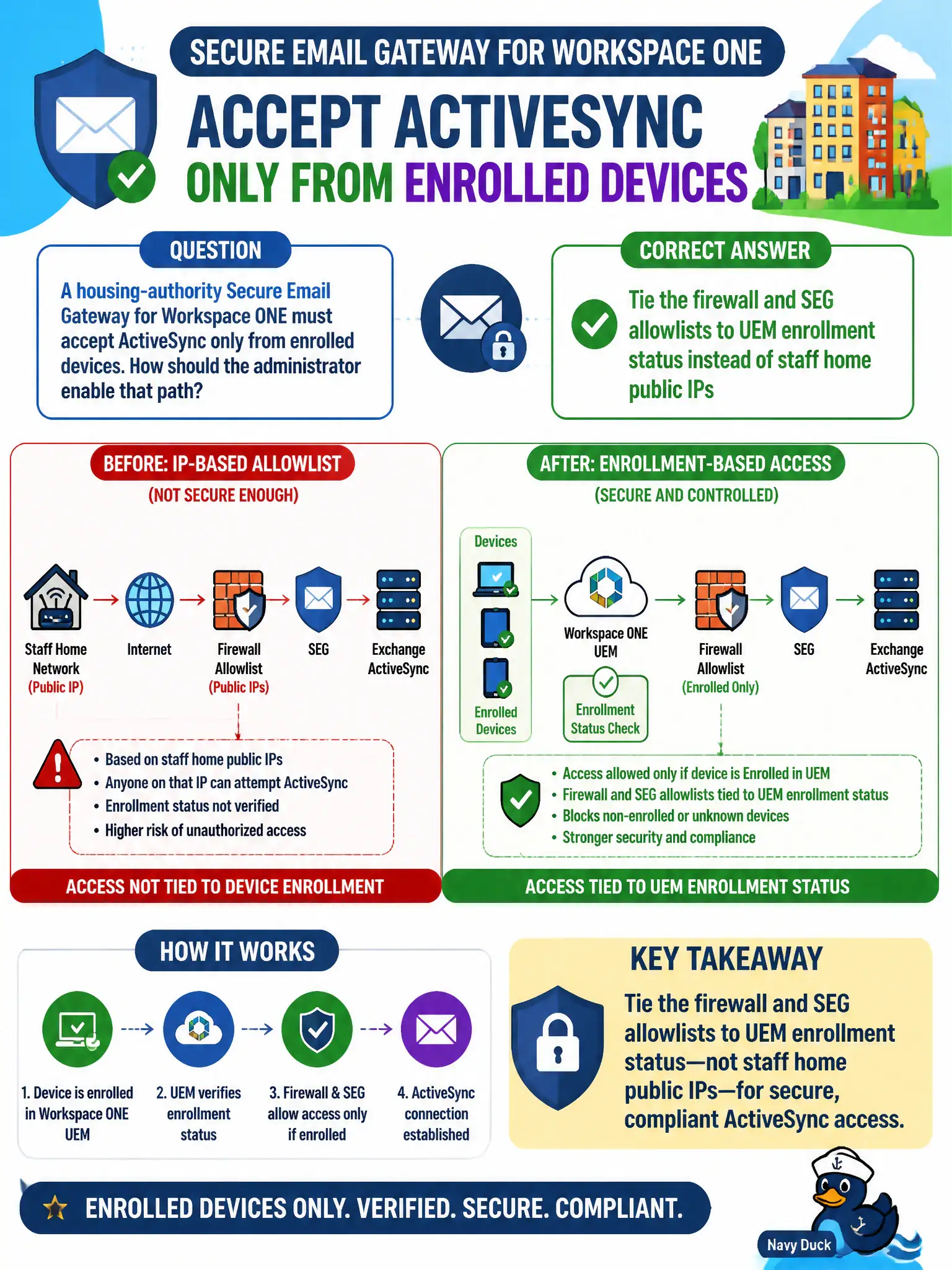
A housing-authority Secure Email Gateway for Workspace ONE must accept ActiveSync only from enrolled devices. How should the administrator enable that path?
Select an answer to reveal the explanation.
Short Explanation
Staff home cable modems change; enrollment does not. Point SEG and the firewall at UEM-managed devices, not at a spreadsheet of residential IPs.
Full Explanation
A housing-authority Secure Email Gateway for Workspace ONE must accept ActiveSync only from enrolled devices. Tie firewall and SEG allowlists to UEM enrollment status instead of staff home public IP addresses—residential cable modems change; enrollment posture does not. Allowing ActiveSync from a static list of staff home public IP addresses fails by concept because home IPs are dynamic, shared, and never prove that the device is managed or compliant in UEM. Publishing the SEG on the guest Wi-Fi VLAN with no enrollment check fails because guest and citizen networks are untrusted and must not reach corporate ActiveSync or mailbox synchronization paths. Disabling SEG and forwarding all ActiveSync from the internet directly to Exchange fails because it removes the enrollment gate and exposes the mail backend to unmanaged clients. Exam caveat: SEG and related Workspace ONE email-proxy enablement is enrollment-bound, not spreadsheet-of-home-IPs-bound, and not guest-SSID-open. Operational check: sync mail successfully from an enrolled managed device; attempt ActiveSync from an unenrolled phone and from the guest SSID and confirm both are denied; remove any lingering static home-IP exceptions from firewall or SEG allowlists. Document enrollment-based SEG criteria in the housing-authority email standard so auditors can see why residential IP lists were rejected as a control.