
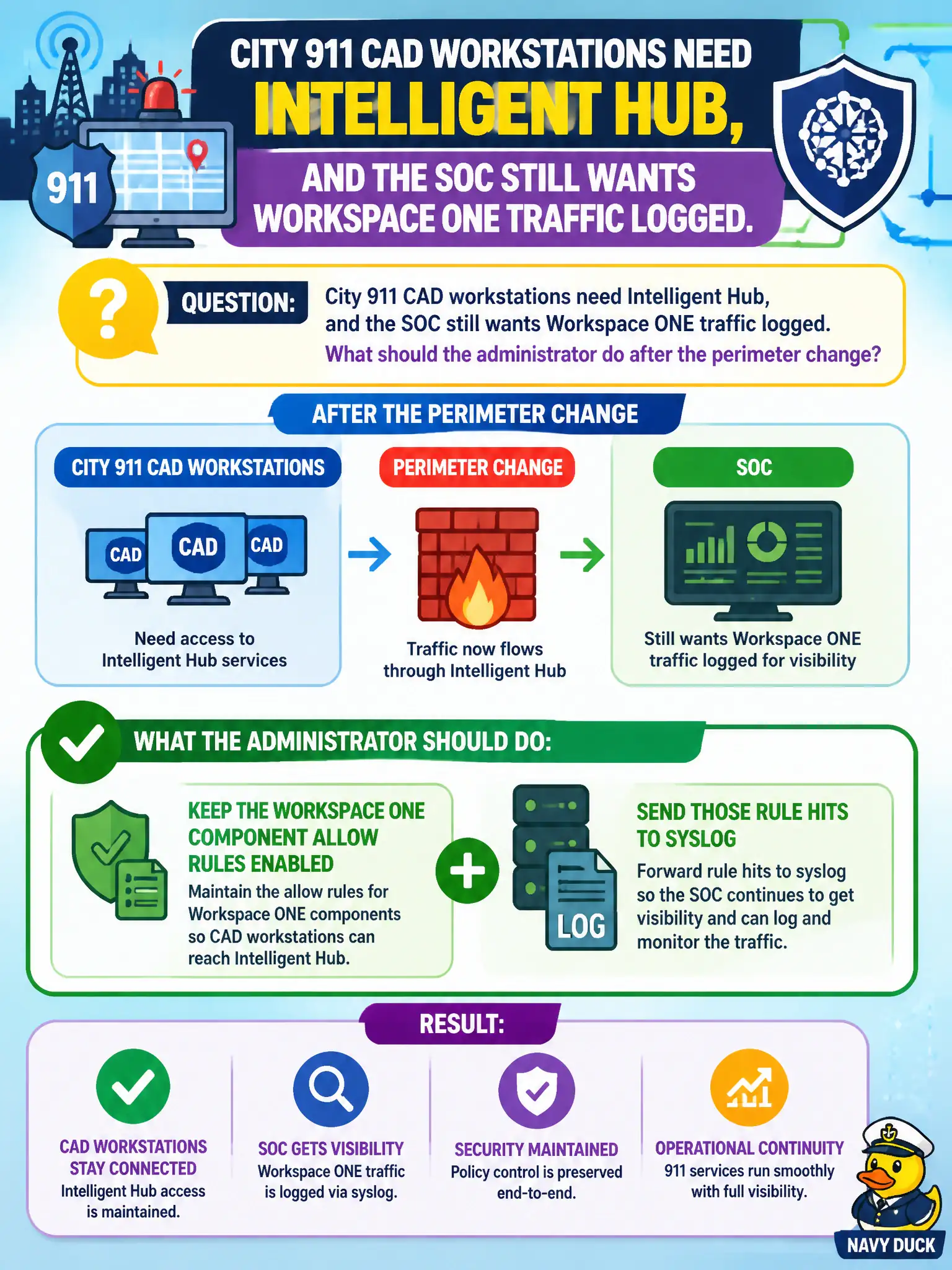
City 911 CAD workstations need Intelligent Hub, and the SOC still wants Workspace ONE traffic logged. What should the administrator do after the perimeter change?
Select an answer to reveal the explanation.
Short Explanation
Hub and the audit trail can share the road. Leave the Workspace ONE allow rules in place and log them—do not yank the rules just to make CAD phones light up.
Full Explanation
City 911 CAD workstations need Intelligent Hub while the SOC still wants Workspace ONE traffic logged. Keep the Workspace ONE component allow rules enabled and send those rule hits to syslog so Hub and the audit trail can share the road without tearing down the edge. Disabling the Workspace ONE allow rules so Hub can bypass logging fails by concept because removing the rules destroys both the control plane path definition and the visibility the SOC requires for public-safety endpoints. Moving Hub traffic onto an unlogged any-any rule at the bottom of the policy fails because connectivity without logging defeats monitoring of CAD-related Workspace ONE flows and hides abuse or misconfiguration. Turning off the edge firewall for the CAD VLAN until Hub finishes installing fails because a temporary full disable is audit-blind, outage-prone, and unacceptable on a 911-related network segment. Exam caveat: Workspace ONE component enablement and firewall logging must coexist—documented allow rules stay enabled and their hits are exported; do not restore Hub by disabling rules, using unlogged any-any, or shutting off the CAD VLAN firewall. Operational check: install or update Hub on a CAD workstation using the documented allows, confirm matching allow-rule hits appear in syslog or the SIEM, and prove the change ticket did not introduce any-any or VLAN firewall-off exceptions. Attach the syslog filter or rule object names to the 911 change record so future Hub destination updates remain logged for the civic SOC.