
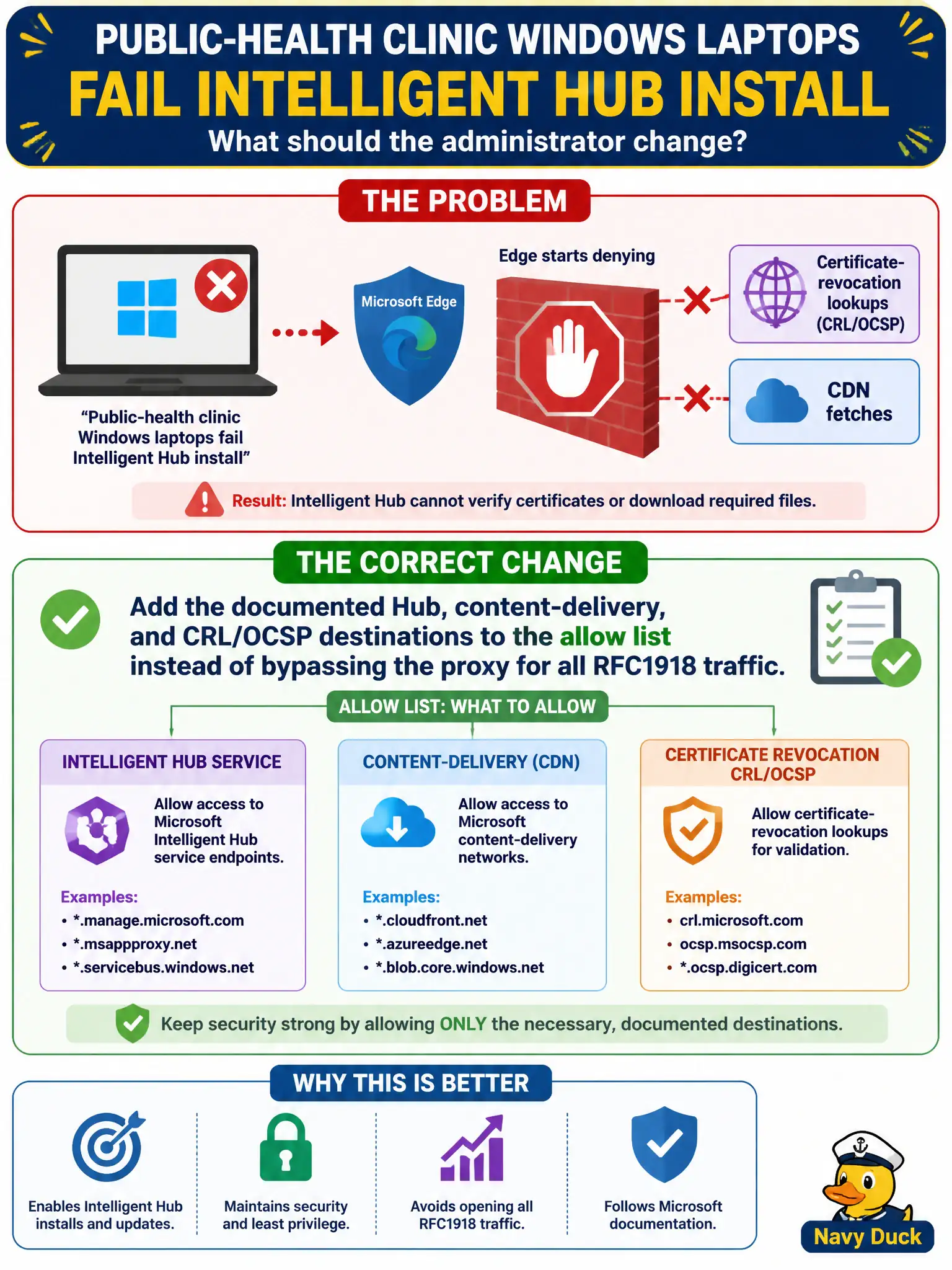
Public-health clinic Windows laptops fail Intelligent Hub install after the edge starts denying certificate-revocation lookups and CDN fetches. What should the administrator change?
Select an answer to reveal the explanation.
Short Explanation
Hub cannot finish install if it cannot grab its bits or check certificates—like a clinic that cannot receive a vaccine shipment. Open the documented Hub, CDN, and CRL/OCSP paths, not a hole for every private network.
Full Explanation
Public-health clinic Windows laptops fail Intelligent Hub install when the edge denies certificate-revocation lookups and CDN fetches. Add the documented Hub, content-delivery, and CRL/OCSP destinations to the allow list instead of bypassing the proxy for all RFC1918 traffic. Hub cannot finish if it cannot retrieve packages or check certificates—like a clinic that cannot receive a vaccine shipment. Disabling SSL inspection and allowing any destination from every clinic subnet fails by concept because it trades one install failure for uncontrolled egress and lost inspection. Bypassing the proxy for all RFC1918 including the OT laboratory VLAN fails because Hub CDN needs are not a reason to bridge clinic IT into OT. Opening an NSX-T Distributed Firewall any-any on the clinic overlay fails because DFW any-any is not a Workspace ONE component allow list and erases micro-segmentation value. Exam caveat: Hub enablement requires specific content and revocation destinations; RFC1918 proxy bypass or NSX any-any is not the component-firewall answer. Operational check: retry Hub install on a clinic laptop, confirm CDN and CRL/OCSP success in logs, verify OT laboratory destinations remain blocked, and keep inspection for unrelated traffic. File the FQDN set with public-health networking so the next edge change does not break Hub again.