
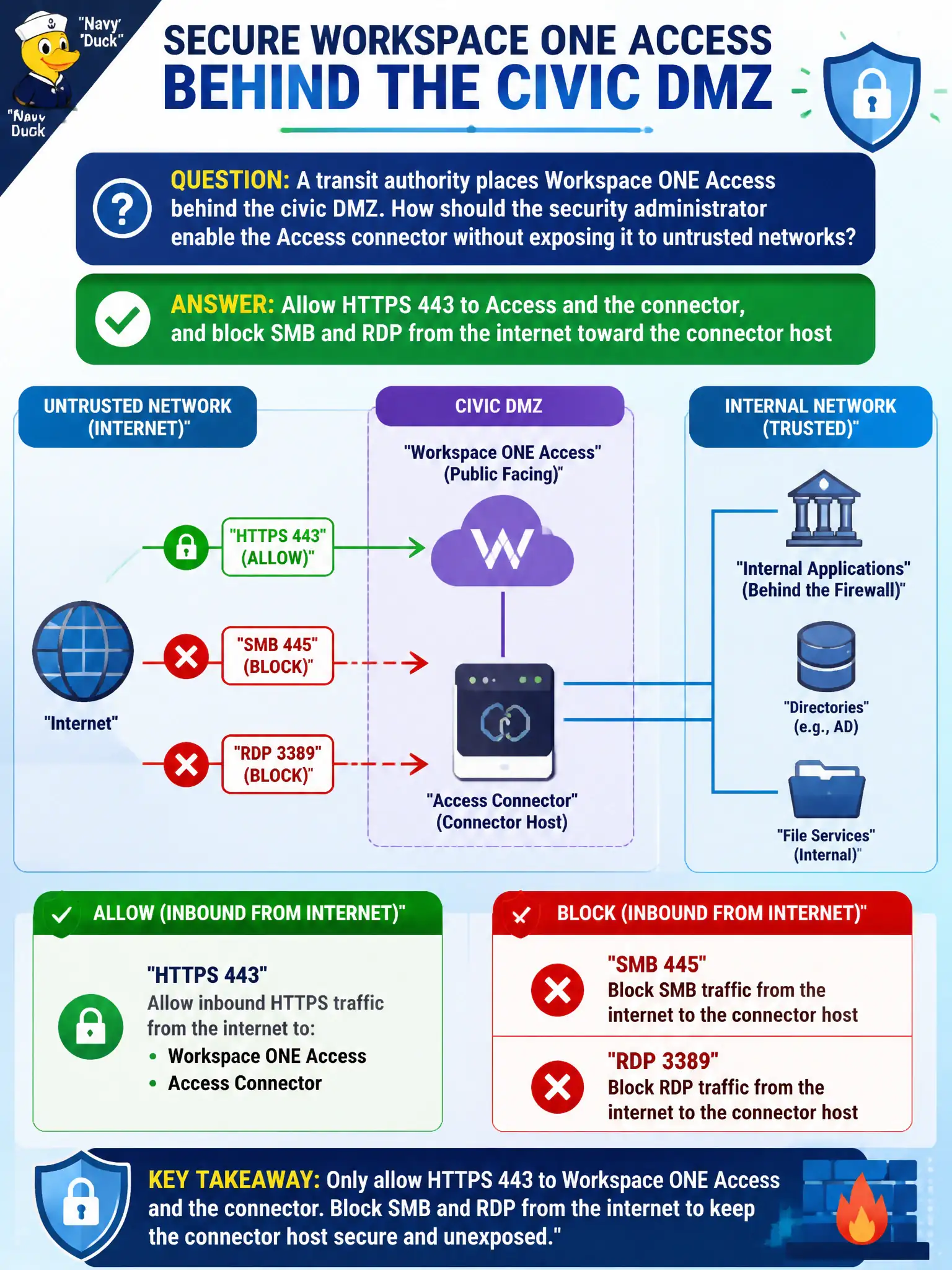
A transit authority places Workspace ONE Access behind the civic DMZ. How should the security administrator enable the Access connector without exposing it to untrusted networks?
Select an answer to reveal the explanation.
Short Explanation
The Access connector is a doorman, not a public lobby. Give it HTTPS 443 so identity traffic can flow, and keep SMB and RDP off the internet-facing side.
Full Explanation
When a transit authority places Workspace ONE Access behind the civic DMZ, enable the Access connector with HTTPS 443 for Access and the connector while blocking SMB and RDP from the internet toward the connector host. The connector is a doorman for identity traffic, not a public lobby. Allowing SMB 445 from the internet so the connector can share logs fails by concept because vendor file-sharing is not an Access enablement path and exposes the host to remote SMB abuse. Publishing RDP from any source for after-hours support fails because convenience does not justify internet-facing remote desktop on an identity component. Disabling the connector host firewall because Access is SaaS fails because SaaS branding does not remove host-firewall hardening for on-premises connector appliances. Exam caveat: Access and connector enablement centers on HTTPS authentication flows; management and file protocols from untrusted networks toward the connector stay closed. Operational check: complete an Access authentication through the HTTPS path, review policy or scans to prove SMB and RDP from untrusted sources are denied, and confirm the connector host firewall remains enforced. Capture connector FQDNs and ports in the transit DMZ runbook so future support tickets do not reopen RDP.