
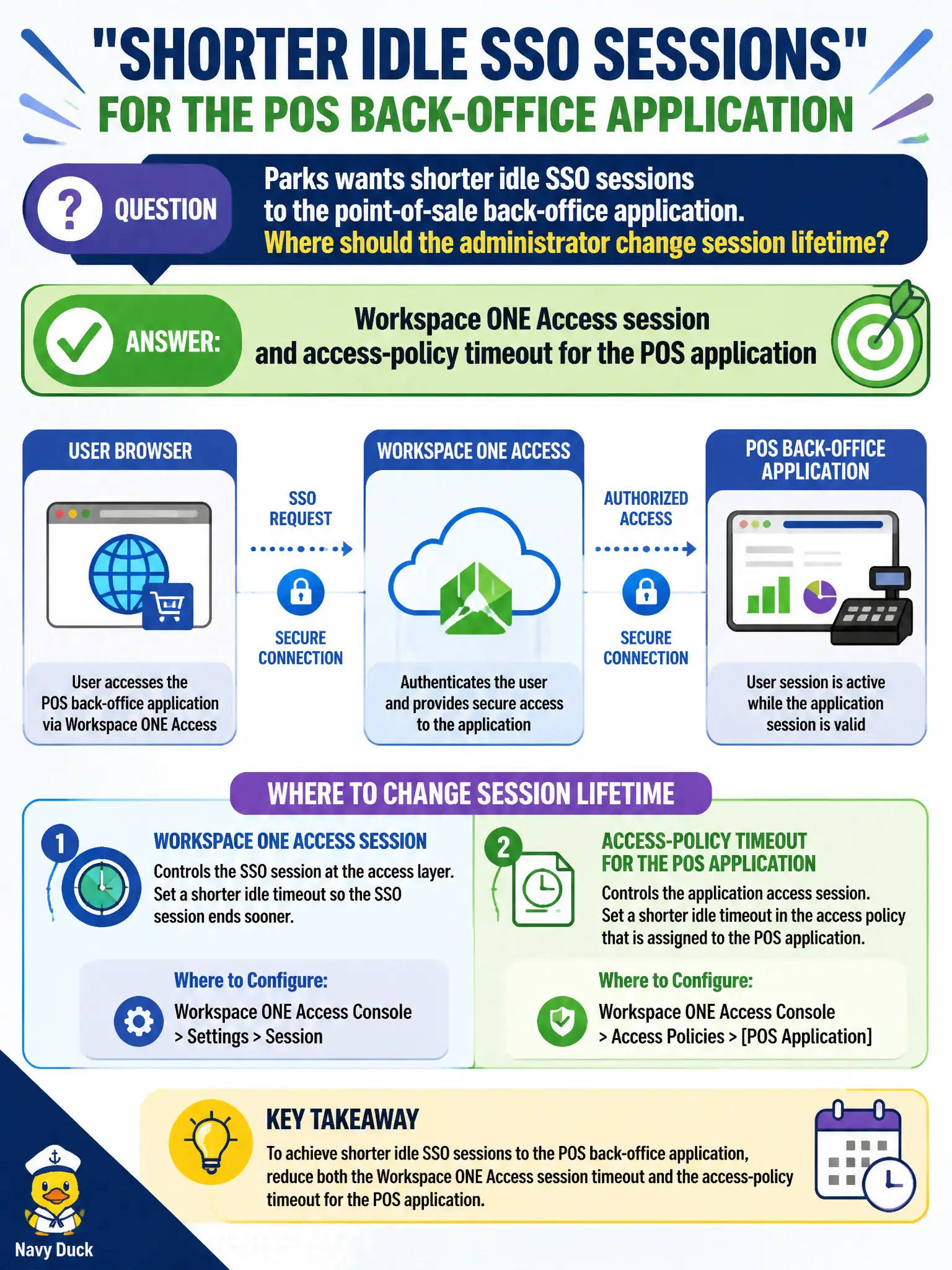
Parks wants shorter idle SSO sessions to the point-of-sale back-office application. Where should the administrator change session lifetime?
Select an answer to reveal the explanation.
Short Explanation
How long a clerk stays signed in is an Access timer, not a firewall idle drop. Shorten the Access session for the POS back-office app.
Full Explanation
When Parks wants shorter idle SSO sessions to the point-of-sale back-office application, the administrator should change the Workspace ONE Access session and access-policy timeout for the POS application. Treat Access session timeout as how long a parks cashier badge stays unlocked for the back-office app after idle time—shortening it forces reauthentication without touching network or hypervisor knobs. Changing the NSX-T Distributed Firewall idle timeout on the POS segment fails by concept because Distributed Firewall idle timeout is a firewall session timer for east-west flows, not SSO session lifetime. Changing Carbon Black Cloud live-response session duration fails because live-response duration is endpoint investigation tooling, not end-user SSO idle timeout for the POS application. Changing vSphere HA restart priority for the POS VMs fails because HA restart priority is cluster recovery order and is unrelated to SSO duration. Exam caveat: SSO session lifetime is a Workspace ONE Access operational policy for the application, not NSX, CBC, or HA settings. Operational check: shorten Access session and access-policy timeout for the POS app, verify idle users must reauthenticate, confirm POS VM networking and CBC settings remain unchanged, and document the timeout in the parks Access policy baseline.