
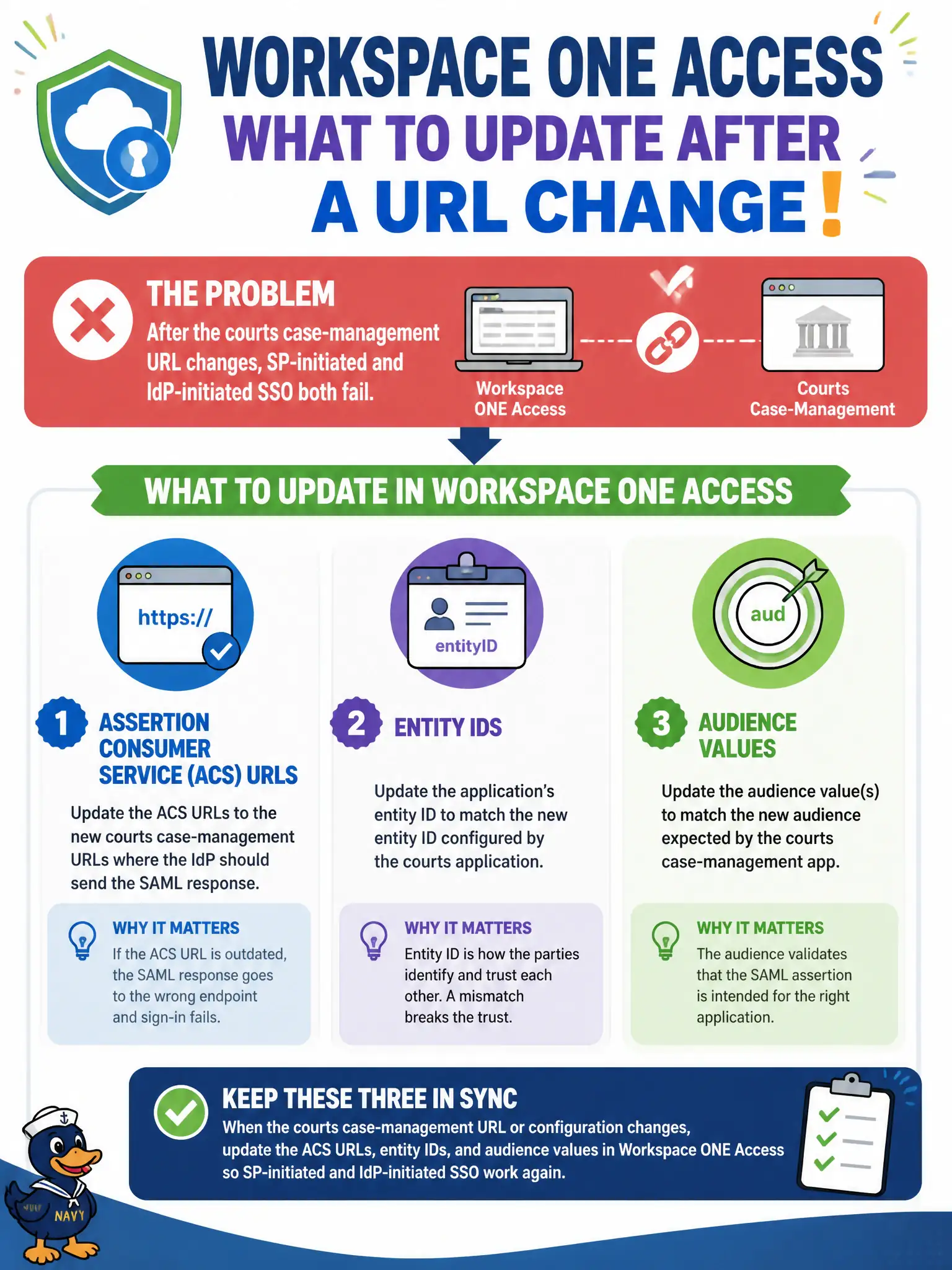
After the courts case-management URL changes, SP-initiated and IdP-initiated SSO both fail. Which Workspace ONE Access objects should the administrator update?
Select an answer to reveal the explanation.
Short Explanation
SAML is picky about names on the envelope. When the case-app URL changes, update ACS, entity ID, and audience in Access—not an NSX cookie.
Full Explanation
After the courts case-management URL changes and SP-initiated and IdP-initiated SSO both fail, the administrator should update Assertion Consumer Service URLs, entity IDs, and audience values for the application in Workspace ONE Access. Treat those federation endpoints as the courthouse address printed on every SSO envelope—if the building moves, every envelope and return address must be reprinted or both SP- and IdP-initiated flows bounce. Updating NSX-T load-balancer persistence cookies for the old hostname fails by concept because persistence cookies steer TCP sessions and do not repair SAML ACS, entity ID, or audience mismatch. Updating Carbon Black Cloud reputation for the new FQDN fails because reputation scoring is not SAML endpoint configuration. Updating Distributed Firewall tags named after the old case-management URL fails because security tags do not fix federation metadata between Access and the application. Exam caveat: SAML SSO depends on matching ACS URLs, entity IDs, and audience values between Workspace ONE Access and the application after any URL change. Operational check: update ACS, entity ID, and audience on Access and the application, test both SP- and IdP-initiated SSO, remove stale hostname references, and document federation endpoint ownership in the courts identity runbook.