
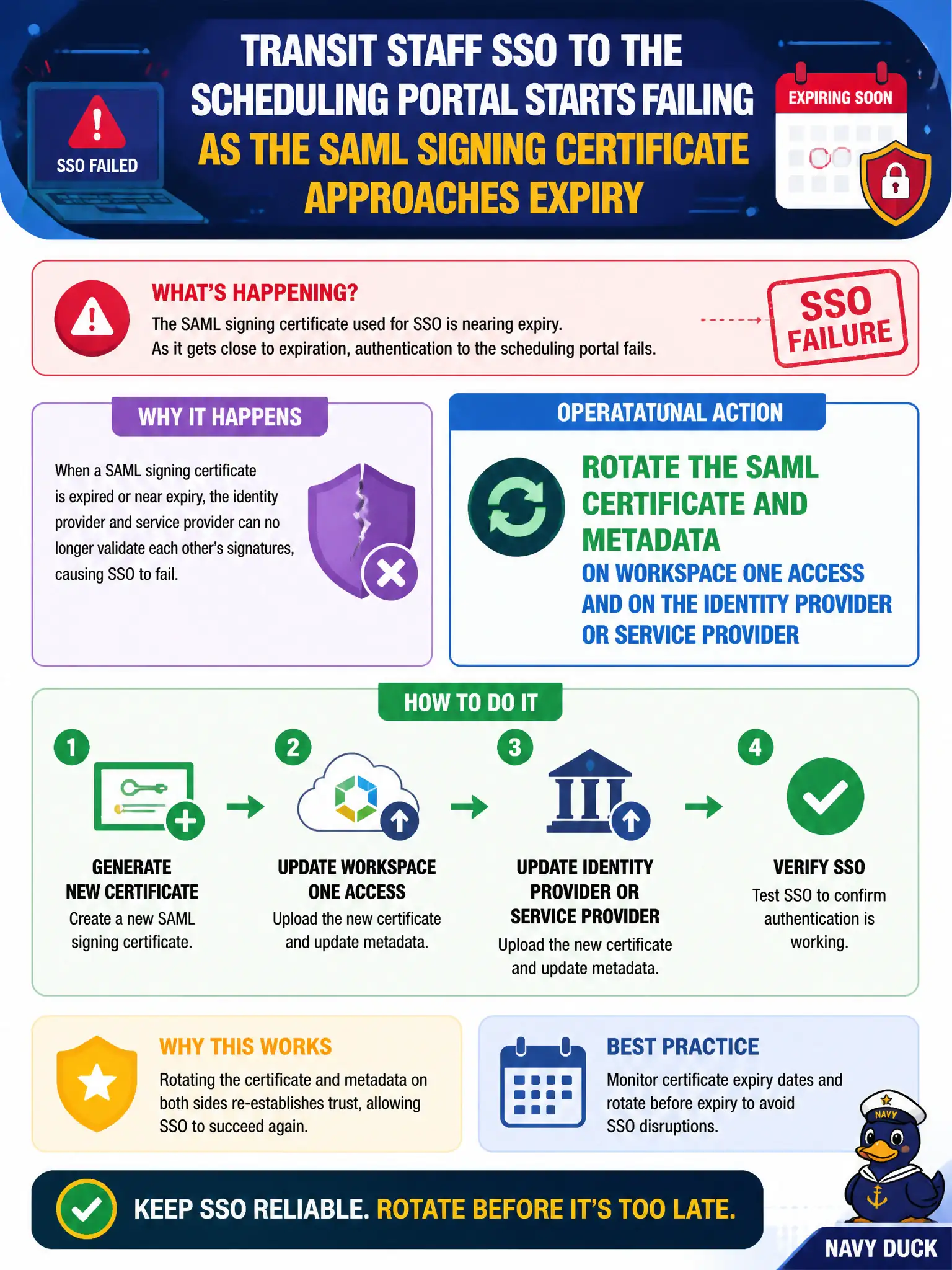
Transit staff SSO to the scheduling portal starts failing as the SAML signing certificate approaches expiry. What operational action should the administrator take?
Select an answer to reveal the explanation.
Short Explanation
Expired SAML certs are like an expired bus pass—the turnstile just stops. Rotate the cert and metadata on Access and on the IdP or SP together.
Full Explanation
When transit staff SSO to the scheduling portal starts failing as the SAML signing certificate approaches expiry, the operational action is to rotate the SAML certificate and metadata on Workspace ONE Access and on the identity provider or service provider. Treat certificate rotation as renewing the transit timetable stamp both at Access and at the peer so signatures still validate. Disabling Workspace ONE Access and publishing the portal on the guest SSID fails by concept because that abandons federation and security for an open network path. Rotating only the NSX-T Manager API certificate fails because the Manager API certificate is not the SAML signing certificate for Access federation. Extending Carbon Black Cloud sensor check-in interval to hide the SSO errors fails because sensor check-in timing does not renew SAML certificates or fix SSO. Exam caveat: federation outages commonly follow expired SAML signing or encryption certificates—coordinate rotation on Access and the IdP or SP. Operational check: inventory SAML cert expiry, rotate certificates and metadata on Access and peers before expiry, retest scheduling-portal SSO, and calendar renewals in the transit identity operations checklist.