
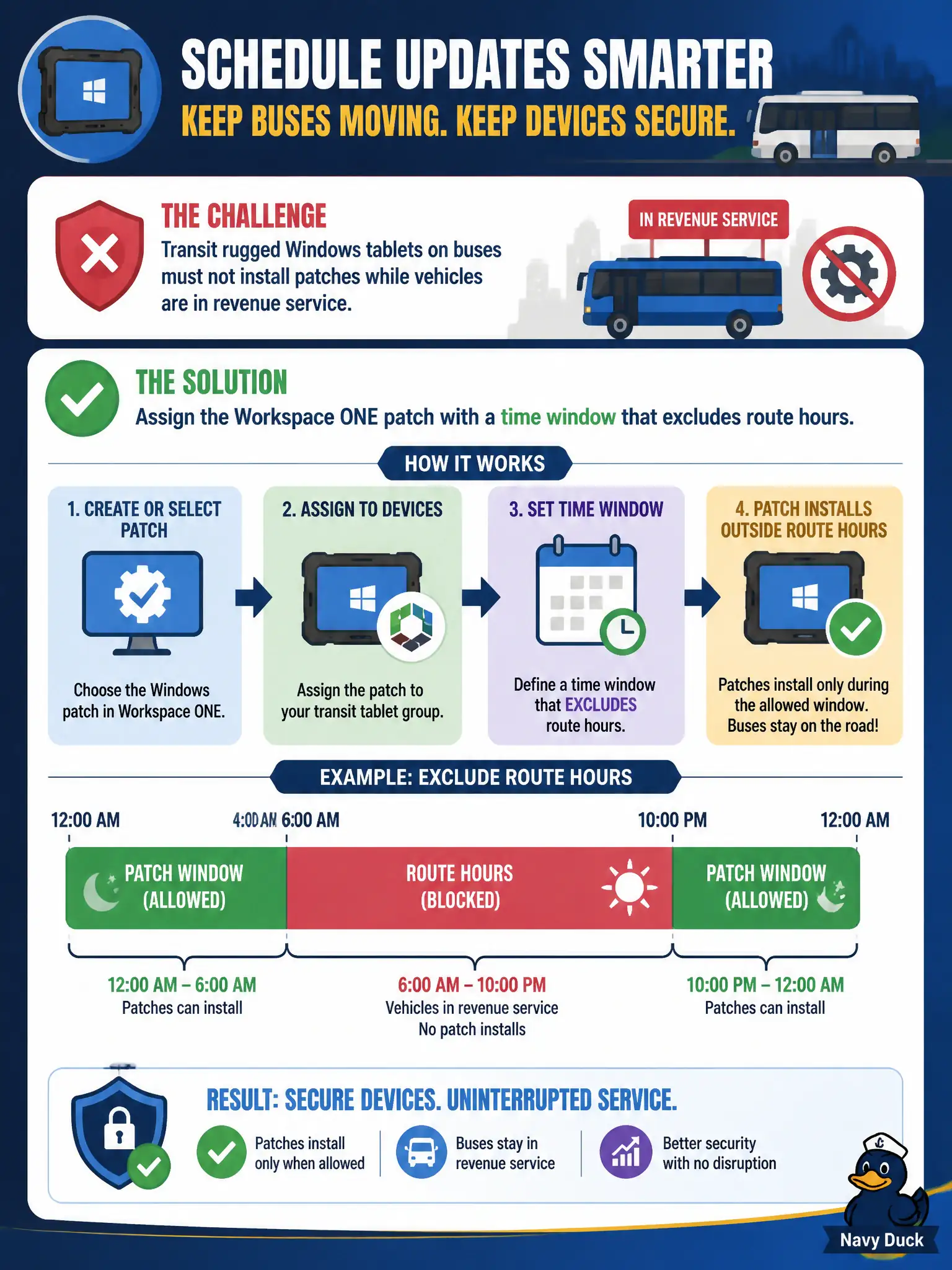
Transit rugged Windows tablets on buses must not install patches while vehicles are in revenue service. How should the administrator schedule the update?
Select an answer to reveal the explanation.
Short Explanation
You do not change the tires while the bus is on the route. Give Workspace ONE a patch window that stays off revenue-service hours.
Full Explanation
Transit rugged Windows tablets on buses must not install patches while vehicles are in revenue service, so the administrator should assign the Workspace ONE patch with a time window that excludes route hours. Treat the patch window as overnight depot hours when buses are off the street and tablets can reboot safely, not mid-route while fare collection and CAD-adjacent apps are live. Allowing patches at any time and relying on Carbon Black Cloud to pause installs on motion fails by concept because Carbon Black Cloud does not act as a motion-aware patch scheduler for Workspace ONE UEM assignments. Putting bus tablets on the Distributed Firewall exclusion list during the day fails because Distributed Firewall exclusion is not a patch schedule and removes east-west firewall enforcement from transit endpoints. Disabling Intelligent Hub on buses until the overnight depot window fails because disabling Hub removes management and compliance reporting rather than scheduling the patch. Exam caveat: schedule UEM patches with time windows that exclude revenue-service hours; CBC motion myths, DFW exclusion, and Hub disable are not patch schedulers. Operational check: configure the patch assignment time window for depot hours only, verify no install attempts during route hours, confirm overnight compliance and reboot completion, and document the revenue-service blackout in the transit UEM standard.