
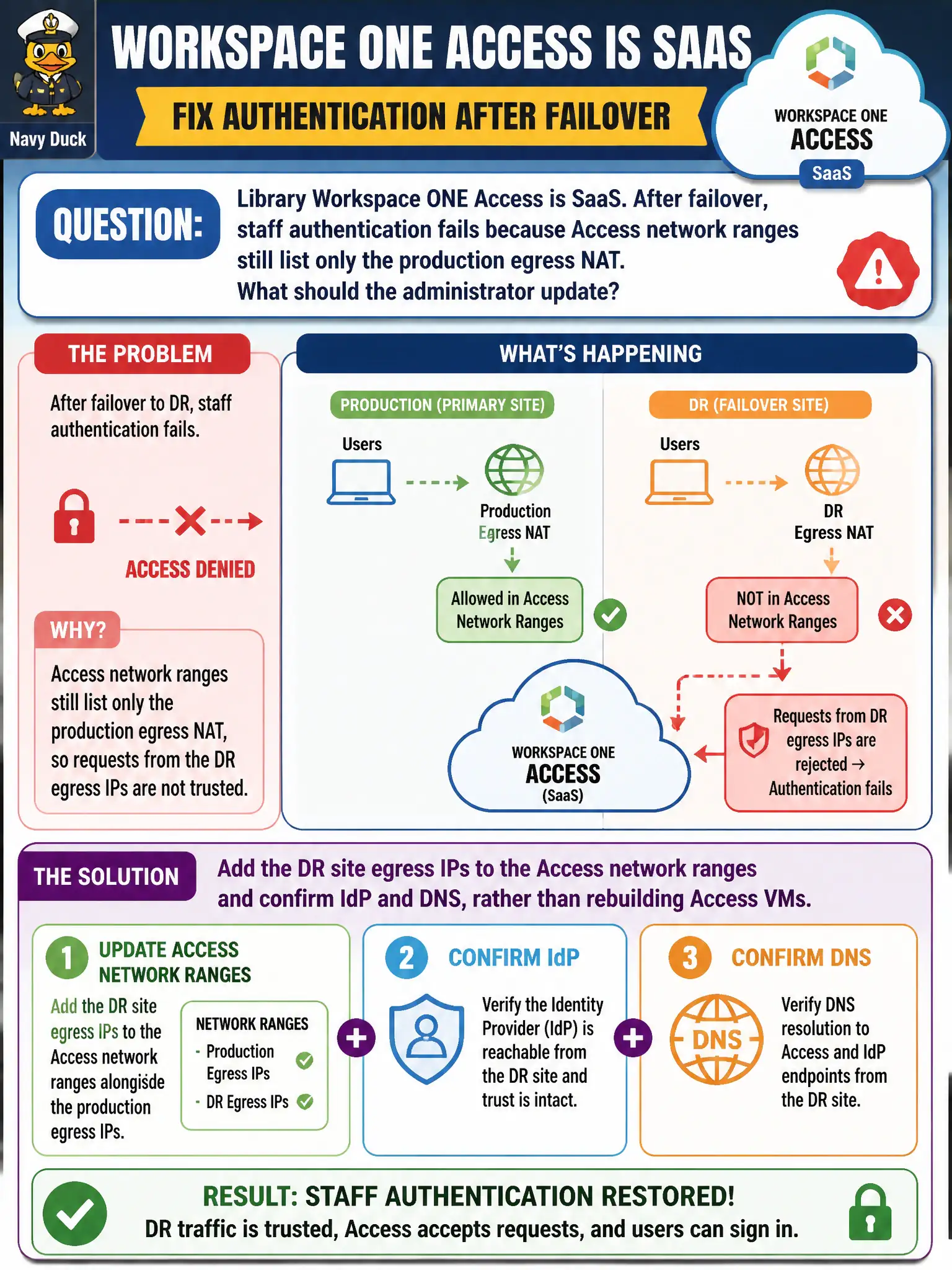
Library Workspace ONE Access is SaaS. After failover, staff authentication fails because Access network ranges still list only the production egress NAT. What should the administrator update?
Select an answer to reveal the explanation.
Short Explanation
SaaS Access is a cloud library card, not a VM you rebuild in the basement. After failover the building's outbound phone number changed—add those DR egress IPs to the Access network ranges and keep IdP and DNS pointed correctly.
Full Explanation
When library Workspace ONE Access is SaaS and after failover staff authentication fails because Access network ranges still list only the production egress NAT, the administrator should add the DR site egress IPs to the Access network ranges and confirm IdP and DNS, rather than rebuilding Access VMs. Treat Access network ranges as the list of library street addresses allowed to present badges—DR has a new street address that must be added. Redeploying Workspace ONE Access virtual appliances at DR as if Access were on-premises only fails by concept because SaaS Access is not restored by standing up local appliances; network-range and IdP/DNS alignment are the fixes. Opening any-any on the NSX-T exclusion list for all library VMs fails because exclusion removes DFW enforcement and does not repair Access network-range mismatch. Changing Carbon Black Cloud device-control rules instead of Access network ranges fails because device control is endpoint USB/device policy, not SaaS Access network-range configuration. Exam caveat: for SaaS Access after failover, update network ranges for DR egress and validate IdP/DNS; do not redeploy appliances as if Access were only on-prem. Operational check: add DR egress IPs to Access network ranges, test staff SSO from DR, confirm IdP and DNS, and document dual-site network ranges in the library identity DR procedure.