
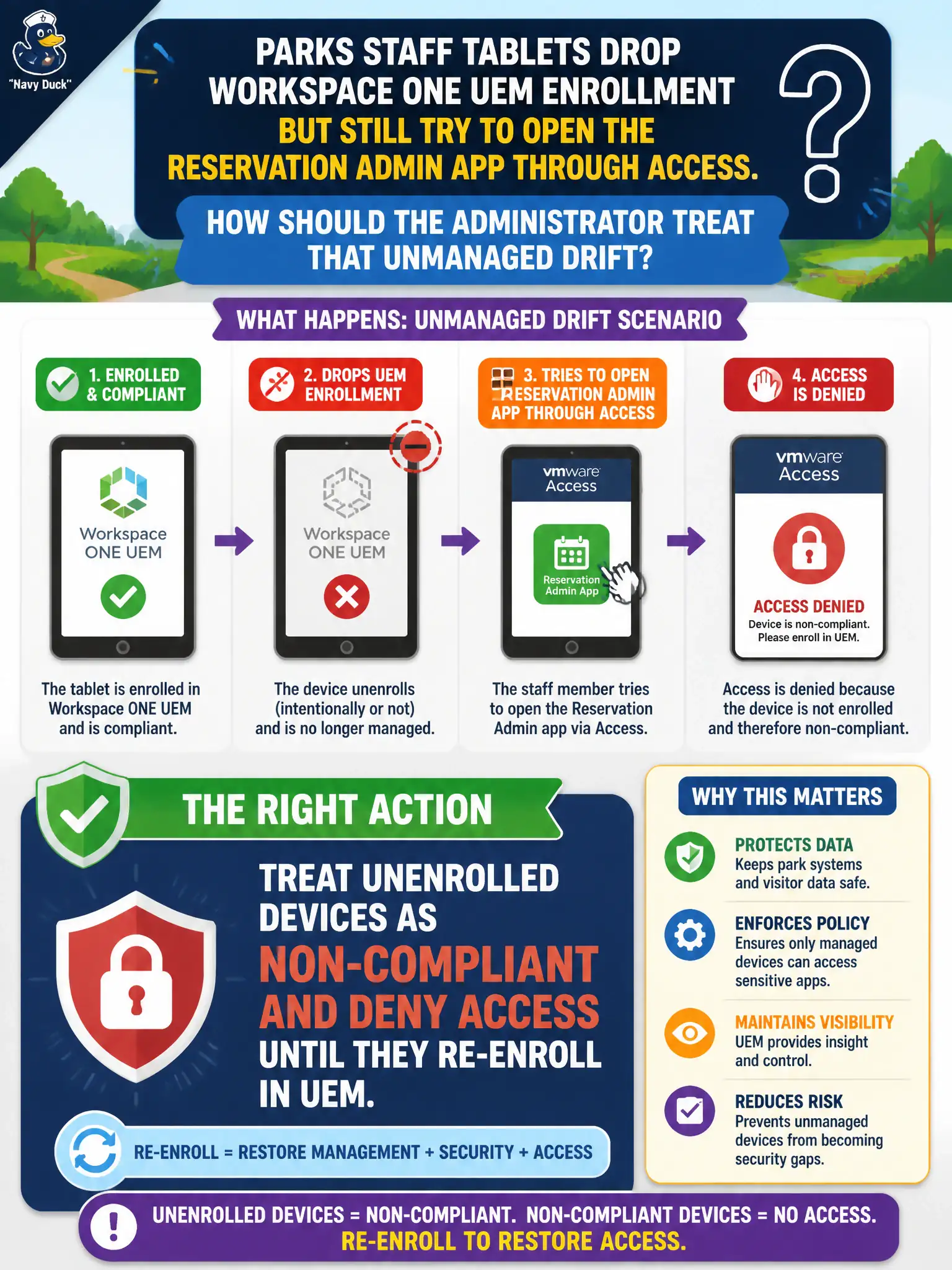
Parks staff tablets drop Workspace ONE UEM enrollment but still try to open the reservation admin app through Access. How should the administrator treat that unmanaged drift?
Select an answer to reveal the explanation.
Short Explanation
A tablet that slipped off the UEM roster is a lost radio, not a trusted parks radio. Call it non-compliant and keep Access shut until it re-enrolls.
Full Explanation
When Parks staff tablets drop Workspace ONE UEM enrollment but still try to open the reservation admin app through Access, the administrator must treat unenrolled devices as non-compliant and deny Access until they re-enroll in UEM. Treat dropped enrollment as a park radio that left the fleet inventory: it no longer has a trusted badge for the admin app. Allowing Access from any device that once enrolled, even if UEM enrollment is gone, fails by concept because historical enrollment is not continuous posture and creates an unmanaged path. Moving dropped devices onto the NSX-T Distributed Firewall exclusion list automatically fails because exclusion bypasses overlay firewalling and does not restore UEM-managed Access compliance. Converting enrollment drift into a Tier-1 load-balancer health check fails because load-balancer health is service availability, not device enrollment posture for Access. Exam caveat: Access policies that depend on UEM posture must deny unenrolled devices until re-enrollment; former enrollment, DFW exclusion, and T1 health checks are not enrollment remediation. Operational check: monitor UEM enrollment drift dashboards, confirm Access denies from unenrolled tablets, re-enroll devices before restoring admin-app access, and document the deny-until-reenroll rule in the parks Access policy.