
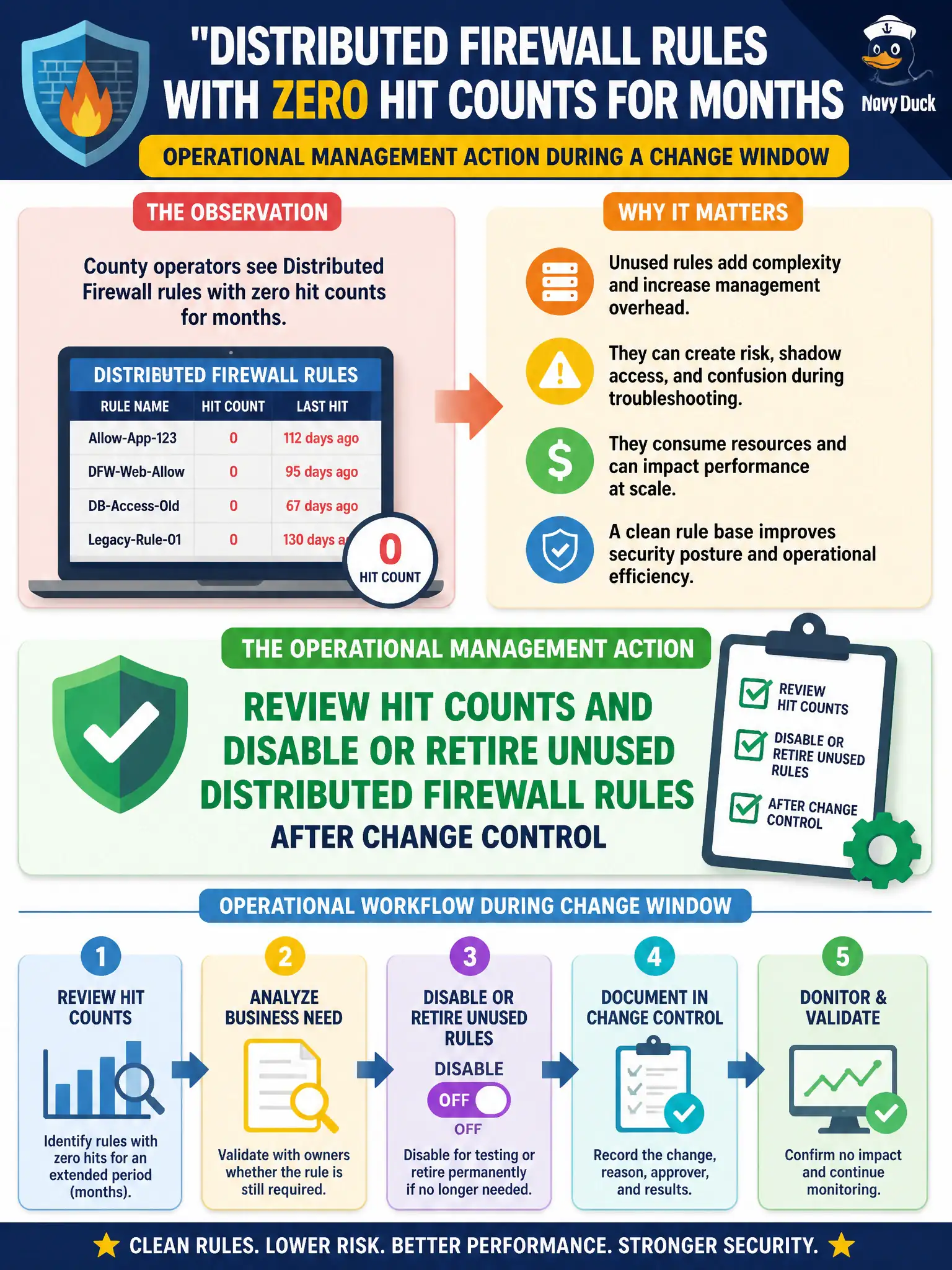
County operators see Distributed Firewall rules with zero hit counts for months. What is the operational management action during a change window?
Select an answer to reveal the explanation.
Short Explanation
Rules that never fire are leftover signs in a hallway nobody uses. During a change window, retire or disable them—do not treat “never delete” as operations.
Full Explanation
When county operators see Distributed Firewall rules with zero hit counts for months, the operational management action in a change window is to review those hit counts and disable or retire unused rules after change control. Treat stale zero-hit allows as unused hallway keys still hanging on the courthouse board: hygiene removes them so the policy set stays understandable and enforceable. Leaving unused rules forever because firewall policy must never be deleted fails by concept because permanent unused allows increase shadow risk and audit noise; managed retirement under change control is normal policy hygiene. Disabling NSX Manager so stale rules cannot match fails because turning off the control plane breaks all policy operations and is not a substitute for retiring unused rules. Converting unused Application rules into T0 static routes fails because routing next-hops are not firewall policy cleanup and do not remove stale Distributed Firewall allows. Exam caveat: managing firewall policy includes hit-count review and controlled disable or remove of unused rules; Manager outages and T0 routes are not hygiene actions. Operational check: export hit counts for the county Application section, schedule a change to disable zero-hit rules, verify no production breaks, keep a rollback export, and document the hygiene cadence in the county firewall runbook.