
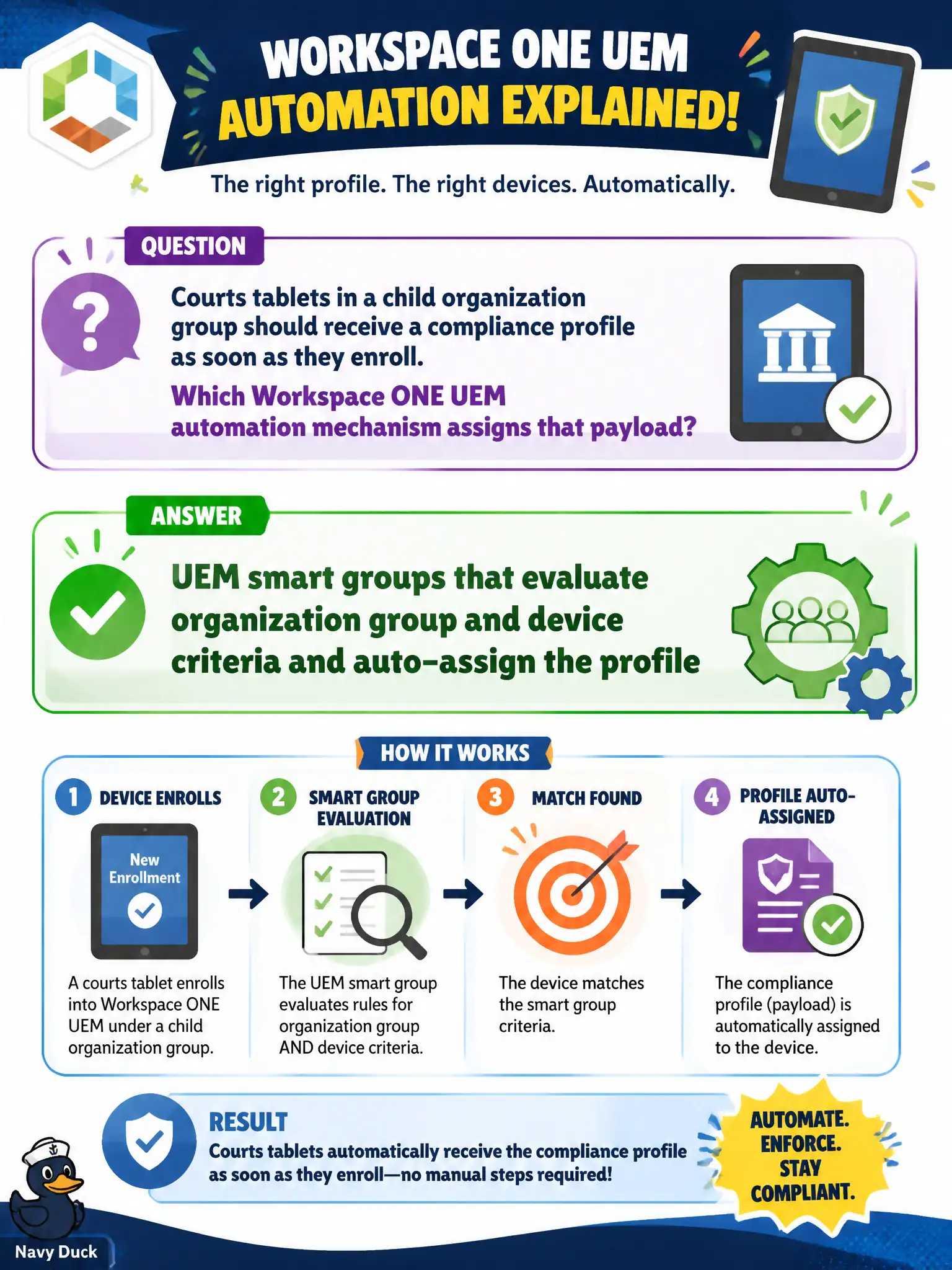
Courts tablets in a child organization group should receive a compliance profile as soon as they enroll. Which Workspace ONE UEM automation mechanism assigns that payload?
Select an answer to reveal the explanation.
Short Explanation
Smart groups are the automatic roster: if the tablet lands in the courts organization group, the compliance profile pins itself on. Nobody emails XML to bailiffs.
Full Explanation
Courts tablets in a child organization group receive a compliance profile as soon as they enroll because Workspace ONE UEM smart groups evaluate organization group and device criteria and auto-assign that payload. Treat the child OG as the courthouse wing for tablets: enrollment itself triggers smart-group evaluation so bailiffs do not wait on a one-off mail merge of profile XML. Emailing profile XML to bailiffs fails by concept because one-time human distribution is not UEM automation and cannot keep compliance current as devices re-enroll or move between OGs. An NSX-T IP set of tablet DHCP leases fails because Distributed Firewall IP sets enforce overlay traffic, not UEM profile assignment on enrolled endpoints. A Carbon Black Cloud isolation action on the UEM console fails because isolation is an endpoint-response action, not a Workspace ONE UEM mechanism that assigns compliance profiles. Exam caveat: UEM payload automation is smart groups bound to organization group and device criteria; NSX IP sets and Carbon Black isolation answer different control planes. Operational check: enroll a courts tablet into the child OG, confirm smart-group membership and compliance-profile assignment without manual profile push, move a device between OGs and verify reassignment, and document the smart-group criteria in the courts UEM design.