
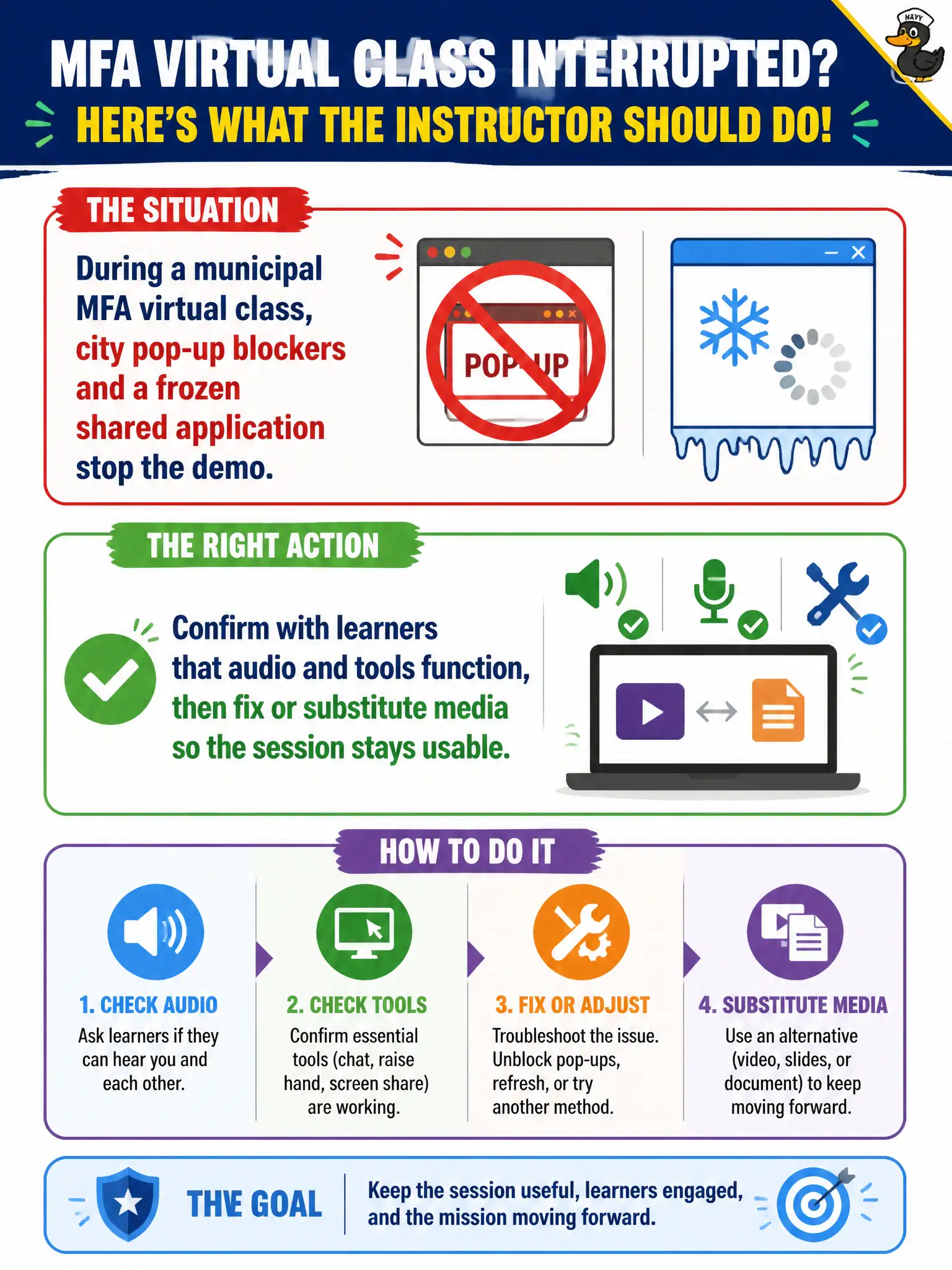
During a municipal MFA virtual class, city pop-up blockers and a frozen shared application stop the demo. What should the instructor do?
Select an answer to reveal the explanation.
Short Explanation
A green you-are-in-the-meeting light is like a restaurant host seating you at a table with no silverware. Ask whether learners can hear and see the shared app, then fix or swap the media.
Full Explanation
Virtual tool failures require confirmation with learners and repair or substitution. During a municipal MFA virtual class, pop-up blockers and a frozen shared application should trigger the instructor to confirm audio and tools with learners, then fix or substitute media so the session stays usable. Assuming the room is fine because the instructor console shows a green join light ignores the learner experience. Ending immediately and requiring an in-person makeup because tools failed once overreacts when substitution can save the objective. Continuing to describe clicks learners cannot see and collecting questions by email after hours pretends delivery occurred. Exam caveat: CTT+ virtual facilitation includes monitoring learner-side functionality and adapting media in real time. Operational check: poll learners that they see the share and hear audio, relaunch or switch to screenshots, and verify one MFA demo path completes before moving on. Learner-side blockers and frozen shares are invisible on an instructor console that still shows green. Confirm with the room, then fix or substitute. CTT+ virtual facilitation is learner-experience driven. Keep a screenshot MFA sequence offline so a frozen share never forces a full class cancellation.