
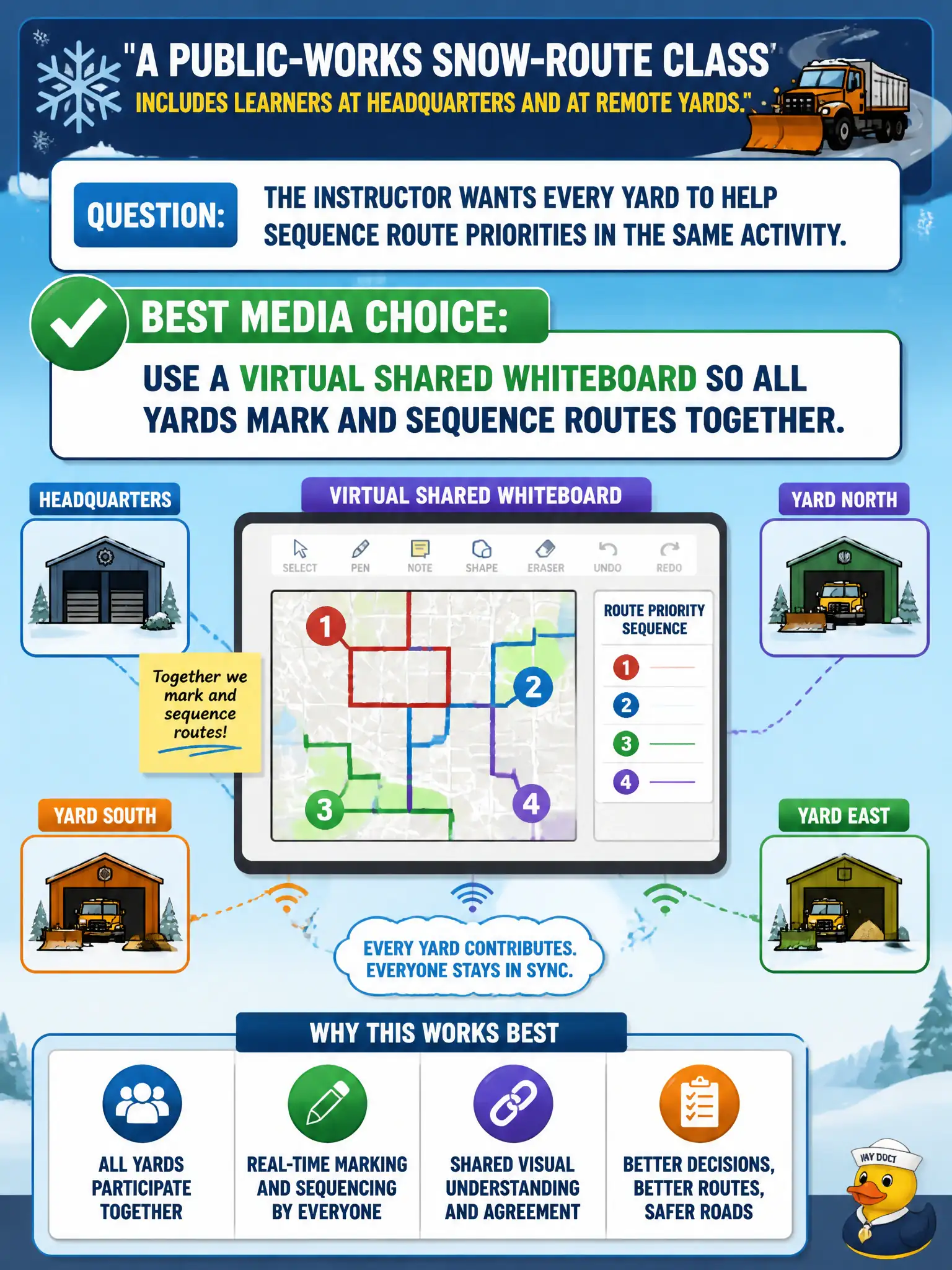
A public-works snow-route class includes learners at headquarters and at remote yards. The instructor wants every yard to help sequence route priorities in the same activity. Which media choice best includes the remote learners?
Select an answer to reveal the explanation.
Short Explanation
If only headquarters can touch the map, the remote yards are just watching TV. A shared whiteboard is the same table for everybody—yards mark routes together. Shared apps exist so distance does not lock people out of the activity.
Full Explanation
Shared computer applications are instructional media when they let remote municipal learners join the same activity as co-located peers. Sequencing snow-route priorities across headquarters and remote yards is a collaborative task; a virtual shared whiteboard lets every yard mark and sequence routes in real time so inclusion is built into the medium. The instructor’s media choice is therefore about equitable participation in the designed activity, not about novelty for its own sake.
Lecture-only delivery from headquarters fails by concept because remote yards become passive listeners and cannot contribute marks or sequencing judgments that the objective requires. Mailing printed maps after class and skipping live yard participation fails by deferring collaboration until the instructional moment has passed. Posting a static PDF for next-day comments fails because asynchronous annotation is not the same shared, simultaneous sequencing activity the instructor needed during class.
Exam caveat: when stems emphasize remote municipal sites in one activity, look for shared apps or equivalent live collaboration tools. Passive receive-only channels are not “inclusion.”
Operational check: before the snow-route session, confirm every yard can open and edit the shared whiteboard; run a one-minute mark-and-sequence warm-up; ensure headquarters and remote yards both place at least one priority mark during the live activity.