
Remote permitting clerks work from home with laptops and occasional USB drives. Which awareness content set best matches practical user guidance for that hybrid municipal workforce?
Select an answer to reveal the explanation.
Short Explanation
Hybrid clerks need a pocket guide for real life—passwords, USB caution, phishing sense, and working from the kitchen table securely—not a cabling textbook.
Full Explanation
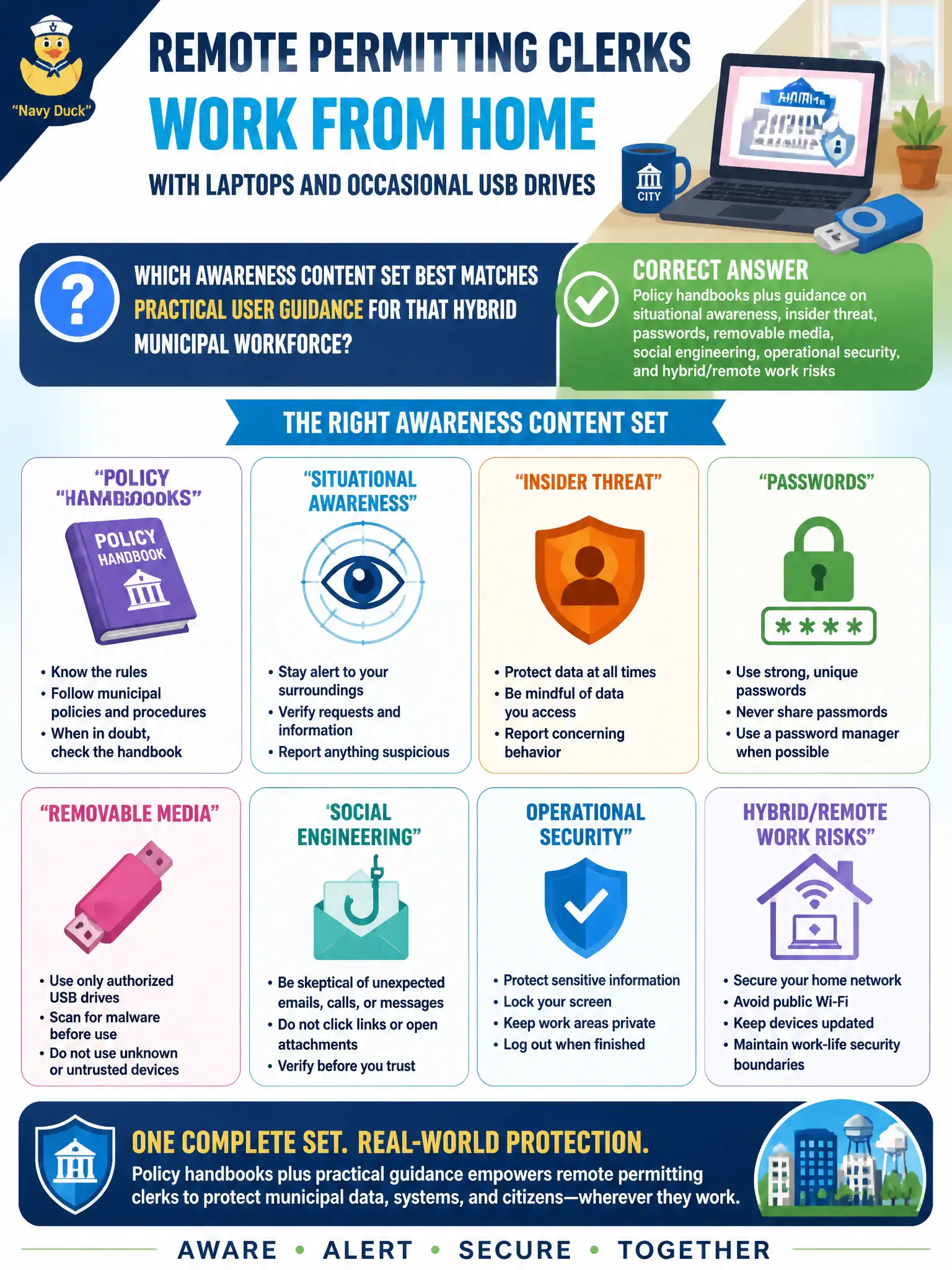
Remote permitting clerks on laptops with occasional USB use need practical, user-facing awareness—not data-center engineering deep dives. The best content set pairs policy handbooks with guidance on situational awareness, insider threat, passwords, removable media, social engineering, operational security, and hybrid/remote work risks. That mix matches how clerks actually handle resident data from home offices and public spaces.
A one-page tip about screen-saver colors without password or media guidance is cosmetic and incomplete. Exclusive focus on data-center cabling standards is irrelevant to end users and wastes attention. Instructing staff to share passwords with family so someone can approve permits after hours directly violates credential hygiene and access control.
Exam caveat: User awareness topics on SY0-701 cluster around passwords, social engineering, removable media, OPSEC, insider threat, and remote/hybrid risks—plus the policies that bind them.
Operational check: issue a hybrid work security checklist (VPN, disk encryption, physical shoulder-surfing, USB approval, phishing reporting), require acknowledgement, and sample home-work configurations during onboarding and annually for clerks with access to permitting data.