
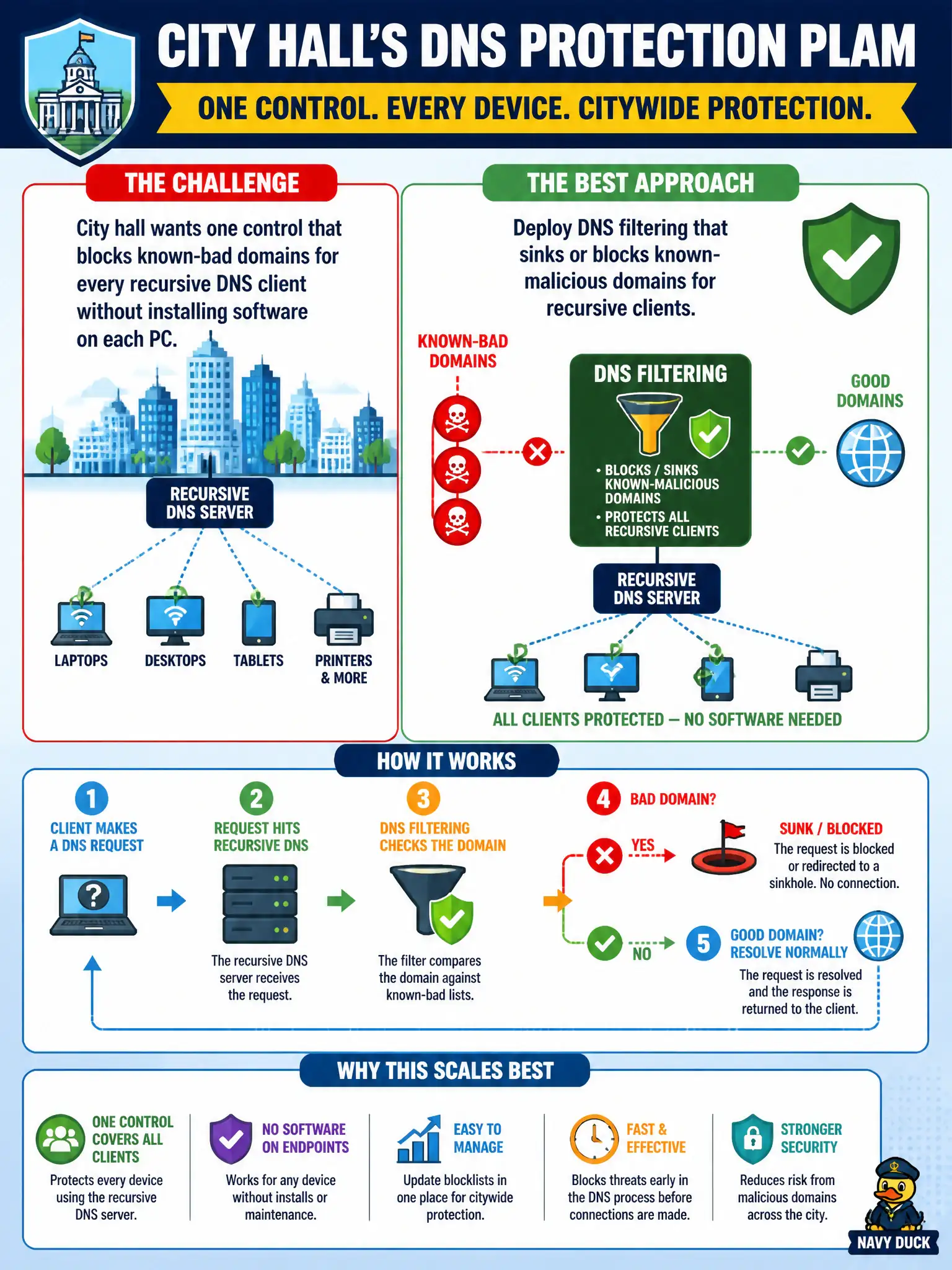
Security wants one scalable control that stops city-hall workstations and servers from resolving known-malicious domains no matter which browser or app makes the request. Which control best fits?
Select an answer to reveal the explanation.
Short Explanation
DNS filtering sits at the resolver and says "nope" to known-bad names—every city-hall app that looks up a name gets the protection. Memorizing lists or letting anyone use random public DNS throws that scale away.
Full Explanation
DNS filtering on the recursive resolvers that city-hall clients actually use blocks resolution of known-malicious domains for every application that depends on those resolvers—browsers, thick clients, update agents, and scripts alike. One policy point scales across the municipality and stops many malware command-and-control and phishing destinations before a TCP session even starts, which is why it fits the “one scalable control” requirement in the stem.
Asking each user to memorize a printed blocklist fails against fast-changing indicator lists and human memory limits. Allowing recursive clients to use any public DNS resolver lets users and malware bypass enterprise filtering entirely. Disabling DNS and hard-coding IP addresses in every application is operationally unworkable for modern SaaS and still fails when malicious infrastructure changes addresses.
Exam caveat: network policy must force clients to approved resolvers (DHCP options, GPO, firewall egress deny of outbound DNS elsewhere); otherwise filtering is optional for attackers. DNS controls complement web proxies and EDR rather than replace them, and SOC teams should still watch for tunneling abuse of allowed DNS.
Operational check: point all city-hall DHCP scopes at filtering resolvers, sinkhole or NXDOMAIN known-bad names, block client outbound UDP/TCP 53 to the public Internet, and sample query logs for repeated attempts to resolve malware domains.