
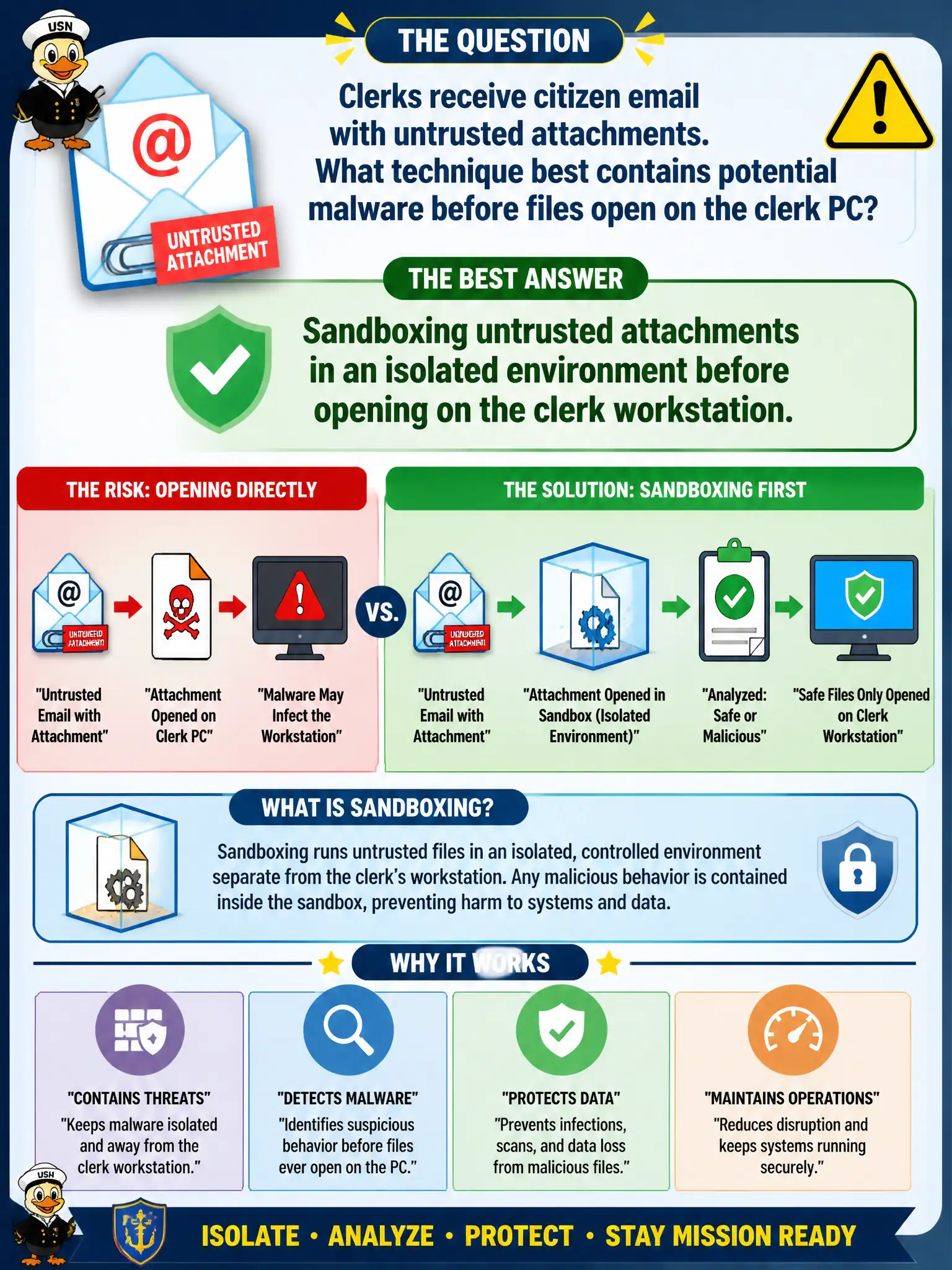
Clerks receive citizen email with untrusted attachments. What technique best contains potential malware before files open on the clerk PC?
Select an answer to reveal the explanation.
Short Explanation
Treat weird citizen attachments like suspicious packages—open them in a sandbox first, not on the clerk's real desktop. Full access, no antivirus, or personal webmail just spreads the blast radius.
Full Explanation
Citizen email attachments arriving at clerk counters are untrusted by default. Sandboxing opens or detonates those files in an isolated environment—limited network, no access to production file shares or the clerk’s full profile—so malware payloads cannot immediately encrypt municipal drives or steal credentials. Only after the sandbox verdict should content move to the production desktop under normal controls. That pattern is standard secure operations for high-volume public inbox workflows. Opening every attachment directly on the clerk desktop with full network and drive access gives malware the richest possible blast radius. Disabling antivirus so attachments open faster during peak hours removes a detection layer exactly when volume and risk rise. Forwarding all attachments to a public personal webmail account for offline review exports potentially sensitive citizen data to an unmanaged consumer service and often still opens the file without isolation. Exam caveat: sandboxing is isolation-before-trust, not a replacement for AV or DLP—but among the choices it is the control that prevents immediate execution on the real endpoint. Operational check: route clerk inbound attachments through a sandbox or detonation service, block direct open from mail clients where policy allows, and verify the sandbox cannot reach production file servers.