
City hall wants controlled outbound web access with content filtering for staff browsers. Which appliance role fits best?
Select an answer to reveal the explanation.
Short Explanation
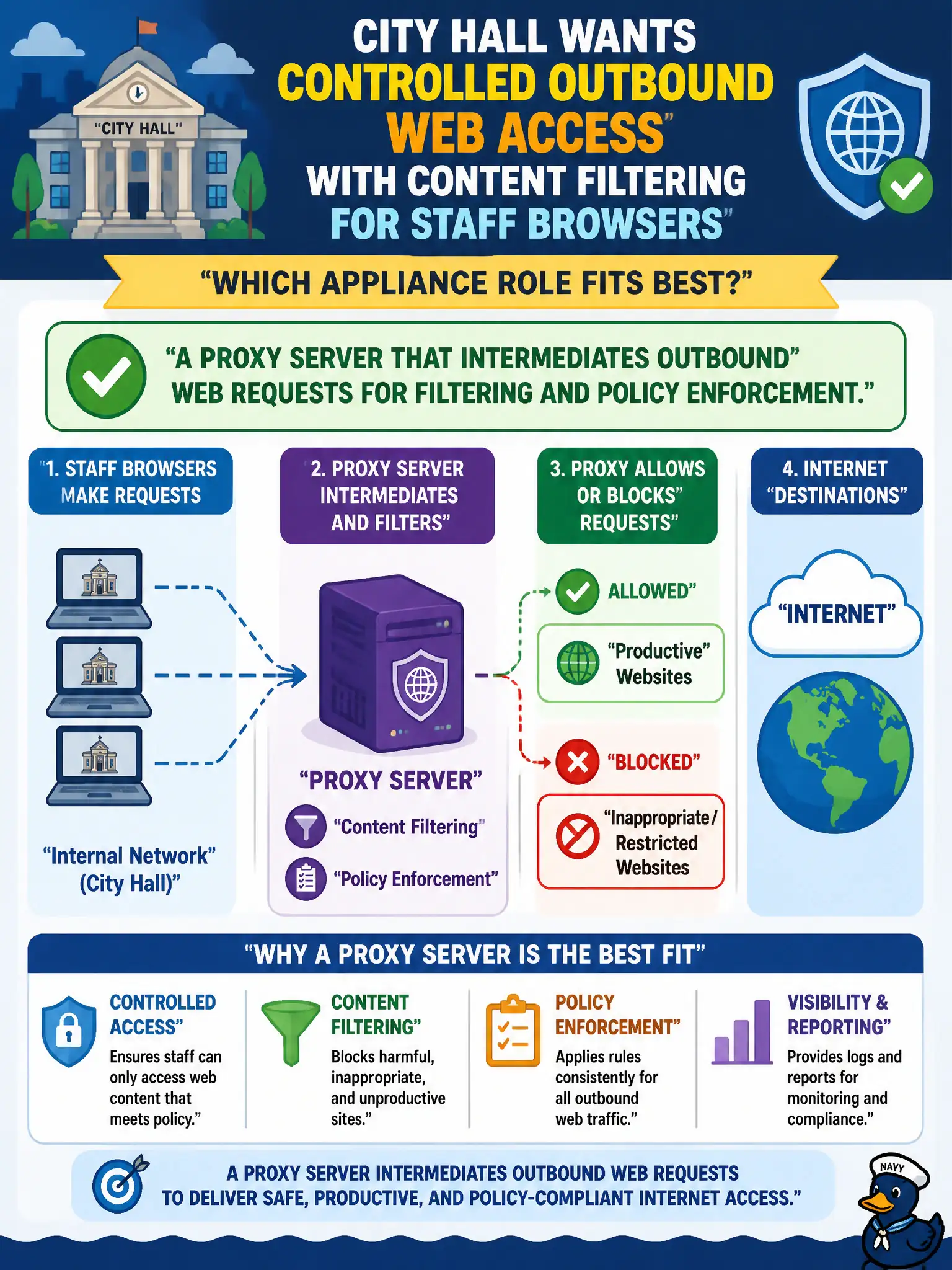
Staff surfing should go through a front desk that checks the destination—that is a proxy. It sits in the middle of outbound web so policy and filtering stick. A load balancer aimed at inbound apps is a different job.
Full Explanation
Controlled outbound web access with content filtering for staff browsers is the classic role of a forward proxy (or secure web gateway) that intermediates user HTTP/S requests, enforces URL/category policy, authenticates users, and logs destinations. Architecturally the proxy becomes a chokepoint for egress web traffic so municipal acceptable-use, malware, and data-exfiltration policies can be applied consistently from city hall networks. Security+ appliance-role questions map "outbound user web filtering" to proxy, not to inbound load balancing or unmanaged personal VPNs.
A reverse-only load balancer with no outbound user proxying serves inbound application distribution, not staff surfing policy. An unmanaged consumer VPN on each phone with no enterprise logging bypasses corporate egress controls and visibility. A wireless guest captive portal used as the only control for wired office PCs mismatches both network type and assurance level for employee workstations.
Exam caveat: match appliance to traffic direction and purpose—forward proxy for outbound staff web, reverse proxy/load balancer for inbound apps. Operationally, force browser traffic through the proxy via PAC/WPAD or firewall default-deny of direct egress, enable TLS inspection only where policy and privacy rules allow, integrate authentication with directory SSO, and alert on anomalous categories or high-volume uploads from unusual hosts.