
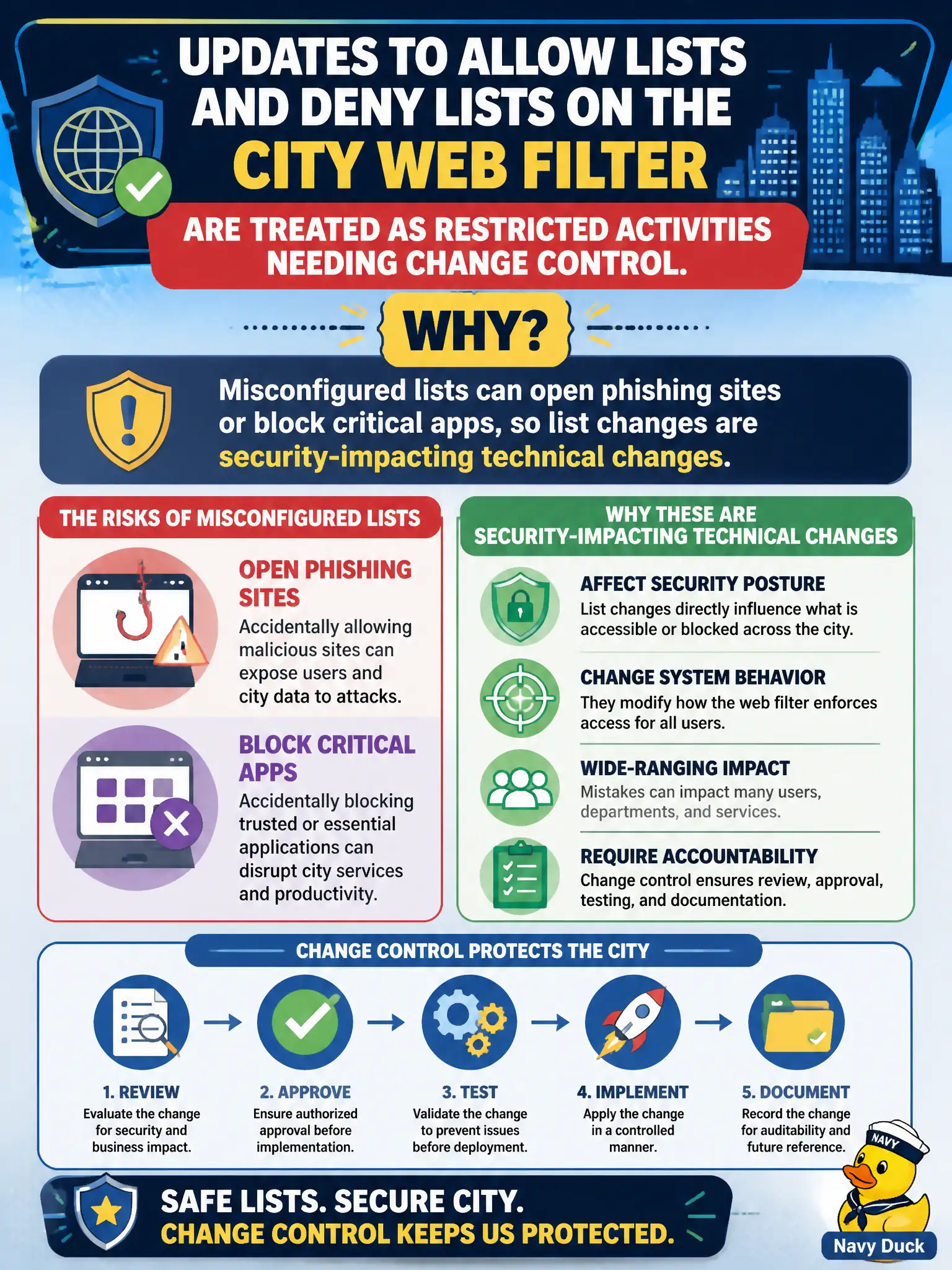
Updates to allow lists and deny lists on the city web filter are treated as restricted activities needing change control. Why?
Select an answer to reveal the explanation.
Short Explanation
Tweaking allow/deny lists is like changing which keys open city hall — one wrong entry and either attackers stroll in or 911 apps get locked out. That is why those edits ride the change process.
Full Explanation
Allow-list and deny-list modifications on security controls such as web filters are security-impacting technical changes: an overly permissive allow entry can open phishing or malware sites into municipal browsers, while an overly broad deny can block critical apps used by 911, finance, or permitting. Treating those list updates as restricted, change-controlled activities reflects that misconfiguration directly alters protective enforcement.
Claiming allow lists are managerial policies and never affect technology confuses a possible written standard with the live filter configuration that actually permits or blocks URLs. Claiming deny lists only apply to physical badges, not web filters, invents a limitation—deny/allow listing applies across technical controls (web, email, applications, firewalls), not merely physical access. Claiming change control is unnecessary once a honeypot sits on the same VLAN is a non sequitur; deception elsewhere does not make filter list edits safe or uncontrolled.
Exam caveat: SY0-701 change management includes restricted activities such as firewall rules and allow/deny list changes. Classify them as technical changes with security consequence, not paperwork trivia.
Operational check: require tickets, dual review, and staged deployment for city web-filter list changes; test that essential civic sites still load; monitor for sudden allow additions requested via urgent email (a social-engineering pattern); and roll back quickly if a list change spikes malware callbacks or breaks CAD-related cloud tools.