
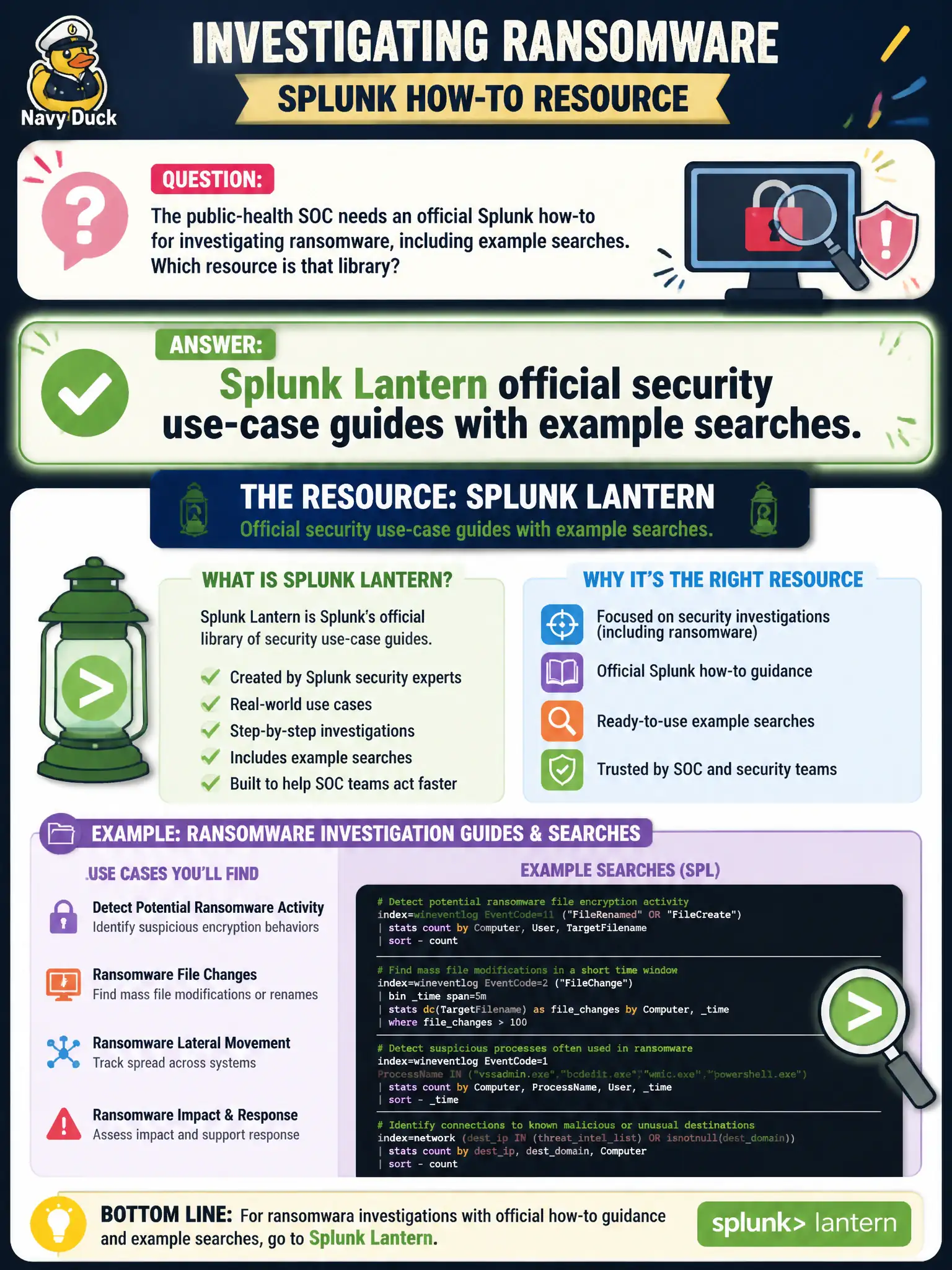
The public-health SOC needs an official Splunk how-to for investigating ransomware, including example searches. Which resource is that library?
Select an answer to reveal the explanation.
Short Explanation
Lantern is Splunk's public how-to shelf: ransomware investigation, DNS exfil, RBA, SOAR triggers, with example searches. Marketing PDFs, the ES install guide, and CySA+ flashcards are not that library.
Full Explanation
Official Splunk how-to guidance for investigating ransomware—including example searches—lives in Splunk Lantern security use-case guides. Public-health SOC analysts should treat Lantern as the public playbook library for ransomware, DNS exfiltration, risk-based alerting patterns, and related civic IR topics. A vendor marketing PDF that names ransomware without Splunk SPL is not that library. The ES admin install guide for clustering and KV Store is platform administration, not ransomware investigation procedure. CompTIA CySA+ practice items teach sibling concepts but are not Splunk's official search examples. Exam caveat: Lantern guides are starting checklists—adapt example searches to local indexes, CIM health, and public-health data-handling rules before running them in production. Operational check: open the Lantern ransomware investigation guide, copy two example searches into a public-health scratch app, point them at local endpoint and file-server sourcetypes, and save the adapted checklist beside the IR plan. Document the revised approach in the civic SOC runbook so the next on-call analyst inherits the correct pattern rather than the anti-pattern. Retain Job Inspector evidence with the change ticket for municipal audit readiness.