
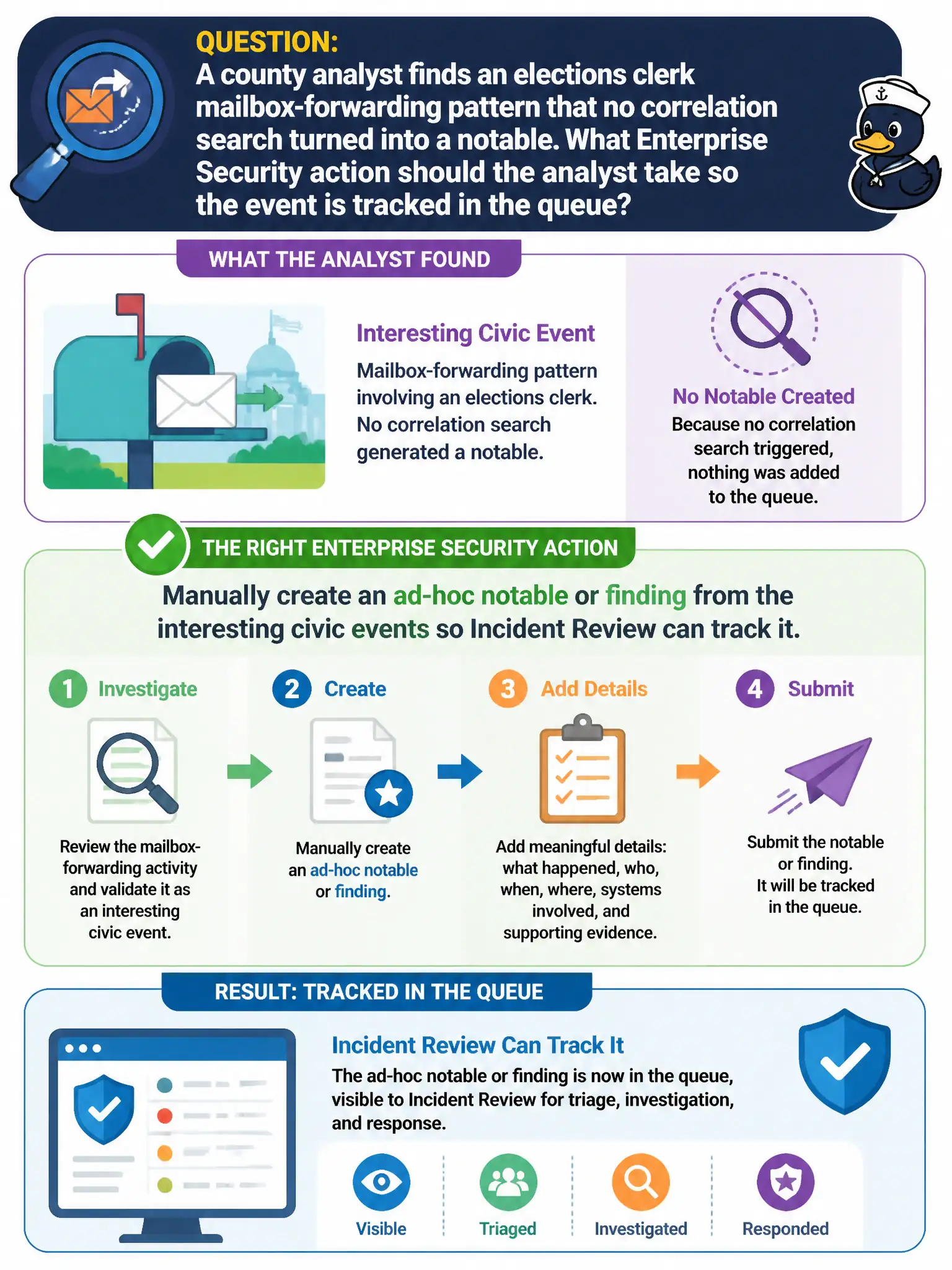
A county analyst finds an elections clerk mailbox-forwarding pattern that no correlation search turned into a notable. What Enterprise Security action should the analyst take so the event is tracked in the queue?
Select an answer to reveal the explanation.
Short Explanation
Not every civic oddity has a search watching it yet. When the mailbox-forwarding trail is real, the analyst can still plant a notable by hand so the queue owns the case. Do not wait for a search that does not exist.
Full Explanation
In Splunk Enterprise Security for a municipal SOC, analysts can manually create an ad-hoc notable or finding from interesting events that no scheduled correlation search has yet promoted. For an elections clerk mailbox-forwarding pattern discovered during hunting, that ad-hoc object places the case on Incident Review / Analyst Queue with owner, status, and disposition so the county can track investigation like any other notable. Waiting for the next scheduled risk notable and hoping score eventually crosses the threshold fails by concept because there may be no risk rule yet, and hope is not a tracking control for elections integrity. Exporting the raw events to a spreadsheet and opening a paper ticket outside Enterprise Security fails by concept because it abandons ES case management, enrichment, and audit in favor of a disconnected civic paper trail. Authoring a production SOAR playbook in Python before any notable can exist fails by concept because automation is not a prerequisite to recording and owning the finding in the queue. Exam caveat: SPLK-5001 includes manual notable or finding creation as in-scope analyst use of ES when scheduled content missed a civic pattern. Operational check: from the interesting elections mailbox events, create an ad-hoc notable or finding with clear title and urgency, assign an owner on Incident Review, attach or link the supporting events, and document follow-up to request a durable correlation or risk rule if the pattern should auto-detect next time.